Cozee - Interior Design Game

Cozee - Interior Design Game

Simulation

| 4th.vision

Play on PC with BlueStacks or from our cloud

  • Overview
  • Game Features
  • How to Play

Page Modified On: October 30, 2026

Play Cozee - Interior Design Game on PC or Mac

Bring your A-game to Cozee – Interior Design Game, the Simulation game sensation from 4th.vision. Give your gameplay the much-needed boost with precise game controls, high FPS graphics, and top-tier features on your PC or Mac with BlueStacks.

About the Game

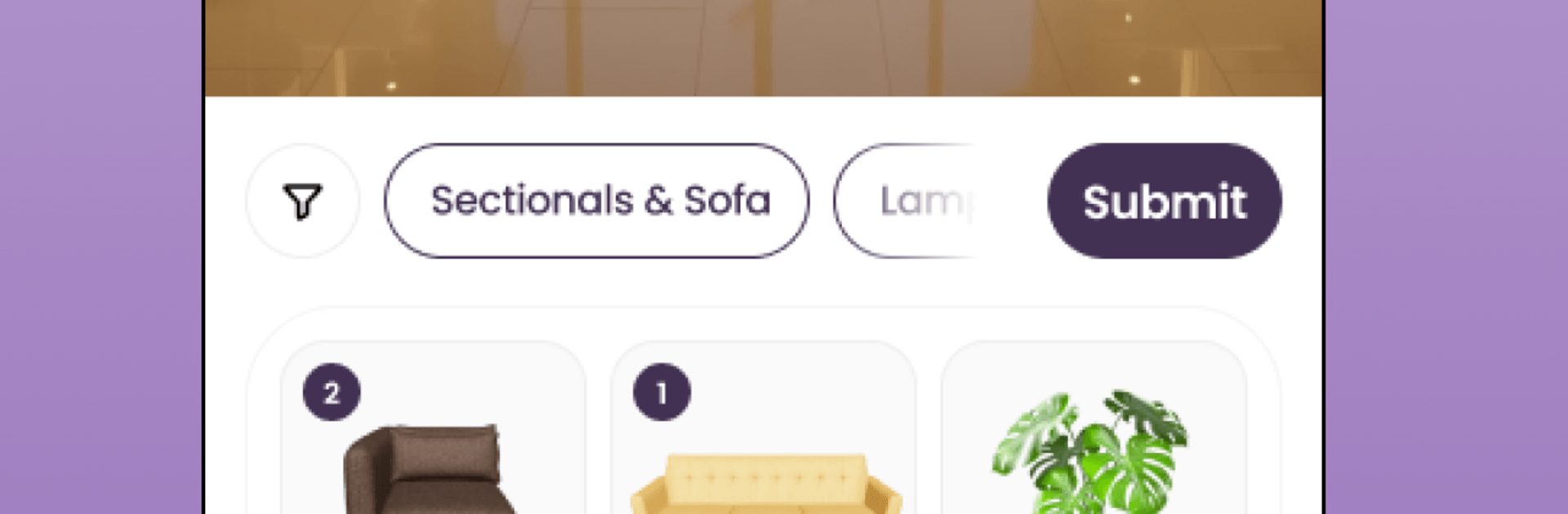
Cozee – Interior Design Game is a Simulation experience where your decorating ideas take center stage. You’ll build lifelike 3D rooms, enter creative challenges, and see your work rated by a real community—then watch your designer status grow with every entry. Prefer a bigger canvas? You can play it on BlueStacks, too.

Game Features

  • Photorealistic Room Building: Drag, rotate, and layer furniture, lighting, plants, and decor in detailed 3D spaces until the vibe feels just right.
  • Community Voting That Matters: Submit your design and get feedback through real-time votes from other players, earning tiered badges as your style gains recognition.
  • Coins, Diamonds, and Fair Progress: Cast votes to earn Coins, score Diamonds for standout work, and spend your rewards on new pieces—creativity drives progress, not spending.
  • Levels With Real Unlocks: Gain XP from designing and open up new Spaces, features, and useful perks as you level up.
  • Host Your Own Spaces: Unlock the ability to publish room shells with your brief, then watch hundreds of unique interpretations roll in from the community.
  • Styles for Every Mood: Explore thousands of items across minimalist, maximalist, Scandinavian, boho, industrial, coastal, and more—mix and match or go all-in on a theme.
  • Social Discovery Built In: Follow creators you love, like and comment on designs, and browse “For You,” “Hot,” and “Following” to spark new ideas.
  • Fresh Spaces and Themes: Expect regular new Spaces and seasonal design prompts to keep your imagination moving.
  • Subtle PC Comfort: Want extra room to work? Build and vote comfortably with mouse and keyboard support on BlueStacks.

BlueStacks gives you more room to focus on the game and less time adjusting around mobile limitations.


Game Features

Enhancements

  • Macros
  • Multi Instance
  • Multi Instance Sync
  • Script
  • Enhancements
Macros

Macros

Automate the predictable in Cozee - Interior Design Game and transform your gameplay with Macros. Get access to inventive Macros in the BlueStacks Macro Community
Multi Instance

Multi Instance

Play Cozee - Interior Design Game on one window. And chat with your friend on the other. Press CTRL + Shift + 8 to open the Multi-Instance Manager. And start creating fresh instances or clone an existing one.
Multi Instance Sync

Multi Instance Sync

Play Cozee - Interior Design Game with the power of Multi-Instance Sync. Replicate what you are doing on the main instance on all other instances. Level up faster, play more.
Script

Script

Script your way to gaming glory in Cozee - Interior Design Game with BlueStacks Script. Write and run a set of commands to automate repeated tasks. Trigger the command by assigning it to any key.
Read More

How to Download and Play Cozee - Interior Design Game on PC or Mac

  • Download and install BlueStacks on your PC or Mac

  • Complete Google sign-in to access the Play Store, or do it later

  • Look for Cozee - Interior Design Game in the search bar at the top right corner

  • Click to install Cozee - Interior Design Game from the search results

  • Complete Google sign-in (if you skipped step 2) to install Cozee - Interior Design Game

  • Click the Cozee - Interior Design Game icon on the home screen to start playing

video
Watch Video

Minimum System Requirements

With BlueStacks 5, you can get started on a PC that fulfills the following requirements.

  • Operating System

    Microsoft Windows 7 or above, macOS 11 (Big Sur) or above

  • Processor

    Intel, AMD or Apple Silicon Processor

  • RAM

    at least 4GB

  • HDD

    10GB Free Disk Space

Note:

* You must be an Administrator on your PC. Up to date graphics drivers from Microsoft or the chipset vendor.

Cozee - Interior Design Game - FAQs

  • How to play Cozee - Interior Design Game on Windows PC & Mac?

    Play Cozee - Interior Design Game on your PC or Mac by following these simple steps.

    • Click on 'Play Cozee - Interior Design Game on PC’ to download BlueStacks
    • Install it and log-in to Google Play Store
    • Launch and play the game.
  • Why is BlueStacks the fastest and safest platform to play games on PC?

    BlueStacks respects your privacy and is always safe and secure to use. It does not carry any malware, spyware, or any sort of additional software that could harm your PC.

    It is engineered to optimize speed and performance for a seamless gaming experience.

  • What are Cozee - Interior Design Game PC requirements?

    Minimum requirement to run Cozee - Interior Design Game on your PC

    • OS: Microsoft Windows 7 or above MacOS 11 (Big Sur) or above
    • Processor: Intel, AMD or Apple Silicon Processor
    • RAM: Your PC must have at least 4GB of RAM. (Note that having 4GB or more disk space is not a substitute for RAM)
    • HDD: 10GB Free Disk Space.
    • You must be an Administrator on your PC.