Hero Blasters: Defense

Hero Blasters: Defense

Simulation

| Buff Studio Co.,Ltd.

Play on PC with BlueStacks or from our cloud

Click here to Pre-Register for Hero Blasters: Defense
  • Overview
  • Features
  • How to Play

Page Modified On: January 02, 2026

Play Hero Blasters: Defense on PC or Mac

Step into the World of Hero Blasters: Defense, a thrilling Simulation game from the house of Buff Studio Co.,Ltd.. Play this Android game on BlueStacks App Player and experience immersive gaming on PC or Mac.

About the Game

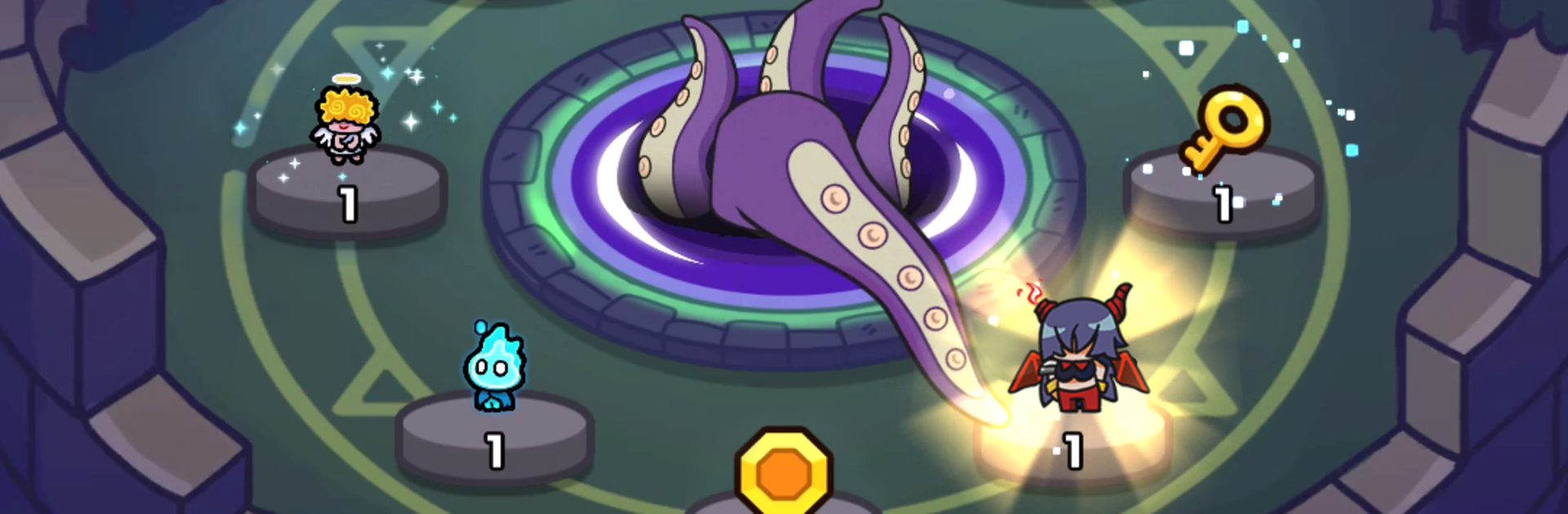
Hero Blasters: Defense mixes block-matching puzzles with wave-by-wave defense for quick sessions that still scratch the strategy itch. Slide tiles to call in heroes, then shift and merge them to hold the line, with roguelike skill drafts keeping every run a little different. It’s a Simulation title from Buff Studio Co.,Ltd., and it’s easy to enjoy on a bigger screen with BlueStacks.

Game Features

  • Match-to-Summon Board: Line up blocks on the puzzle grid to spawn heroes. Nail bigger combos and you’ll flood the field faster.
  • Reactive Wave Defense: Monsters arrive in waves, so you’ll reposition units, merge on the fly, and turn sketchy moments into clutch saves.
  • Legendary Fusions: Combine specific heroes to unlock hard-hitting legendary units. Learning the recipes is half the fun—and a big power spike.
  • Skill Drafts Each Run: Between battles, pick from randomized perks in a roguelike-style pool. Your build changes based on what you choose (and a little luck).
  • Daily Luck Rewards: After fights, roll for up to three bonus rewards with hefty multipliers—yep, it can shoot as high as 32x.
  • Summon & Collect: A luck-driven summon system feeds your roster, with a chance to chain up to five free pulls in one go when fortune smiles.
  • Achievements That Loop: Knock out repeatable goals to scoop up special rewards while you play the way you like.
  • Daily Quests: Consistent check-ins pay off with steady resources and handy boosts.
  • Quick, Satisfying Progress: The loop is simple—match, fight, claim loot, upgrade—so even short sessions feel meaningful.

Get ready for a buttery smooth, high-performance gaming action only on BlueStacks.

Features

  • Macros

    Automate the predictable in Hero Blasters: Defense and transform your gameplay with Macros. Get access to inventive Macros in the BlueStacks Macro Community

  • Multi Instance

    Play Hero Blasters: Defense on one window. And chat with your friend on the other. Press CTRL + Shift + 8 to open the Multi-Instance Manager. And start creating fresh instances or clone an existing one.

  • Multi Instance Sync

    Play Hero Blasters: Defense with the power of Multi-Instance Sync. Replicate what you are doing on the main instance on all other instances. Level up faster, play more.

  • Script

    Script your way to gaming glory in Hero Blasters: Defense with BlueStacks Script. Write and run a set of commands to automate repeated tasks. Trigger the command by assigning it to any key.

How to Download and Play Hero Blasters: Defense on PC or Mac

  • Download and install BlueStacks on your PC or Mac

  • Complete Google sign-in to access the Play Store, or do it later

  • Look for Hero Blasters: Defense in the search bar at the top right corner

  • Click to install Hero Blasters: Defense from the search results

  • Complete Google sign-in (if you skipped step 2) to install Hero Blasters: Defense

  • Click the Hero Blasters: Defense icon on the home screen to start playing

video
Watch Video

Minimum System Requirements

With BlueStacks 5, you can get started on a PC that fulfills the following requirements.

  • Operating System

    Microsoft Windows 7 or above, macOS 11 (Big Sur) or above

  • Processor

    Intel, AMD or Apple Silicon Processor

  • RAM

    at least 4GB

  • HDD

    10GB Free Disk Space

Note:

* You must be an Administrator on your PC. Up to date graphics drivers from Microsoft or the chipset vendor.

Exclusive Gaming Content. And More.

Get the latest updates on the BlueStacks Blog.

See More
Hero Blasters: Defense

Be among the first to play Hero Blasters: Defense on PC

Get notified when the Game launches

Hero Blasters: Defense - FAQs

  • How to play Hero Blasters: Defense on Windows PC & Mac?

    Play Hero Blasters: Defense on your PC or Mac by following these simple steps.

    • Click on 'Play Hero Blasters: Defense on PC’ to download BlueStacks
    • Install it and log-in to Google Play Store
    • Launch and play the game.
  • Why is BlueStacks the fastest and safest platform to play games on PC?

    BlueStacks respects your privacy and is always safe and secure to use. It does not carry any malware, spyware, or any sort of additional software that could harm your PC.

    It is engineered to optimize speed and performance for a seamless gaming experience.

  • What are Hero Blasters: Defense PC requirements?

    Minimum requirement to run Hero Blasters: Defense on your PC

    • OS: Microsoft Windows 7 or above MacOS 11 (Big Sur) or above
    • Processor: Intel, AMD or Apple Silicon Processor
    • RAM: Your PC must have at least 4GB of RAM. (Note that having 4GB or more disk space is not a substitute for RAM)
    • HDD: 10GB Free Disk Space.
    • You must be an Administrator on your PC.