Idle Rising - Online Idle RPG

Idle Rising - Online Idle RPG

Simulation

| idleveloping

Play on PC with BlueStacks or from our cloud

  • Overview
  • Game Features
  • How to Play

Page Modified On: September 11, 2026

Play Idle Rising - Online Idle RPG on PC or Mac

Step into the World of Idle Rising – Online Idle RPG, a thrilling Simulation game from the house of idleveloping. Play this Android game on BlueStacks App Player and experience immersive gaming on PC or Mac.

About the Game

Idle Rising – Online Idle RPG is a Simulation game where progress never pauses. You’ll gather resources, craft better gear, and take on tough enemies while your crew keeps working in the background. It’s chill when you want it to be, crunchy when you’re fine-tuning builds—and surprisingly hard to put down. Prefer playing on a bigger screen? It runs smoothly on BlueStacks too.

Game Features

  • Always progressing: Your workers and fighters keep collecting materials and clearing stages even when you’re offline, so you come back to fresh loot and new options.
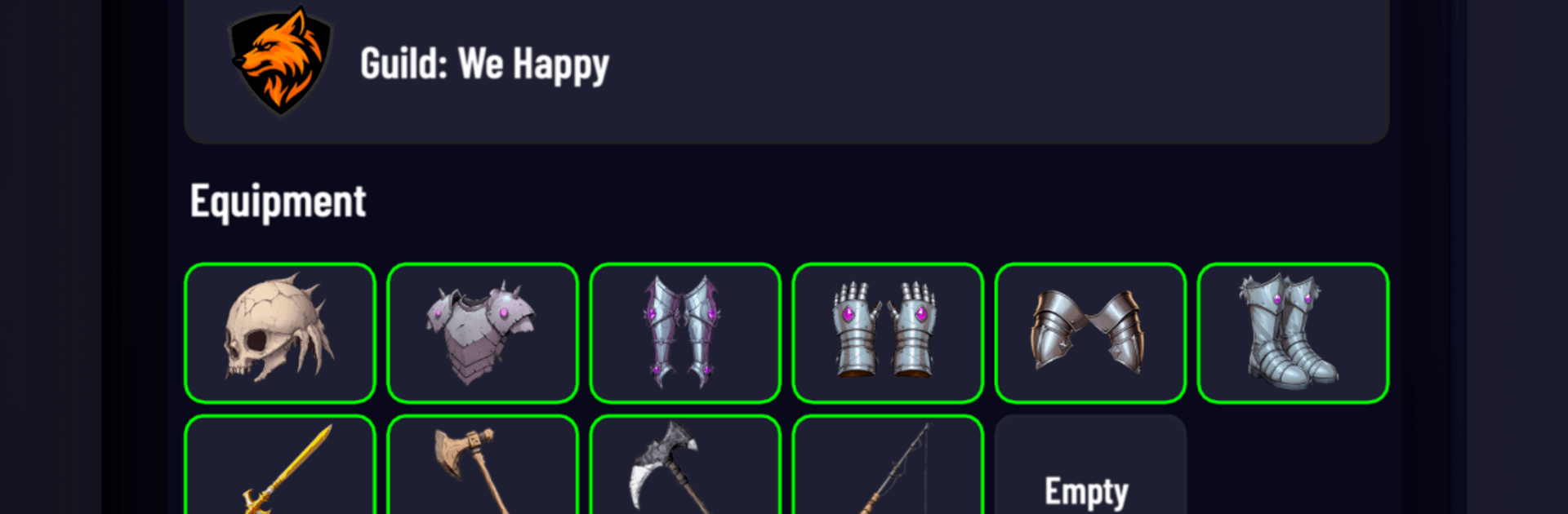
  • Hands-on crafting: Smelt metals, refine materials, and forge gear with meaningful perks; then enhance and reroll to shape builds around your favorite playstyle.
  • Bosses and dungeons: Challenge layered dungeon floors and hard-hitting bosses where planning your loadout and timing skills makes all the difference.
  • Guild adventures: Team up with a guild for co-op goals and raid-style encounters that reward coordination and shared strategy.
  • Player marketplace: Trade with others in a live market—offload extra finds, snipe bargains, and turn smart flips into a pile of gold.
  • PvE or PvP, your call: Farm monsters for materials and blueprints, or queue up to test your setup against rival players.
  • Smooth management: Snappy menus, auto-combat options, and clear milestones make it easy to hop in, tweak a few things, and let the grind handle itself.

Start your journey now. Download the game on BlueStacks, invite your friends, and march on a new adventure.


Game Features

Enhancements

  • Macros
  • Multi Instance
  • Multi Instance Sync
  • Script
  • Enhancements
Macros

Macros

Automate the predictable in Idle Rising - Online Idle RPG and transform your gameplay with Macros. Get access to inventive Macros in the BlueStacks Macro Community
Multi Instance

Multi Instance

Play Idle Rising - Online Idle RPG on one window. And chat with your friend on the other. Press CTRL + Shift + 8 to open the Multi-Instance Manager. And start creating fresh instances or clone an existing one.
Multi Instance Sync

Multi Instance Sync

Play Idle Rising - Online Idle RPG with the power of Multi-Instance Sync. Replicate what you are doing on the main instance on all other instances. Level up faster, play more.
Script

Script

Script your way to gaming glory in Idle Rising - Online Idle RPG with BlueStacks Script. Write and run a set of commands to automate repeated tasks. Trigger the command by assigning it to any key.
Read More

How to Download and Play Idle Rising - Online Idle RPG on PC or Mac

  • Download and install BlueStacks on your PC or Mac

  • Complete Google sign-in to access the Play Store, or do it later

  • Look for Idle Rising - Online Idle RPG in the search bar at the top right corner

  • Click to install Idle Rising - Online Idle RPG from the search results

  • Complete Google sign-in (if you skipped step 2) to install Idle Rising - Online Idle RPG

  • Click the Idle Rising - Online Idle RPG icon on the home screen to start playing

video
Watch Video

Minimum System Requirements

With BlueStacks 5, you can get started on a PC that fulfills the following requirements.

  • Operating System

    Microsoft Windows 7 or above, macOS 11 (Big Sur) or above

  • Processor

    Intel, AMD or Apple Silicon Processor

  • RAM

    at least 4GB

  • HDD

    10GB Free Disk Space

Note:

* You must be an Administrator on your PC. Up to date graphics drivers from Microsoft or the chipset vendor.

Idle Rising - Online Idle RPG - FAQs

  • How to play Idle Rising - Online Idle RPG on Windows PC & Mac?

    Play Idle Rising - Online Idle RPG on your PC or Mac by following these simple steps.

    • Click on 'Play Idle Rising - Online Idle RPG on PC’ to download BlueStacks
    • Install it and log-in to Google Play Store
    • Launch and play the game.
  • Why is BlueStacks the fastest and safest platform to play games on PC?

    BlueStacks respects your privacy and is always safe and secure to use. It does not carry any malware, spyware, or any sort of additional software that could harm your PC.

    It is engineered to optimize speed and performance for a seamless gaming experience.

  • What are Idle Rising - Online Idle RPG PC requirements?

    Minimum requirement to run Idle Rising - Online Idle RPG on your PC

    • OS: Microsoft Windows 7 or above MacOS 11 (Big Sur) or above
    • Processor: Intel, AMD or Apple Silicon Processor
    • RAM: Your PC must have at least 4GB of RAM. (Note that having 4GB or more disk space is not a substitute for RAM)
    • HDD: 10GB Free Disk Space.
    • You must be an Administrator on your PC.