Indian Bike Driving Game 3D

Indian Bike Driving Game 3D

Simulation

| Bisma Apps Hub

Play on PC with BlueStacks or from our cloud

  • Overview
  • Game Features
  • How to Play

Page Modified On: April 24, 2026

Play Indian Bike Driving Game 3D on PC or Mac

Step into the World of Indian Bike Driving Game 3D, a thrilling Simulation game from the house of Bisma Apps Hub. Play this Android game on BlueStacks App Player and experience immersive gaming on PC or Mac.

About the Game

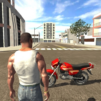
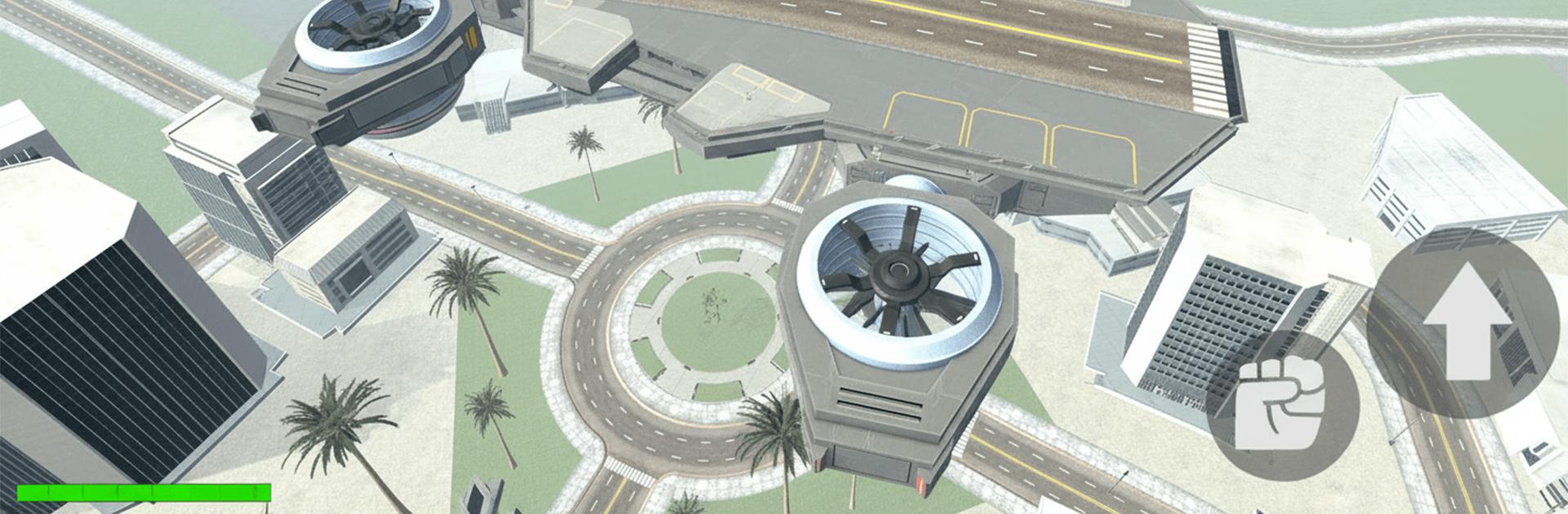
Indian Bike Driving Game 3D drops you into a bustling city where sharp riding skills and risky jobs keep things interesting. Made by Bisma Apps Hub, this Simulation title mixes open-world cruising on iconic Indian bikes with gritty gangster action. If you like playing on a bigger screen with a keyboard, it runs smoothly on BlueStacks too.

Game Features

  • Authentic Indian bikes: Hop on well-known Indian rides and feel the weight, grip, and speed thanks to smooth controls and grounded physics.
  • Open-world streets: Wander busy markets, wide highways, and tight back alleys at your own pace. Spot ramps, improvise routes, and pull off wild stunts when the moment calls for it.
  • Gangster missions: Take on jobs that range from quick hustles to tense, high-stakes operations. Face rival crews, push your luck, and make a name for yourself.
  • Big roster of vehicles: Not just two wheels—switch between 3D bikes and heavy cars to suit the plan, whether it’s a quiet getaway or a loud entrance.
  • City challenges everywhere: Corners hide chases, scuffles, and time-based tests. Keep your head up, react fast, and refine your driving instincts.
  • Easy-to-learn controls: Snappy steering, throttle, and braking let you weave through traffic and thread tight gaps without feeling clunky.
  • Gritty 3D atmosphere: Detailed environments and a lively city vibe create the feel of a living world that rewards bold moves and smart decisions.

Start your journey now. Download the game on BlueStacks, invite your friends, and march on a new adventure.


Game Features

Enhancements

  • Macros
  • Multi Instance
  • Multi Instance Sync
  • Script
  • Enhancements
Macros

Macros

Automate the predictable in Indian Bike Driving Game 3D and transform your gameplay with Macros. Get access to inventive Macros in the BlueStacks Macro Community
Multi Instance

Multi Instance

Play Indian Bike Driving Game 3D on one window. And chat with your friend on the other. Press CTRL + Shift + 8 to open the Multi-Instance Manager. And start creating fresh instances or clone an existing one.
Multi Instance Sync

Multi Instance Sync

Play Indian Bike Driving Game 3D with the power of Multi-Instance Sync. Replicate what you are doing on the main instance on all other instances. Level up faster, play more.
Script

Script

Script your way to gaming glory in Indian Bike Driving Game 3D with BlueStacks Script. Write and run a set of commands to automate repeated tasks. Trigger the command by assigning it to any key.
Read More

How to Download and Play Indian Bike Driving Game 3D on PC or Mac

  • Download and install BlueStacks on your PC or Mac

  • Complete Google sign-in to access the Play Store, or do it later

  • Look for Indian Bike Driving Game 3D in the search bar at the top right corner

  • Click to install Indian Bike Driving Game 3D from the search results

  • Complete Google sign-in (if you skipped step 2) to install Indian Bike Driving Game 3D

  • Click the Indian Bike Driving Game 3D icon on the home screen to start playing

video
Watch Video

Minimum System Requirements

With BlueStacks 5, you can get started on a PC that fulfills the following requirements.

  • Operating System

    Microsoft Windows 7 or above, macOS 11 (Big Sur) or above

  • Processor

    Intel, AMD or Apple Silicon Processor

  • RAM

    at least 4GB

  • HDD

    10GB Free Disk Space

Note:

* You must be an Administrator on your PC. Up to date graphics drivers from Microsoft or the chipset vendor.

Indian Bike Driving Game 3D - FAQs

  • How to play Indian Bike Driving Game 3D on Windows PC & Mac?

    Play Indian Bike Driving Game 3D on your PC or Mac by following these simple steps.

    • Click on 'Play Indian Bike Driving Game 3D on PC’ to download BlueStacks
    • Install it and log-in to Google Play Store
    • Launch and play the game.
  • Why is BlueStacks the fastest and safest platform to play games on PC?

    BlueStacks respects your privacy and is always safe and secure to use. It does not carry any malware, spyware, or any sort of additional software that could harm your PC.

    It is engineered to optimize speed and performance for a seamless gaming experience.

  • What are Indian Bike Driving Game 3D PC requirements?

    Minimum requirement to run Indian Bike Driving Game 3D on your PC

    • OS: Microsoft Windows 7 or above MacOS 11 (Big Sur) or above
    • Processor: Intel, AMD or Apple Silicon Processor
    • RAM: Your PC must have at least 4GB of RAM. (Note that having 4GB or more disk space is not a substitute for RAM)
    • HDD: 10GB Free Disk Space.
    • You must be an Administrator on your PC.