Indian Theft Auto Simulator 3d

Indian Theft Auto Simulator 3d

Simulation

| GameSkate Studio

Play on PC with BlueStacks or from our cloud

  • Overview
  • Game Features
  • How to Play

Page Modified On: October 21, 2026

Play Indian Theft Auto Simulator 3d on PC or Mac

Indian Theft Auto Simulator 3d brings the Simulation genre to life, and throws up exciting challenges for gamers. Developed by GameSkate Studio, this Android game is best experienced on BlueStacks, the World’s #1 app player for PC and Mac users.

About the Game

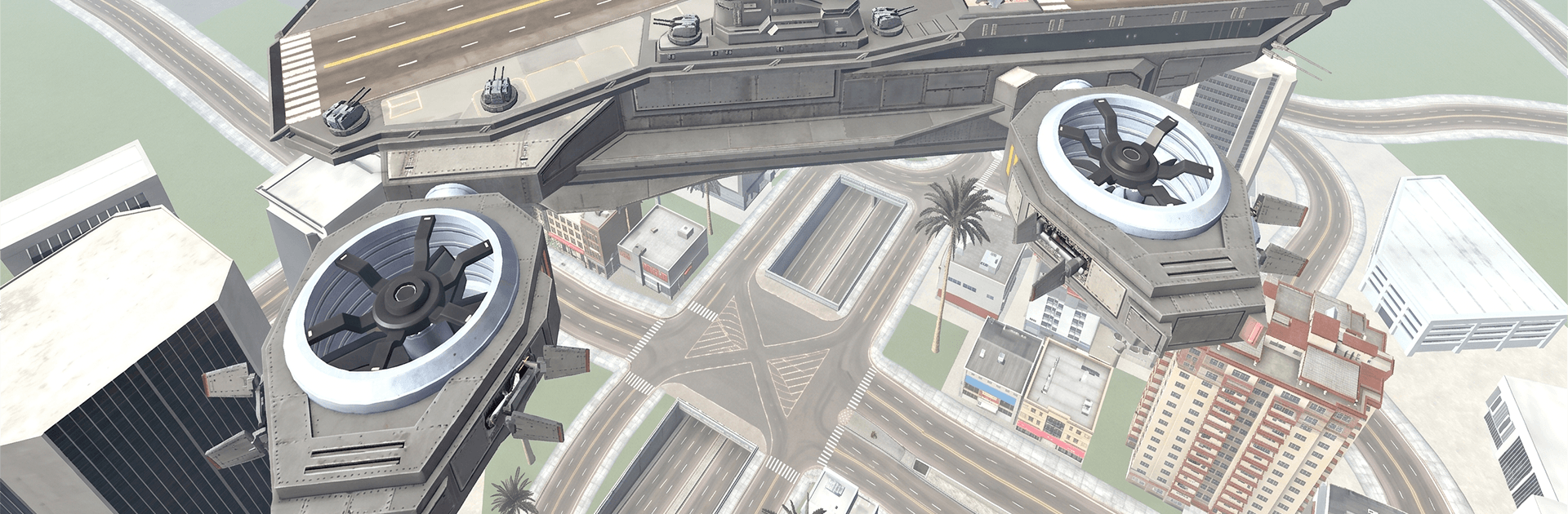
Indian Theft Auto Simulator 3d hands you the keys to a sprawling sandbox where the roads are yours and the rules are loose. This Simulation game blends free-roam cruising, score-chasing missions, and outrageous stunt playgrounds across an Indian-inspired world. Swap between nimble bikes and beastly cars, thread through traffic, and snoop around for hidden spots—play casually on the couch or fire it up on PC with BlueStacks if you prefer a bigger view and keyboard controls.

Game Features

  • Huge open-world playground: Roam a varied map packed with busy city avenues, peaceful villages, rail lines, rugged trails, and secret corners waiting to be found.
  • Two wheels or four, your call: Pick from Indian bikes, slick sports cars, or tough SUVs and feel distinct handling across each ride.
  • Missions with bite: Tackle checkpoint runs, tricky deliveries, and time-pressed objectives that nudge you into new neighborhoods and riskier routes.
  • Stunt ramps everywhere: Launch off mega ramps, clear rooftop gaps, and chain big airs together in dedicated stunt zones designed for chaos.
  • Lively traffic to outsmart: Weave through cars, keep your speed up, and thread impossibly tight openings with responsive controls and believable physics.
  • Railway crossings in play: Watch for gates, time your crossings, and use the tracks as sneaky shortcuts—or the scene of your boldest jump.
  • Off-road detours: Kick up dust on rocky paths and muddy cuts that reward momentum, grip control, and guts.
  • Wild side-areas: Stumble into surreal pockets featuring dinosaurs, dragons, and spacey set pieces that flip the script on normal drives.
  • Secrets worth the detour: Hunt for hidden paths, tucked-away collectibles, and Easter eggs that pay off your curiosity.
  • Multiple camera views: Switch between cockpit focus, chase cams, and wide angles to match the moment—precision or pure spectacle.
  • Looks and sounds that pop: Crisp 3D visuals and punchy audio sell speed, impact, and engine roar without drowning out the world.
  • Always something new: Fresh vehicles and mission drops keep your garage growing and your route list expanding.

Get ready for a buttery smooth, high-performance gaming action only on BlueStacks.

Game Features

Enhancements

  • Macros
  • Multi Instance
  • Multi Instance Sync
  • Script
  • Enhancements
Macros

Macros

Automate the predictable in Indian Theft Auto Simulator 3d and transform your gameplay with Macros. Get access to inventive Macros in the BlueStacks Macro Community
Multi Instance

Multi Instance

Play Indian Theft Auto Simulator 3d on one window. And chat with your friend on the other. Press CTRL + Shift + 8 to open the Multi-Instance Manager. And start creating fresh instances or clone an existing one.
Multi Instance Sync

Multi Instance Sync

Play Indian Theft Auto Simulator 3d with the power of Multi-Instance Sync. Replicate what you are doing on the main instance on all other instances. Level up faster, play more.
Script

Script

Script your way to gaming glory in Indian Theft Auto Simulator 3d with BlueStacks Script. Write and run a set of commands to automate repeated tasks. Trigger the command by assigning it to any key.
Read More

How to Download and Play Indian Theft Auto Simulator 3d on PC or Mac

  • Download and install BlueStacks on your PC or Mac

  • Complete Google sign-in to access the Play Store, or do it later

  • Look for Indian Theft Auto Simulator 3d in the search bar at the top right corner

  • Click to install Indian Theft Auto Simulator 3d from the search results

  • Complete Google sign-in (if you skipped step 2) to install Indian Theft Auto Simulator 3d

  • Click the Indian Theft Auto Simulator 3d icon on the home screen to start playing

video
Watch Video

Minimum System Requirements

With BlueStacks 5, you can get started on a PC that fulfills the following requirements.

  • Operating System

    Microsoft Windows 7 or above, macOS 11 (Big Sur) or above

  • Processor

    Intel, AMD or Apple Silicon Processor

  • RAM

    at least 4GB

  • HDD

    10GB Free Disk Space

Note:

* You must be an Administrator on your PC. Up to date graphics drivers from Microsoft or the chipset vendor.

Indian Theft Auto Simulator 3d - FAQs

  • How to play Indian Theft Auto Simulator 3d on Windows PC & Mac?

    Play Indian Theft Auto Simulator 3d on your PC or Mac by following these simple steps.

    • Click on 'Play Indian Theft Auto Simulator 3d on PC’ to download BlueStacks
    • Install it and log-in to Google Play Store
    • Launch and play the game.
  • Why is BlueStacks the fastest and safest platform to play games on PC?

    BlueStacks respects your privacy and is always safe and secure to use. It does not carry any malware, spyware, or any sort of additional software that could harm your PC.

    It is engineered to optimize speed and performance for a seamless gaming experience.

  • What are Indian Theft Auto Simulator 3d PC requirements?

    Minimum requirement to run Indian Theft Auto Simulator 3d on your PC

    • OS: Microsoft Windows 7 or above MacOS 11 (Big Sur) or above
    • Processor: Intel, AMD or Apple Silicon Processor
    • RAM: Your PC must have at least 4GB of RAM. (Note that having 4GB or more disk space is not a substitute for RAM)
    • HDD: 10GB Free Disk Space.
    • You must be an Administrator on your PC.