My Starter Winter Car:Mechanic

My Starter Winter Car:Mechanic

Simulation

| Azat Dauletyarov

Play on PC with BlueStacks or from our cloud

  • Overview
  • Game Features
  • How to Play

Page Modified On: June 29, 2026

Play My Starter Winter Car:Mechanic on PC or Mac

Bring your A-game to My Starter Winter Car:Mechanic, the Simulation game sensation from Azat Dauletyarov. Give your gameplay the much-needed boost with precise game controls, high FPS graphics, and top-tier features on your PC or Mac with BlueStacks.

About the Game

My Starter Winter Car:Mechanic is a Simulation about getting your hands dirty and building a ride that can handle real winter. You’re not just clicking menus—you’re in a chilly garage, wrench in hand, piecing together a car from bare frame to first drive on snowy roads. Expect slow, satisfying progress, a few cold starts, and that sweet moment when the engine finally purrs.

Game Features

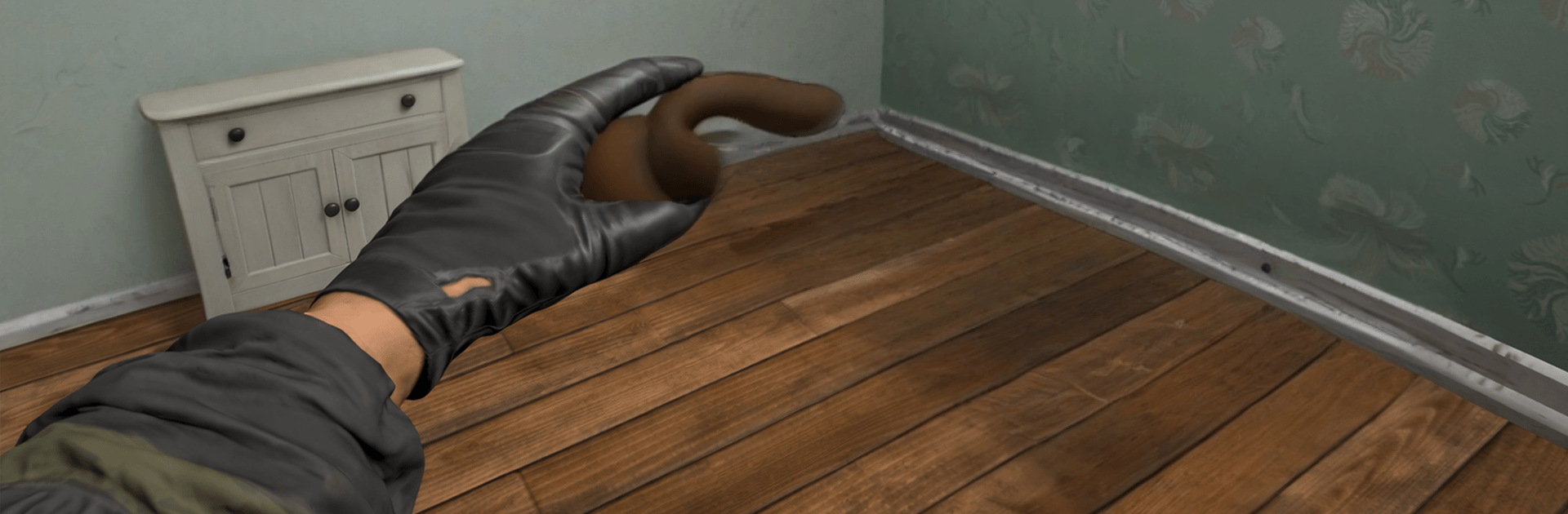
  • Hands-on assembly: Walk around the car in first person, pick up tools, and install everything yourself—suspension, drivetrain, interior, even the last stubborn bolt on the engine.
  • Built for winter: Ice, snow, and freezing temps actually matter. You’ll feel the difference in handling, cold starts, and how carefully you need to tune each system.
  • Clear part-matching: A smart fit system shows what goes where at each stage, so complex builds stay understandable without dumbing anything down.
  • Tuning that counts: Swap to snow tires, tweak suspension height, reinforce components, and squeeze out reliability and power for slick, snowy streets.
  • Jobs and cargo runs: Take on paid tasks, move cargo, and use the cash to buy better parts or fund that next big restoration step.
  • Drive and explore: Test your build in traffic, feel the road, and learn how each upgrade changes braking, grip, and acceleration in winter conditions.
  • Offline friendly: Tinker, test, and tune anytime, even without a connection.
  • PC play option: Prefer keyboard and mouse? You can play on BlueStacks for comfortable controls and smooth performance while you wrench and drive.

Start your journey now. Download the game on BlueStacks, invite your friends, and march on a new adventure.


Game Features

Enhancements

  • Macros
  • Multi Instance
  • Multi Instance Sync
  • Script
  • Enhancements
Macros

Macros

Automate the predictable in My Starter Winter Car:Mechanic and transform your gameplay with Macros. Get access to inventive Macros in the BlueStacks Macro Community
Multi Instance

Multi Instance

Play My Starter Winter Car:Mechanic on one window. And chat with your friend on the other. Press CTRL + Shift + 8 to open the Multi-Instance Manager. And start creating fresh instances or clone an existing one.
Multi Instance Sync

Multi Instance Sync

Play My Starter Winter Car:Mechanic with the power of Multi-Instance Sync. Replicate what you are doing on the main instance on all other instances. Level up faster, play more.
Script

Script

Script your way to gaming glory in My Starter Winter Car:Mechanic with BlueStacks Script. Write and run a set of commands to automate repeated tasks. Trigger the command by assigning it to any key.
Read More

How to Download and Play My Starter Winter Car:Mechanic on PC or Mac

  • Download and install BlueStacks on your PC or Mac

  • Complete Google sign-in to access the Play Store, or do it later

  • Look for My Starter Winter Car:Mechanic in the search bar at the top right corner

  • Click to install My Starter Winter Car:Mechanic from the search results

  • Complete Google sign-in (if you skipped step 2) to install My Starter Winter Car:Mechanic

  • Click the My Starter Winter Car:Mechanic icon on the home screen to start playing

video
Watch Video

Minimum System Requirements

With BlueStacks 5, you can get started on a PC that fulfills the following requirements.

  • Operating System

    Microsoft Windows 7 or above, macOS 11 (Big Sur) or above

  • Processor

    Intel, AMD or Apple Silicon Processor

  • RAM

    at least 4GB

  • HDD

    10GB Free Disk Space

Note:

* You must be an Administrator on your PC. Up to date graphics drivers from Microsoft or the chipset vendor.

My Starter Winter Car:Mechanic - FAQs

  • How to play My Starter Winter Car:Mechanic on Windows PC & Mac?

    Play My Starter Winter Car:Mechanic on your PC or Mac by following these simple steps.

    • Click on 'Play My Starter Winter Car:Mechanic on PC’ to download BlueStacks
    • Install it and log-in to Google Play Store
    • Launch and play the game.
  • Why is BlueStacks the fastest and safest platform to play games on PC?

    BlueStacks respects your privacy and is always safe and secure to use. It does not carry any malware, spyware, or any sort of additional software that could harm your PC.

    It is engineered to optimize speed and performance for a seamless gaming experience.

  • What are My Starter Winter Car:Mechanic PC requirements?

    Minimum requirement to run My Starter Winter Car:Mechanic on your PC

    • OS: Microsoft Windows 7 or above MacOS 11 (Big Sur) or above
    • Processor: Intel, AMD or Apple Silicon Processor
    • RAM: Your PC must have at least 4GB of RAM. (Note that having 4GB or more disk space is not a substitute for RAM)
    • HDD: 10GB Free Disk Space.
    • You must be an Administrator on your PC.