PocketLife: Life Simulator

PocketLife: Life Simulator

Simulation

| PocketLife Team

Play on PC with BlueStacks or from our cloud

  • Overview
  • Game Features
  • How to Play

Page Modified On: October 30, 2026

Play PocketLife: Life Simulator on PC or Mac

Explore a whole new adventure with PocketLife: Life Simulator, a Simulation game created by PocketLife Team. Experience great gameplay with BlueStacks, the most popular gaming platform to play Android games on your PC or Mac.

About the Game

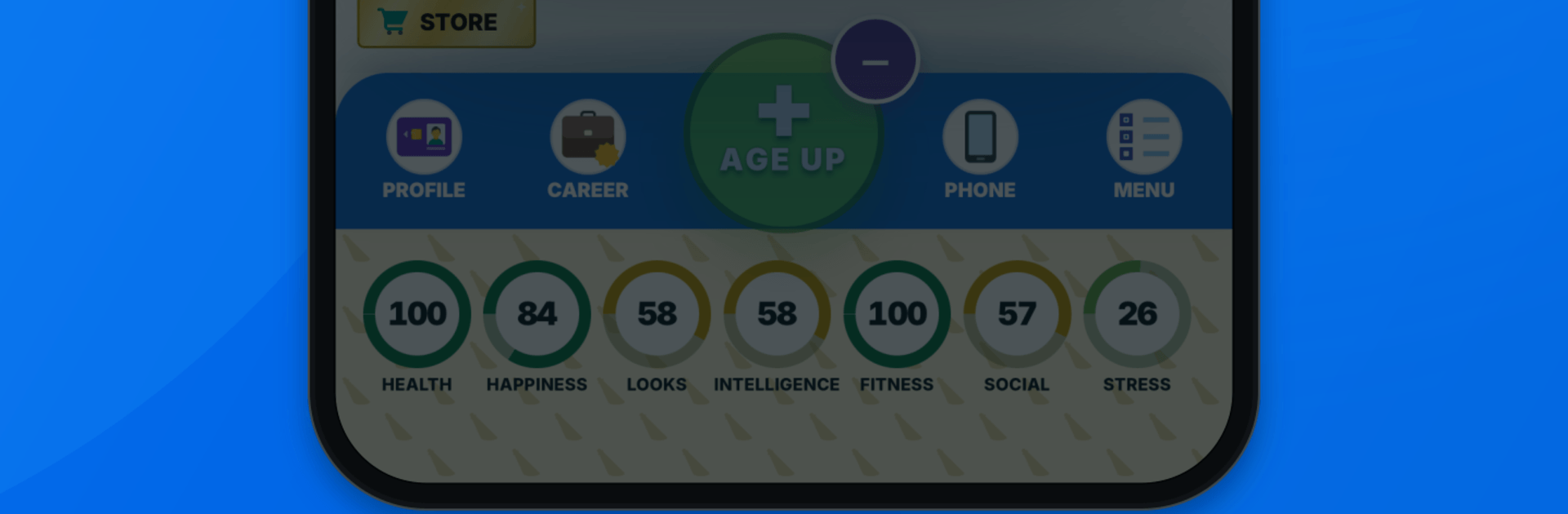
PocketLife: Life Simulator hands you a whole life to play with—messy, surprising, and packed with decisions that actually matter. This Simulation experience lets you balance careers, relationships, money, fame, and even raw political power or a risky life on the wrong side of the law. Want a cozier setup? It feels great on a bigger screen with BlueStacks.

Game Features

  • App-Filled Virtual Device: Jump into a built-in hub of everyday apps—pick up delivery gigs, try dating, post on social media, and keep up with shifting news that reacts to what’s happening in your world.
  • Deep Money Play: Start with a modest paycheck, then trade in a simulated stock market, buy homes and commercial buildings, and collect rent as your portfolio grows.
  • Build Real Companies: Create holding companies, run multiple ventures, and go for the big moment—taking your business public with an IPO when you’re ready.
  • Rule or Rebel: Wear the crown and pass laws as a ruler—or walk a darker path with organized crime or a secret double life. Your ethics (or lack thereof) write the story.
  • Fame and Fallout: Chase celebrity status, manage scandals, and decide when to spin the narrative or let the chaos boost your notoriety.
  • Life That Feels Lived-In: Tweak your appearance, meet friends, take vacations, emigrate if you want a fresh start, adopt kids, care for pets, look after your health, and buy the ride you’ve been eyeing.
  • Risk and Consequence: Hunt rare items in auctions or shadowy markets, then face real repercussions—lawsuits, trials, and a legal system that remembers what you did.
  • People-Driven Moments: Hundreds of events and conversations react to your choices, turning tiny decisions into big, messy stories that stick with you.
  • Play At Your Pace: Clean, straightforward menus make jumping in easy, whether you’re here for quick stories or to nerd out over deep systems.

Start playing PocketLife: Life Simulator on BlueStacks and get a smoother, more comfortable PC or Mac setup.


Game Features

Enhancements

  • Macros
  • Multi Instance
  • Multi Instance Sync
  • Script
  • Enhancements
Macros

Macros

Automate the predictable in PocketLife: Life Simulator and transform your gameplay with Macros. Get access to inventive Macros in the BlueStacks Macro Community
Multi Instance

Multi Instance

Play PocketLife: Life Simulator on one window. And chat with your friend on the other. Press CTRL + Shift + 8 to open the Multi-Instance Manager. And start creating fresh instances or clone an existing one.
Multi Instance Sync

Multi Instance Sync

Play PocketLife: Life Simulator with the power of Multi-Instance Sync. Replicate what you are doing on the main instance on all other instances. Level up faster, play more.
Script

Script

Script your way to gaming glory in PocketLife: Life Simulator with BlueStacks Script. Write and run a set of commands to automate repeated tasks. Trigger the command by assigning it to any key.
Read More

How to Download and Play PocketLife: Life Simulator on PC or Mac

  • Download and install BlueStacks on your PC or Mac

  • Complete Google sign-in to access the Play Store, or do it later

  • Look for PocketLife: Life Simulator in the search bar at the top right corner

  • Click to install PocketLife: Life Simulator from the search results

  • Complete Google sign-in (if you skipped step 2) to install PocketLife: Life Simulator

  • Click the PocketLife: Life Simulator icon on the home screen to start playing

video
Watch Video

Minimum System Requirements

With BlueStacks 5, you can get started on a PC that fulfills the following requirements.

  • Operating System

    Microsoft Windows 7 or above, macOS 11 (Big Sur) or above

  • Processor

    Intel, AMD or Apple Silicon Processor

  • RAM

    at least 4GB

  • HDD

    10GB Free Disk Space

Note:

* You must be an Administrator on your PC. Up to date graphics drivers from Microsoft or the chipset vendor.

PocketLife: Life Simulator - FAQs

  • How to play PocketLife: Life Simulator on Windows PC & Mac?

    Play PocketLife: Life Simulator on your PC or Mac by following these simple steps.

    • Click on 'Play PocketLife: Life Simulator on PC’ to download BlueStacks
    • Install it and log-in to Google Play Store
    • Launch and play the game.
  • Why is BlueStacks the fastest and safest platform to play games on PC?

    BlueStacks respects your privacy and is always safe and secure to use. It does not carry any malware, spyware, or any sort of additional software that could harm your PC.

    It is engineered to optimize speed and performance for a seamless gaming experience.

  • What are PocketLife: Life Simulator PC requirements?

    Minimum requirement to run PocketLife: Life Simulator on your PC

    • OS: Microsoft Windows 7 or above MacOS 11 (Big Sur) or above
    • Processor: Intel, AMD or Apple Silicon Processor
    • RAM: Your PC must have at least 4GB of RAM. (Note that having 4GB or more disk space is not a substitute for RAM)
    • HDD: 10GB Free Disk Space.
    • You must be an Administrator on your PC.