Trashbot: Combat Robots Constructor

Trashbot: Combat Robots Constructor

Simulation

| Alexander Tavintsev

Play on PC with BlueStacks or from our cloud

  • Overview
  • Game Features
  • How to Play

Page Modified On: August 24, 2026

Play Trashbot: Combat Robots Constructor on PC or Mac

Explore a whole new adventure with Trashbot: Combat Robots Constructor, a Simulation game created by Alexander Tavintsev. Experience great gameplay with BlueStacks, the most popular gaming platform to play Android games on your PC or Mac.

About the Game

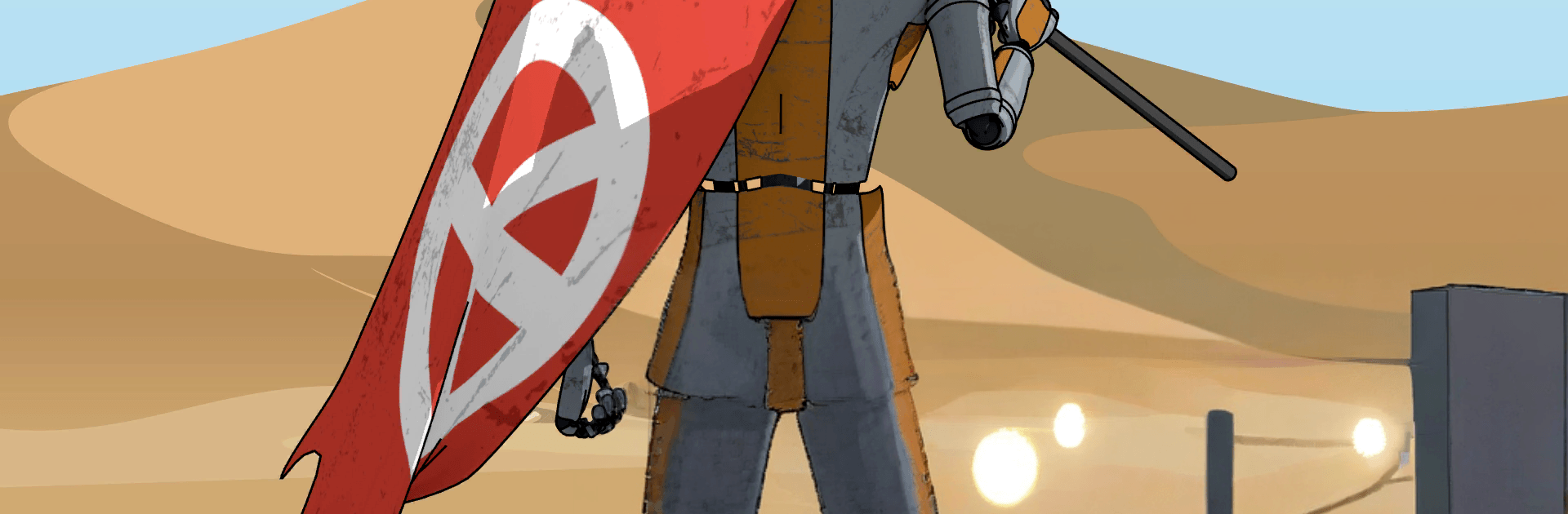
Trashbot: Combat Robots Constructor is a Simulation where scrapyard grit meets clever engineering. You play as a scrappy little bot trying to push back a ruthless Corporation by building and piloting custom war machines. Scavenge parts, weld together wild creations, and roll out to capture enemy bases. If you like tinkering as much as fighting, this hits a sweet spot—and it runs smoothly on PC with BlueStacks.

Game Features

  • Build-your-own arsenal: Mix and match 60+ parts—wheel bases, energy shields, batteries, armor, shotguns, rifles, and machine guns—to shape a bot that fits your style.
  • Hands-on fabrication: Use a manipulator arm and welding to physically assemble frames and modules, piece by piece.
  • Bracket-style battles: Fight through playoff-style matchups where smart design and good aim bring in serious rewards.
  • Speed-build challenges: Tackle constructor tournaments that ask you to copy a sample bot quickly and accurately under pressure.
  • Resistance work orders: Take contracts from fellow fighters and assemble bots to spec for extra resources.
  • Damage that sticks: Enemy bases keep the dents you leave, letting you win tough strongholds over multiple raids.
  • Junkyard expeditions: Send helper trashbots to sift through heaps for resources and rare components.
  • Tune, test, and tweak: Run trials, adjust parameters, save favorite builds, or strip them back down for parts.
  • Field refits: Reconfigure during missions using a portable assembly station housed in your truck.
  • Guns or grit: Blast foes with firearms or go full ram—both approaches can wreck enemy machines.
  • Exit on your terms: Leave the battlefield whenever you want and keep your salvaged parts and current bot.
  • A world to reclaim: Take on 16 fortified bases across four distinct regions, each with different threats, resources, and part rarity.
  • Ultimate goal, ultimate bot: Track down unique components to construct a heavy-duty X-robot built to turn the tide.

Start playing Trashbot: Combat Robots Constructor on BlueStacks and get a smoother, more comfortable PC or Mac setup.


Game Features

Enhancements

  • Macros
  • Multi Instance
  • Multi Instance Sync
  • Script
  • Enhancements
Macros

Macros

Automate the predictable in Trashbot: Combat Robots Constructor and transform your gameplay with Macros. Get access to inventive Macros in the BlueStacks Macro Community
Multi Instance

Multi Instance

Play Trashbot: Combat Robots Constructor on one window. And chat with your friend on the other. Press CTRL + Shift + 8 to open the Multi-Instance Manager. And start creating fresh instances or clone an existing one.
Multi Instance Sync

Multi Instance Sync

Play Trashbot: Combat Robots Constructor with the power of Multi-Instance Sync. Replicate what you are doing on the main instance on all other instances. Level up faster, play more.
Script

Script

Script your way to gaming glory in Trashbot: Combat Robots Constructor with BlueStacks Script. Write and run a set of commands to automate repeated tasks. Trigger the command by assigning it to any key.
Read More

How to Download and Play Trashbot: Combat Robots Constructor on PC or Mac

  • Download and install BlueStacks on your PC or Mac

  • Complete Google sign-in to access the Play Store, or do it later

  • Look for Trashbot: Combat Robots Constructor in the search bar at the top right corner

  • Click to install Trashbot: Combat Robots Constructor from the search results

  • Complete Google sign-in (if you skipped step 2) to install Trashbot: Combat Robots Constructor

  • Click the Trashbot: Combat Robots Constructor icon on the home screen to start playing

video
Watch Video

Minimum System Requirements

With BlueStacks 5, you can get started on a PC that fulfills the following requirements.

  • Operating System

    Microsoft Windows 7 or above, macOS 11 (Big Sur) or above

  • Processor

    Intel, AMD or Apple Silicon Processor

  • RAM

    at least 4GB

  • HDD

    10GB Free Disk Space

Note:

* You must be an Administrator on your PC. Up to date graphics drivers from Microsoft or the chipset vendor.

Trashbot: Combat Robots Constructor - FAQs

  • How to play Trashbot: Combat Robots Constructor on Windows PC & Mac?

    Play Trashbot: Combat Robots Constructor on your PC or Mac by following these simple steps.

    • Click on 'Play Trashbot: Combat Robots Constructor on PC’ to download BlueStacks
    • Install it and log-in to Google Play Store
    • Launch and play the game.
  • Why is BlueStacks the fastest and safest platform to play games on PC?

    BlueStacks respects your privacy and is always safe and secure to use. It does not carry any malware, spyware, or any sort of additional software that could harm your PC.

    It is engineered to optimize speed and performance for a seamless gaming experience.

  • What are Trashbot: Combat Robots Constructor PC requirements?

    Minimum requirement to run Trashbot: Combat Robots Constructor on your PC

    • OS: Microsoft Windows 7 or above MacOS 11 (Big Sur) or above
    • Processor: Intel, AMD or Apple Silicon Processor
    • RAM: Your PC must have at least 4GB of RAM. (Note that having 4GB or more disk space is not a substitute for RAM)
    • HDD: 10GB Free Disk Space.
    • You must be an Administrator on your PC.