Zero City: Bunker and Shelter

Zero City: Bunker and Shelter

Simulation

| MYGAMES MENA FZ LLC

BlueStacks Verified

Play on PC with BlueStacks or from our cloud

  • Overview
  • Tips & Tricks
  • Game Features
  • How to Play

Page Modified On: January 19, 2026

Play Zero City: Bunker and Shelter on PC or Mac

Bring your A-game to Zero City: Bunker and Shelter, the Simulation game sensation from MYGAMES MENA FZ LLC. Give your gameplay the much-needed boost with precise game controls, high FPS graphics, and top-tier features on your PC or Mac with BlueStacks.

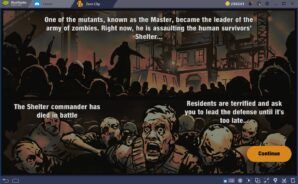
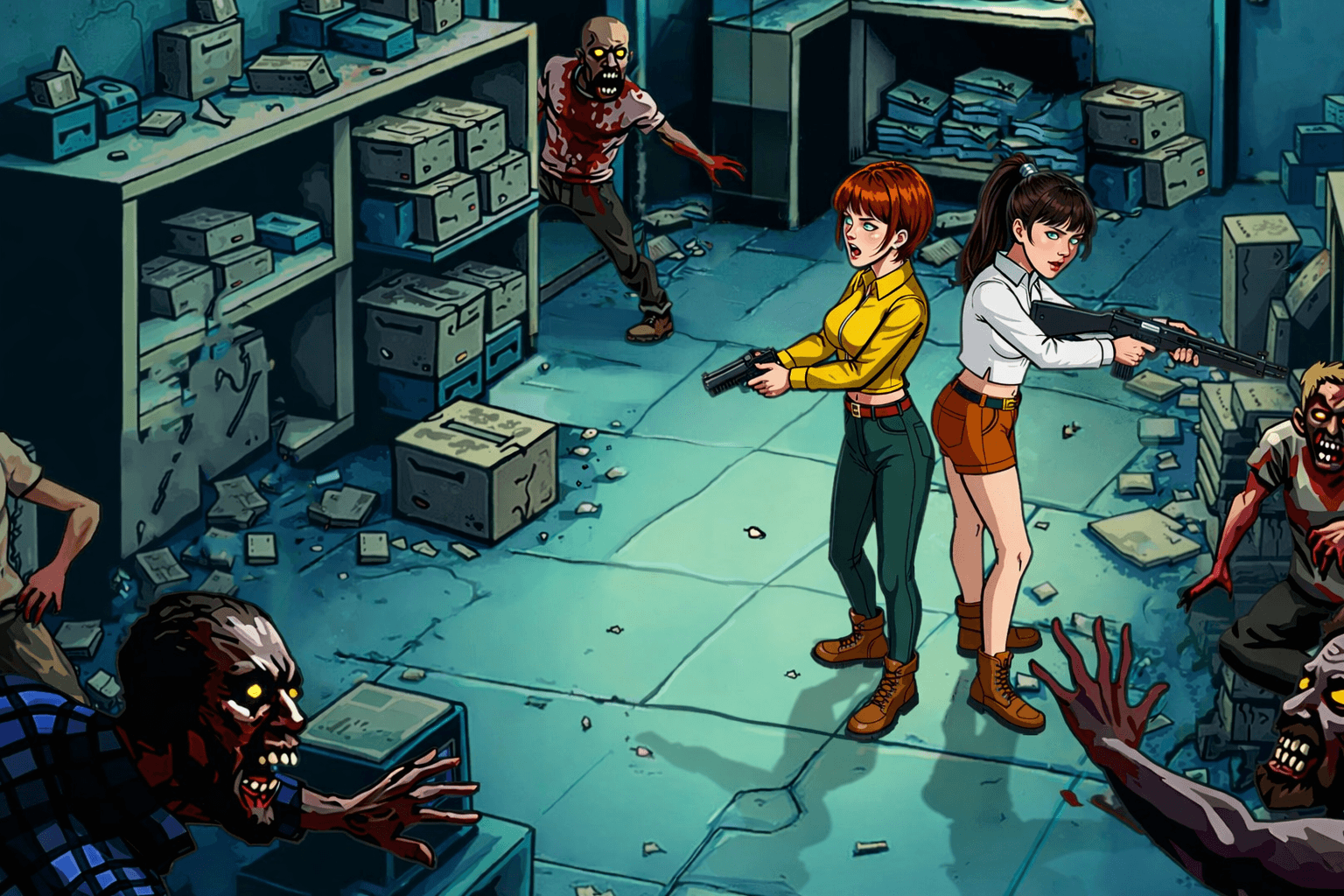
Zero City is a bunker management game set after everything went wrong, and it treats the player like the last sensible manager left on Earth. It is side-view base building, a stack of rooms cut out of the ground, with survivors moving around doing jobs. New rooms open up as upgrades finish, so there is always some decision about whether to expand deeper, boost production, or add training so people get tougher. Each citizen matters because they can be trained and geared, then slotted into a work shift or the combat squad. Gear is a big deal, since fights are auto but the lineup and equipment choice decide most outcomes, healer in back, tank up front, support doing weird stuff, that kind of flow.

The campaign pushes through zones full of zombies, bosses, and a bit of story text between nodes. Loot fuels the bunker, craftable weapons and armor keep squads moving forward, and raiding abandoned places brings in the rarer parts. There is PvP too, arena style and shelter attacks, so defensive rooms and traps, plus how the squad is built, actually matter. Expect timers, resources to juggle, and some randomness in reward crates, with purchases sitting there if someone wants to speed things up. The art is clean and readable, the danger vibe is there without being grim. Running it on PC with BlueStacks helps with the constant dragging survivors to stations and quick gear swaps, the mouse is just faster for that clicky routine.

Get ready for a buttery smooth, high-performance gaming action only on BlueStacks.
Game Features

Enhancements

  • Macros
  • Multi Instance
  • Multi Instance Sync
  • Script
  • Enhancements
Macros

Macros

Automate the predictable in Zero City: Bunker and Shelter and transform your gameplay with Macros. Get access to inventive Macros in the BlueStacks Macro Community
Multi Instance

Multi Instance

Play Zero City: Bunker and Shelter on one window. And chat with your friend on the other. Press CTRL + Shift + 8 to open the Multi-Instance Manager. And start creating fresh instances or clone an existing one.
Multi Instance Sync

Multi Instance Sync

Play Zero City: Bunker and Shelter with the power of Multi-Instance Sync. Replicate what you are doing on the main instance on all other instances. Level up faster, play more.
Script

Script

Script your way to gaming glory in Zero City: Bunker and Shelter with BlueStacks Script. Write and run a set of commands to automate repeated tasks. Trigger the command by assigning it to any key.
Read More

How to Download and Play Zero City: Bunker and Shelter on PC or Mac

  • Download and install BlueStacks on your PC or Mac

  • Complete Google sign-in to access the Play Store, or do it later

  • Look for Zero City: Bunker and Shelter in the search bar at the top right corner

  • Click to install Zero City: Bunker and Shelter from the search results

  • Complete Google sign-in (if you skipped step 2) to install Zero City: Bunker and Shelter

  • Click the Zero City: Bunker and Shelter icon on the home screen to start playing

video
Watch Video

Minimum System Requirements

With BlueStacks 5, you can get started on a PC that fulfills the following requirements.

  • Operating System

    Microsoft Windows 7 or above, macOS 11 (Big Sur) or above

  • Processor

    Intel, AMD or Apple Silicon Processor

  • RAM

    at least 4GB

  • HDD

    10GB Free Disk Space

Note:

* You must be an Administrator on your PC. Up to date graphics drivers from Microsoft or the chipset vendor.

Zero City: Bunker and Shelter - FAQs

  • How to play Zero City: Bunker and Shelter on Windows PC & Mac?

    Play Zero City: Bunker and Shelter on your PC or Mac by following these simple steps.

    • Click on 'Play Zero City: Bunker and Shelter on PC’ to download BlueStacks
    • Install it and log-in to Google Play Store
    • Launch and play the game.
  • Why is BlueStacks the fastest and safest platform to play games on PC?

    BlueStacks respects your privacy and is always safe and secure to use. It does not carry any malware, spyware, or any sort of additional software that could harm your PC.

    It is engineered to optimize speed and performance for a seamless gaming experience.

  • What are Zero City: Bunker and Shelter PC requirements?

    Minimum requirement to run Zero City: Bunker and Shelter on your PC

    • OS: Microsoft Windows 7 or above MacOS 11 (Big Sur) or above
    • Processor: Intel, AMD or Apple Silicon Processor
    • RAM: Your PC must have at least 4GB of RAM. (Note that having 4GB or more disk space is not a substitute for RAM)
    • HDD: 10GB Free Disk Space.
    • You must be an Administrator on your PC.