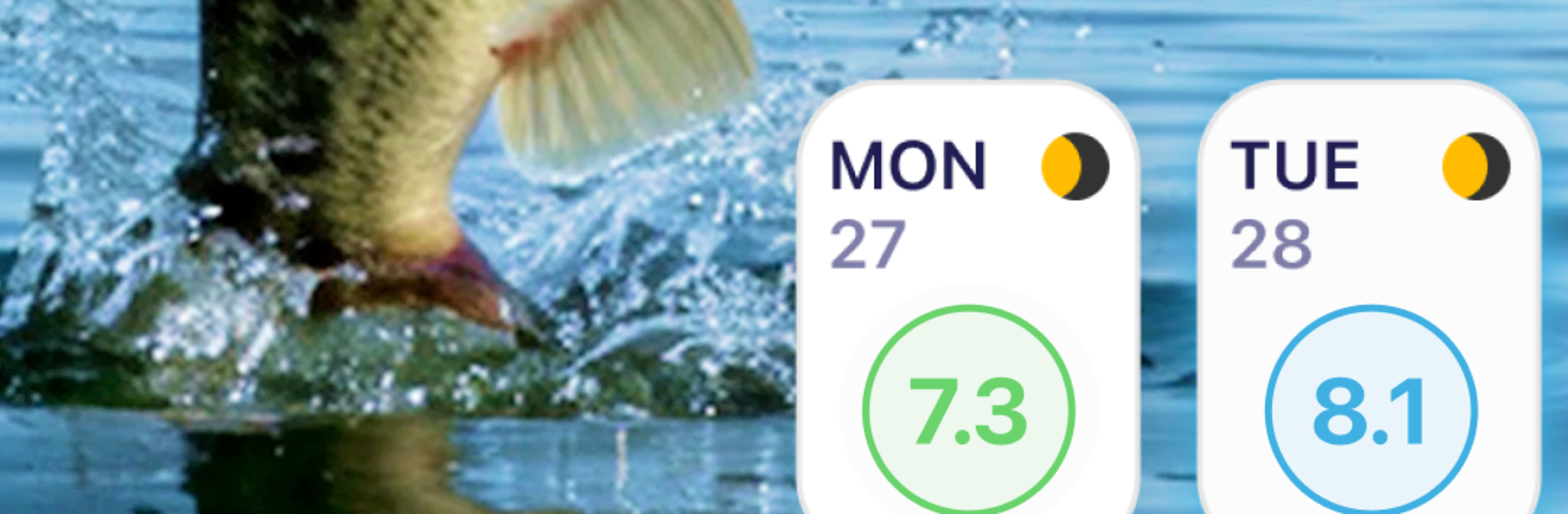
BassForecast: Fishing Forecast

BassForecast: Fishing Forecast

Sports

| BassForecast, LLC

Play on PC with BlueStacks or from our cloud

  • Overview
  • Game Features
  • How to Play

Page Modified On: November 20, 2025

Play BassForecast: Fishing Forecast on PC or Mac

Step into the World of BassForecast: Fishing Forecast, a thrilling Sports game from the house of BassForecast, LLC. Play this Android game on BlueStacks App Player and experience immersive gaming on PC or Mac.

About the Game

BassForecast: Fishing Forecast turns planning your next bass trip into a smart, satisfying routine. Built by BassForecast, LLC, this Sports title crunches real conditions so you’re not guessing when the bite will turn on—you’re ready for it. Prefer checking your plan on a bigger screen? It runs smoothly on PC with BlueStacks, too.

Game Features

  • Smart Feed Windows: Get a 10‑day look at prime bite times using the BassForecast Rating (BFR). It flags when conditions line up—down to specific hours—and even tags standout days like “Epic” or “Good,” so you can time your outing instead of winging it.

  • Structure Tips That Move With the Weather: See which lake structures are most likely to hold fish near your target area. Recommendations adjust with changing conditions, helping you focus on spots that matter.

  • Lake & Location Intel: Peek at historical trends, waterbody details, and community notes to understand a lake before you launch. It’s like pre-scouting from your couch.

  • Moon and Solunar Data: GPS‑specific solunar info shows peak feeding windows tied to moon phases. Plan morning, midday, or evening sessions with confidence.

  • Full Weather Picture: Check a detailed 10‑day forecast—temperature, wind speed and direction, chance of rain—so you pack the right gear and avoid surprise gusts or pop‑up storms.

  • Pro Lure Suggestions (Optional): Upgrade to Pro to see lure ideas tailored to the current BFR and real‑time conditions, keeping your tackle bag lean and effective.

  • Catch Logbook: Save every catch with photos, location, conditions, and your own notes. Over time, patterns jump out—what worked, where, and why.

  • Favorite Spot Tracker: Mark up to 10 go‑to locations and compare their history side by side to spot trends and uncover sleepers you’ve overlooked.

  • Year-Round Planner: A 12‑month calendar with moon phases helps you map out trips across seasons, from prespawn to fall feasts.

Slay your opponents with your epic moves. Play it your way on BlueStacks and dominate the battlefield.


Game Features

Enhancements

  • Macros
  • Multi Instance
  • Multi Instance Sync
  • Script
  • Enhancements
Macros

Macros

Automate the predictable in BassForecast: Fishing Forecast and transform your gameplay with Macros. Get access to inventive Macros in the BlueStacks Macro Community
Multi Instance

Multi Instance

Play BassForecast: Fishing Forecast on one window. And chat with your friend on the other. Press CTRL + Shift + 8 to open the Multi-Instance Manager. And start creating fresh instances or clone an existing one.
Multi Instance Sync

Multi Instance Sync

Play BassForecast: Fishing Forecast with the power of Multi-Instance Sync. Replicate what you are doing on the main instance on all other instances. Level up faster, play more.
Script

Script

Script your way to gaming glory in BassForecast: Fishing Forecast with BlueStacks Script. Write and run a set of commands to automate repeated tasks. Trigger the command by assigning it to any key.
Read More

How to Download and Play BassForecast: Fishing Forecast on PC or Mac

  • Download and install BlueStacks on your PC or Mac

  • Complete Google sign-in to access the Play Store, or do it later

  • Look for BassForecast: Fishing Forecast in the search bar at the top right corner

  • Click to install BassForecast: Fishing Forecast from the search results

  • Complete Google sign-in (if you skipped step 2) to install BassForecast: Fishing Forecast

  • Click the BassForecast: Fishing Forecast icon on the home screen to start playing

video
Watch Video

Minimum System Requirements

With BlueStacks 5, you can get started on a PC that fulfills the following requirements.

  • Operating System

    Microsoft Windows 7 or above, macOS 11 (Big Sur) or above

  • Processor

    Intel, AMD or Apple Silicon Processor

  • RAM

    at least 4GB

  • HDD

    10GB Free Disk Space

Note:

* You must be an Administrator on your PC. Up to date graphics drivers from Microsoft or the chipset vendor.

BassForecast: Fishing Forecast - FAQs

  • How to play BassForecast: Fishing Forecast on Windows PC & Mac?

    Play BassForecast: Fishing Forecast on your PC or Mac by following these simple steps.

    • Click on 'Play BassForecast: Fishing Forecast on PC’ to download BlueStacks
    • Install it and log-in to Google Play Store
    • Launch and play the game.
  • Why is BlueStacks the fastest and safest platform to play games on PC?

    BlueStacks respects your privacy and is always safe and secure to use. It does not carry any malware, spyware, or any sort of additional software that could harm your PC.

    It is engineered to optimize speed and performance for a seamless gaming experience.

  • What are BassForecast: Fishing Forecast PC requirements?

    Minimum requirement to run BassForecast: Fishing Forecast on your PC

    • OS: Microsoft Windows 7 or above MacOS 11 (Big Sur) or above
    • Processor: Intel, AMD or Apple Silicon Processor
    • RAM: Your PC must have at least 4GB of RAM. (Note that having 4GB or more disk space is not a substitute for RAM)
    • HDD: 10GB Free Disk Space.
    • You must be an Administrator on your PC.