Be the Manager 2022
Be the Manager 2022

Be the Manager 2022

Sports

| Mobisoca

Play on PC with BlueStacks or from our cloud

  • Overview
  • Game Features
  • How to Play

Page Modified On: December 15, 2025

Play Be the Manager 2022 on PC or Mac

From the innovators and creators at Mobisoca, Be the Manager 2022 is another fun addition to the World of Sports games. Go beyond your mobile screen and play it bigger and better on your PC or Mac. An immersive experience awaits you.

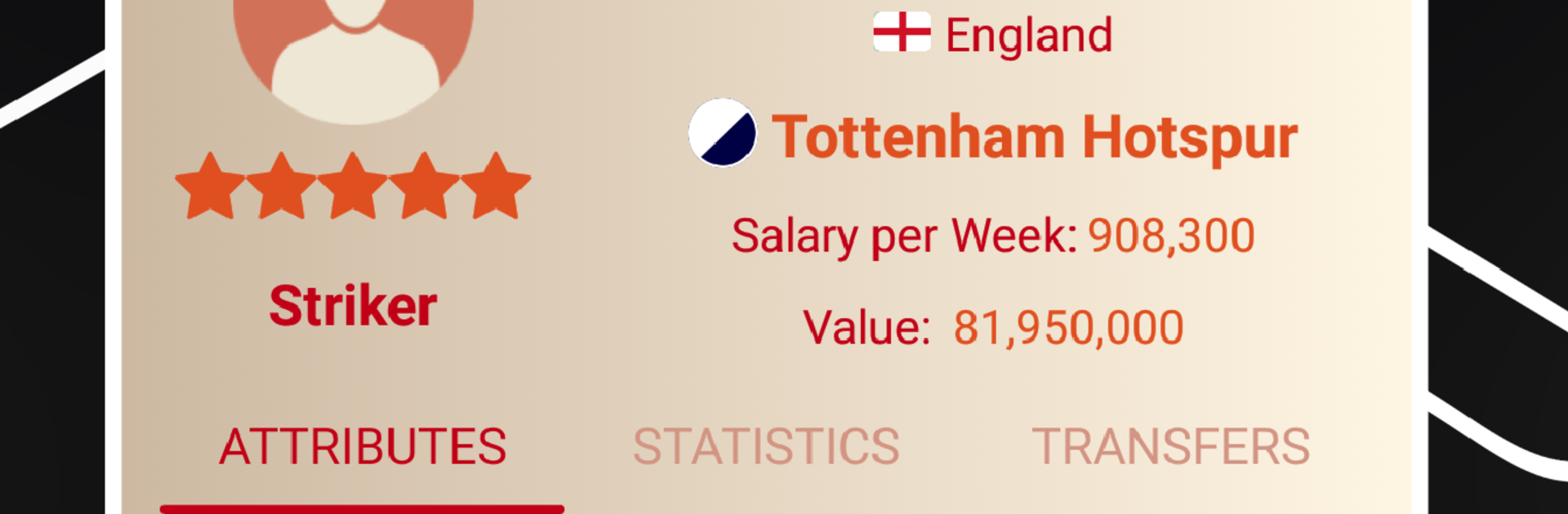
Be the Manager 2022 is a straight to the point football manager that keeps things clean and surprisingly deep. It runs with the 2021 and 2022 season data, so clubs, coaches, and players are real, which makes transfers and lineups feel grounded. The player handles the whole club life cycle: set formations, pick defensive or attacking approaches, tweak set pieces, and make changes during the match when a winger fades or a striker looks cold. Off the pitch there is plenty of number juggling too. Stadium facilities can be expanded from a modest ground toward a huge arena, sponsorship and TV deals need to fit the club’s status, and transfer negotiations feel like actual haggling rather than a button press. Developing prospects into starters is part of the fun, but a bad run really can cost the job, so watching tables, top scorers, and rival managers matters a lot.

What stands out is how quick it is to get moving without losing that manager itch. It is free to play, it works offline, and it still gives a full loop where an underdog can rise or a bigger offer can tempt a move to a famous team. Comparing results with managers worldwide adds a little pressure in a good way. On PC with BlueStacks, the menus and transfer screens are easier to read and click through and the match view feels less cramped, which suits longer sessions. Simple to learn, but it does ask for good decisions, and it keeps asking every week.

Start your journey now. Download the game on BlueStacks, invite your friends, and march on a new adventure.


Game Features

Enhancements

  • Macros
  • Multi Instance
  • Multi Instance Sync
  • Script
  • Enhancements
Macros

Macros

Automate the predictable in Be the Manager 2022 and transform your gameplay with Macros. Get access to inventive Macros in the BlueStacks Macro Community
Multi Instance

Multi Instance

Play Be the Manager 2022 on one window. And chat with your friend on the other. Press CTRL + Shift + 8 to open the Multi-Instance Manager. And start creating fresh instances or clone an existing one.
Multi Instance Sync

Multi Instance Sync

Play Be the Manager 2022 with the power of Multi-Instance Sync. Replicate what you are doing on the main instance on all other instances. Level up faster, play more.
Script

Script

Script your way to gaming glory in Be the Manager 2022 with BlueStacks Script. Write and run a set of commands to automate repeated tasks. Trigger the command by assigning it to any key.
Read More

How to Download and Play Be the Manager 2022 on PC or Mac

  • Download and install BlueStacks on your PC or Mac

  • Complete Google sign-in to access the Play Store, or do it later

  • Look for Be the Manager 2022 in the search bar at the top right corner

  • Click to install Be the Manager 2022 from the search results

  • Complete Google sign-in (if you skipped step 2) to install Be the Manager 2022

  • Click the Be the Manager 2022 icon on the home screen to start playing

video
Watch Video

Minimum System Requirements

With BlueStacks 5, you can get started on a PC that fulfills the following requirements.

  • Operating System

    Microsoft Windows 7 or above, macOS 11 (Big Sur) or above

  • Processor

    Intel, AMD or Apple Silicon Processor

  • RAM

    at least 4GB

  • HDD

    10GB Free Disk Space

Note:

* You must be an Administrator on your PC. Up to date graphics drivers from Microsoft or the chipset vendor.

Be the Manager 2022 - FAQs

  • How to play Be the Manager 2022 on Windows PC & Mac?

    Play Be the Manager 2022 on your PC or Mac by following these simple steps.

    • Click on 'Play Be the Manager 2022 on PC’ to download BlueStacks
    • Install it and log-in to Google Play Store
    • Launch and play the game.
  • Why is BlueStacks the fastest and safest platform to play games on PC?

    BlueStacks respects your privacy and is always safe and secure to use. It does not carry any malware, spyware, or any sort of additional software that could harm your PC.

    It is engineered to optimize speed and performance for a seamless gaming experience.

  • What are Be the Manager 2022 PC requirements?

    Minimum requirement to run Be the Manager 2022 on your PC

    • OS: Microsoft Windows 7 or above MacOS 11 (Big Sur) or above
    • Processor: Intel, AMD or Apple Silicon Processor
    • RAM: Your PC must have at least 4GB of RAM. (Note that having 4GB or more disk space is not a substitute for RAM)
    • HDD: 10GB Free Disk Space.
    • You must be an Administrator on your PC.