Campus Hoops: Basketball Coach

Campus Hoops: Basketball Coach

Sports

| ahangrykoala

Play on PC with BlueStacks or from our cloud

  • Overview
  • Game Features
  • How to Play

Page Modified On: July 14, 2026

Play Campus Hoops: Basketball Coach on PC or Mac

Explore a whole new adventure with Campus Hoops: Basketball Coach, a Sports game created by ahangrykoala. Experience great gameplay with BlueStacks, the most popular gaming platform to play Android games on your PC or Mac.

About the Game

Campus Hoops: Basketball Coach hands you the clipboard and puts you in charge of a full college program. It’s a strategy-first Sports sim where every recruit you chase and lineup you set can shape the next few seasons. If you like playing on a bigger screen, it also feels great on PC with BlueStacks.

Game Features

  • Run Your Program: Start with a small school and build it up, or take over a talented roster and go straight for trophies—your path, your pace.
  • Deep Recruiting: Scout high school talent, compare fits, and win those nail-biter battles to land the players who match your system.
  • Player Development: Create training plans and watch athletes grow season after season as roles expand and skills sharpen.
  • Roster Decisions: Manage scholarships, juggle rotations, and make tough offseason calls as players improve, graduate, and move on.
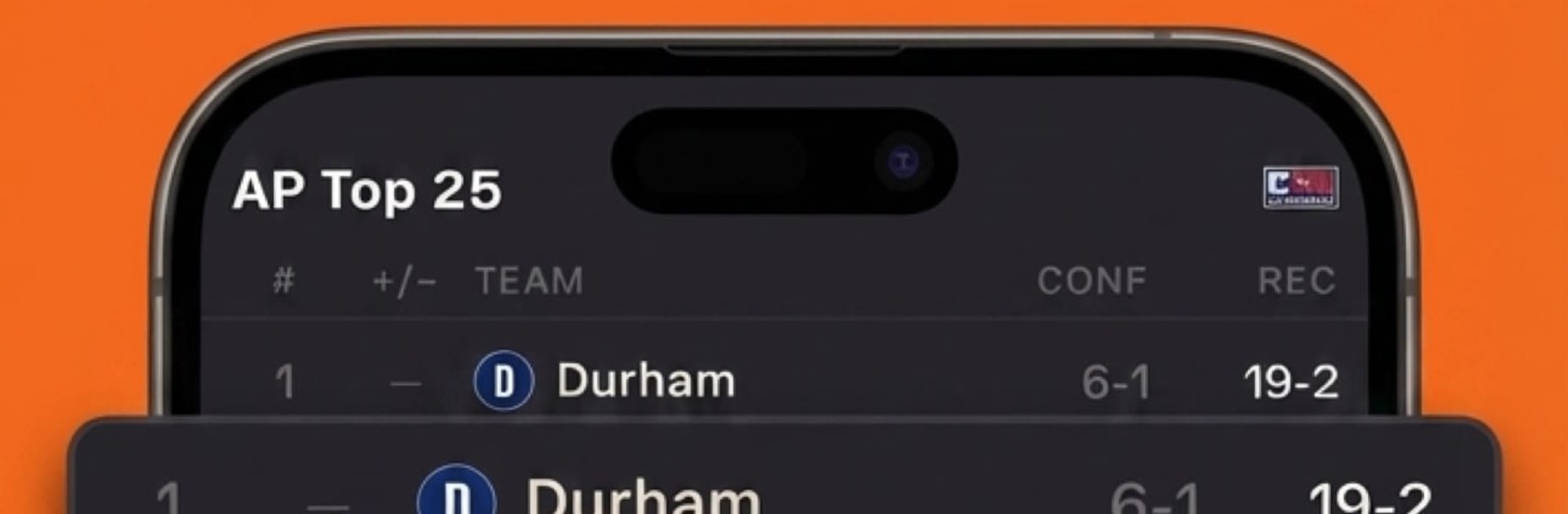
  • Full College Seasons: Navigate conference races, survive tournament brackets, and push through national postseason play.
  • Watch or Sim: Follow games through detailed play-by-play to feel every possession, or fast-forward through the broader season when you’re in a hurry.
  • Build Prestige: Turn an underdog into a powerhouse over time and watch your reputation rise with every big win.
  • Big College World: Compete in a sprawling universe with hundreds of teams across dozens of conferences, each with its own challenges.
  • Stats and History: Track school records, breakout performances, and the legacy your program leaves behind.
  • Coach Your Style: Craft an identity on both ends—set your tempo, lean into your strengths, and impose a game plan that actually sticks.

Start your journey now. Download the game on BlueStacks, invite your friends, and march on a new adventure.


Game Features

Enhancements

  • Macros
  • Multi Instance
  • Multi Instance Sync
  • Script
  • Enhancements
Macros

Macros

Automate the predictable in Campus Hoops: Basketball Coach and transform your gameplay with Macros. Get access to inventive Macros in the BlueStacks Macro Community
Multi Instance

Multi Instance

Play Campus Hoops: Basketball Coach on one window. And chat with your friend on the other. Press CTRL + Shift + 8 to open the Multi-Instance Manager. And start creating fresh instances or clone an existing one.
Multi Instance Sync

Multi Instance Sync

Play Campus Hoops: Basketball Coach with the power of Multi-Instance Sync. Replicate what you are doing on the main instance on all other instances. Level up faster, play more.
Script

Script

Script your way to gaming glory in Campus Hoops: Basketball Coach with BlueStacks Script. Write and run a set of commands to automate repeated tasks. Trigger the command by assigning it to any key.
Read More

How to Download and Play Campus Hoops: Basketball Coach on PC or Mac

  • Download and install BlueStacks on your PC or Mac

  • Complete Google sign-in to access the Play Store, or do it later

  • Look for Campus Hoops: Basketball Coach in the search bar at the top right corner

  • Click to install Campus Hoops: Basketball Coach from the search results

  • Complete Google sign-in (if you skipped step 2) to install Campus Hoops: Basketball Coach

  • Click the Campus Hoops: Basketball Coach icon on the home screen to start playing

video
Watch Video

Minimum System Requirements

With BlueStacks 5, you can get started on a PC that fulfills the following requirements.

  • Operating System

    Microsoft Windows 7 or above, macOS 11 (Big Sur) or above

  • Processor

    Intel, AMD or Apple Silicon Processor

  • RAM

    at least 4GB

  • HDD

    10GB Free Disk Space

Note:

* You must be an Administrator on your PC. Up to date graphics drivers from Microsoft or the chipset vendor.

Campus Hoops: Basketball Coach - FAQs

  • How to play Campus Hoops: Basketball Coach on Windows PC & Mac?

    Play Campus Hoops: Basketball Coach on your PC or Mac by following these simple steps.

    • Click on 'Play Campus Hoops: Basketball Coach on PC’ to download BlueStacks
    • Install it and log-in to Google Play Store
    • Launch and play the game.
  • Why is BlueStacks the fastest and safest platform to play games on PC?

    BlueStacks respects your privacy and is always safe and secure to use. It does not carry any malware, spyware, or any sort of additional software that could harm your PC.

    It is engineered to optimize speed and performance for a seamless gaming experience.

  • What are Campus Hoops: Basketball Coach PC requirements?

    Minimum requirement to run Campus Hoops: Basketball Coach on your PC

    • OS: Microsoft Windows 7 or above MacOS 11 (Big Sur) or above
    • Processor: Intel, AMD or Apple Silicon Processor
    • RAM: Your PC must have at least 4GB of RAM. (Note that having 4GB or more disk space is not a substitute for RAM)
    • HDD: 10GB Free Disk Space.
    • You must be an Administrator on your PC.