Dream League Soccer 2026

Dream League Soccer 2026

Sports

| First Touch Games Ltd.

Play on PC with BlueStacks or from our cloud

  • Overview
  • Tips & Tricks
  • Game Features
  • How to Play

Page Modified On: June 11, 2026

Play Dream League Soccer 2026 on PC or Mac

Explore a whole new adventure with Dream League Soccer 2026, a Sports game created by First Touch Games Ltd.. Experience great gameplay with BlueStacks, the most popular gaming platform to play Android games on your PC or Mac.

About the Game

Dream League Soccer 2026 hands you the clipboard and the spotlight. Build a squad loaded with real, licensed stars, shape a playstyle that actually fits them, and step onto the field for sharp, fast 3D matches that feel great in your hands. Climb through multiple divisions, tweak every detail of your club, and test yourself against players around the globe. Prefer a bigger screen? It also plays smoothly on PC with BlueStacks.

Game Features

  • Build your squad your way: Sign from a huge pool of FIFPRO licensed players, mix rising talents with established names, and craft a lineup that fits your tactics.
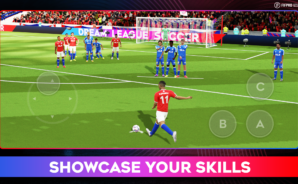
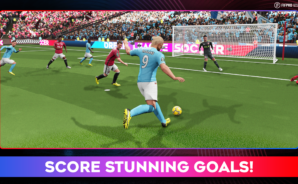
  • Real moves, real impact: Motion-captured tackles, dribbles, celebrations, and saves bring every match to life with crisp 3D animations.
  • Rise through the divisions: Fight your way across eight tiers and a variety of cup competitions, proving your team belongs among the elite.
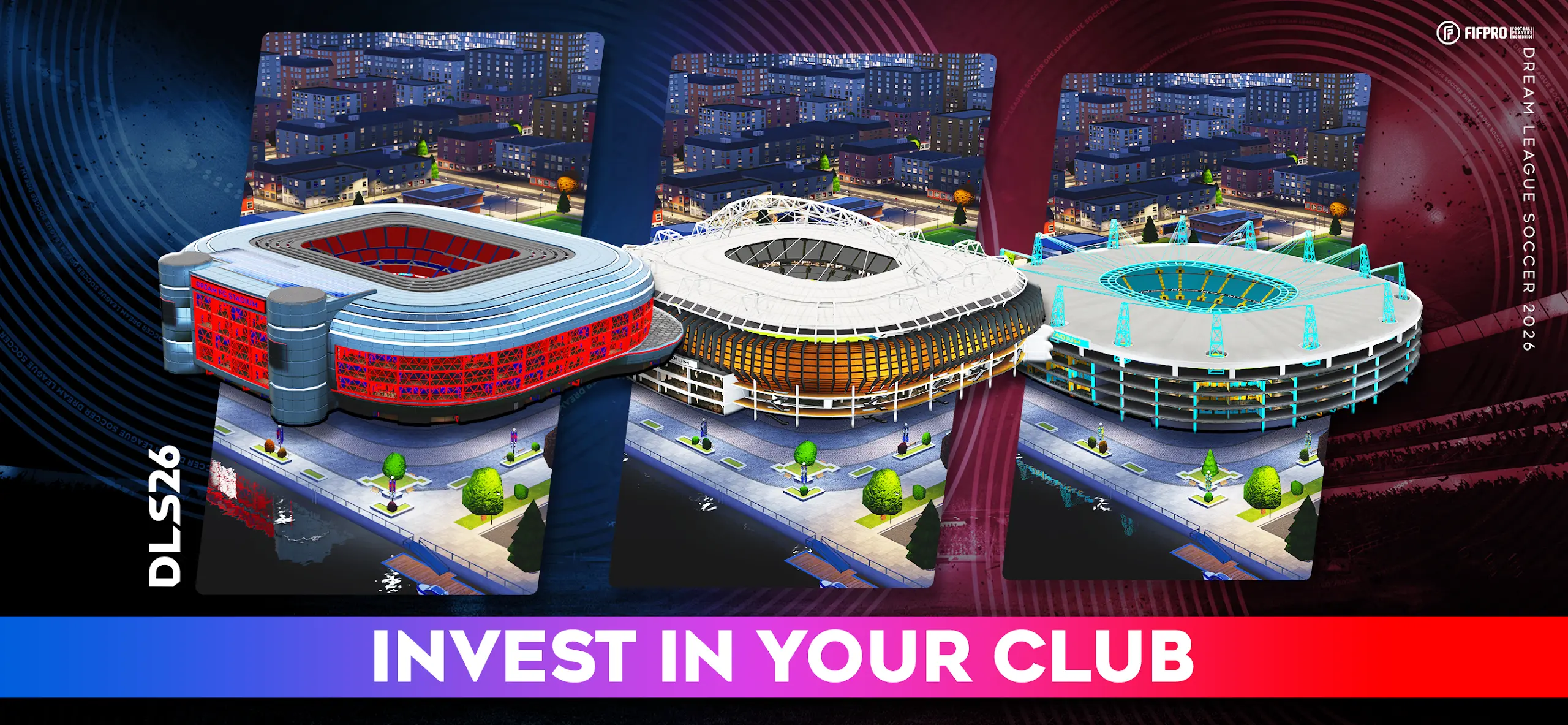
  • Upgrade your club: Expand your Stadium and develop Medical, Commercial, and Training facilities to boost matchday atmosphere and long-term growth.
  • Smarter football: Refined AI and fresh animations make build-up play, pressing, and counters feel more authentic and responsive.
  • Go global: Face opponents worldwide in competitive online modes with rankings that show exactly where you stand.
  • Agents, Scouts, and Coaches: Find the right signings and use Coaches to sharpen technical and physical attributes across the squad.
  • Make it yours: Customize kits, badges, and even import your own designs. You can also style your manager with new looks and outfits.
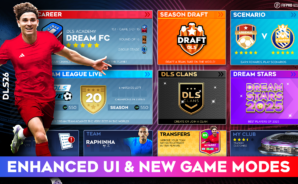
  • Extra challenges: Jump into daily scenarios and the Dream Draft for quick-hit tests of strategy and skill.
  • Sounds like matchday: In-game commentary tracks the action so every chance, tackle, and last-ditch save lands with energy.

Get ready for a buttery smooth, high-performance gaming action only on BlueStacks.

Game Features

Enhancements

  • Macros
  • Multi Instance
  • Multi Instance Sync
  • Script
  • Enhancements
Macros

Macros

Automate the predictable in Dream League Soccer 2026 and transform your gameplay with Macros. Get access to inventive Macros in the BlueStacks Macro Community
Multi Instance

Multi Instance

Play Dream League Soccer 2026 on one window. And chat with your friend on the other. Press CTRL + Shift + 8 to open the Multi-Instance Manager. And start creating fresh instances or clone an existing one.
Multi Instance Sync

Multi Instance Sync

Play Dream League Soccer 2026 with the power of Multi-Instance Sync. Replicate what you are doing on the main instance on all other instances. Level up faster, play more.
Script

Script

Script your way to gaming glory in Dream League Soccer 2026 with BlueStacks Script. Write and run a set of commands to automate repeated tasks. Trigger the command by assigning it to any key.
Read More

How to Download and Play Dream League Soccer 2026 on PC or Mac

  • Download and install BlueStacks on your PC or Mac

  • Complete Google sign-in to access the Play Store, or do it later

  • Look for Dream League Soccer 2026 in the search bar at the top right corner

  • Click to install Dream League Soccer 2026 from the search results

  • Complete Google sign-in (if you skipped step 2) to install Dream League Soccer 2026

  • Click the Dream League Soccer 2026 icon on the home screen to start playing

video
Watch Video

Minimum System Requirements

With BlueStacks 5, you can get started on a PC that fulfills the following requirements.

  • Operating System

    Microsoft Windows 7 or above, macOS 11 (Big Sur) or above

  • Processor

    Intel, AMD or Apple Silicon Processor

  • RAM

    at least 4GB

  • HDD

    10GB Free Disk Space

Note:

* You must be an Administrator on your PC. Up to date graphics drivers from Microsoft or the chipset vendor.

Dream League Soccer 2026 - FAQs

  • How to play Dream League Soccer 2026 on Windows PC & Mac?

    Play Dream League Soccer 2026 on your PC or Mac by following these simple steps.

    • Click on 'Play Dream League Soccer 2026 on PC’ to download BlueStacks
    • Install it and log-in to Google Play Store
    • Launch and play the game.
  • Why is BlueStacks the fastest and safest platform to play games on PC?

    BlueStacks respects your privacy and is always safe and secure to use. It does not carry any malware, spyware, or any sort of additional software that could harm your PC.

    It is engineered to optimize speed and performance for a seamless gaming experience.

  • What are Dream League Soccer 2026 PC requirements?

    Minimum requirement to run Dream League Soccer 2026 on your PC

    • OS: Microsoft Windows 7 or above MacOS 11 (Big Sur) or above
    • Processor: Intel, AMD or Apple Silicon Processor
    • RAM: Your PC must have at least 4GB of RAM. (Note that having 4GB or more disk space is not a substitute for RAM)
    • HDD: 10GB Free Disk Space.
    • You must be an Administrator on your PC.