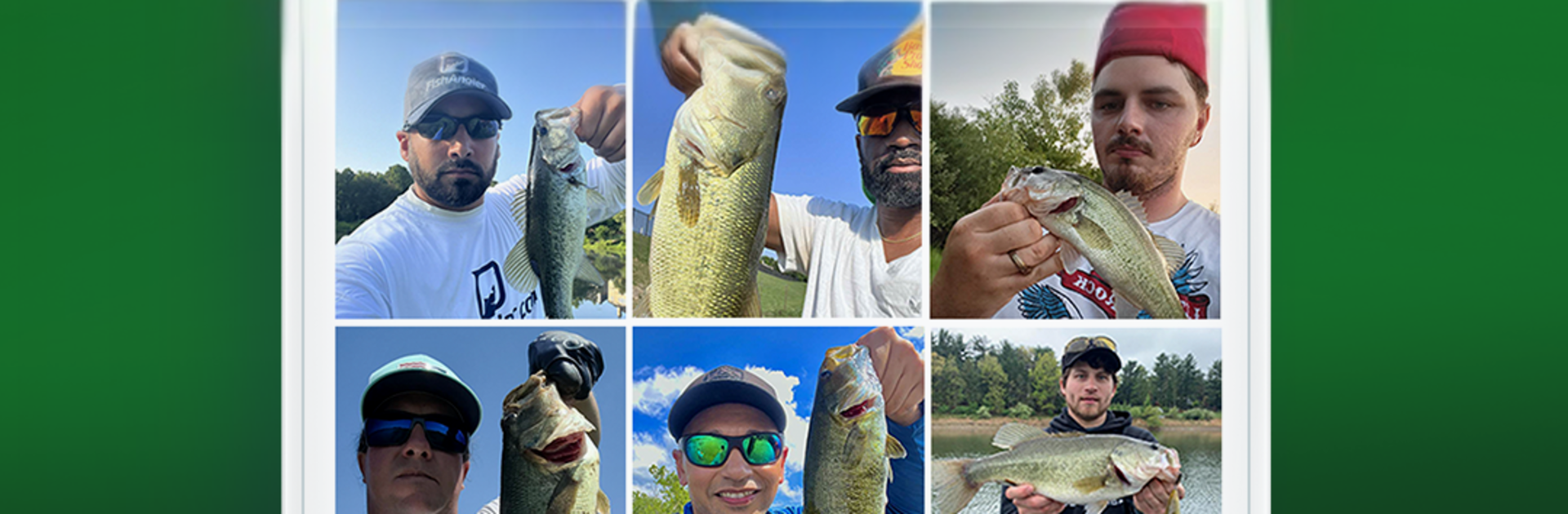
Fishing Spots - Fish Maps

Fishing Spots - Fish Maps

Sports

| FishAngler, LLC

Play on PC with BlueStacks or from our cloud

  • Overview
  • Game Features
  • How to Play

Page Modified On: October 24, 2025

Play Fishing Spots - Fish Maps on PC or Mac

Fishing Spots – Fish Maps brings the Sports genre to life, and throws up exciting challenges for gamers. Developed by FishAngler, LLC, this Android game is best experienced on BlueStacks, the World’s #1 app player for PC and Mac users.

Fishing Spots – Fish Maps is not a traditional game, more like a really solid fishing toolkit that is oddly fun to use on a PC. It turns into a planning session. Open the map, zoom in, and there are contour lines that show drop offs, reefs, and other structure, plus ramps and access points so there is no guessing where to launch. Filters help narrow things by species, water depth, and structure, which makes finding a likely spot feel deliberate instead of random. Using BlueStacks makes the big map easier to read, and dragging around with a mouse just feels better than a thumb on a small screen.

What stands out is the forecasting. It pulls in tide charts, moon phases, wind, pressure, water temperature, even river flow and gauge height, then highlights the better bite windows for whatever species someone is after. There is a clean logbook for recording catches, with notes on bait and weather, and it turns into useful stats over time. Private waypoints are there too, so secret spots stay secret. The community feed is active without being noisy, with local catch reports and simple tips that help a lot, whether it is fly tricks, bass jigs, or saltwater trolling. The free stuff is plenty for most folks, while the VIP add ons like more detailed depth charts and exact catch locations are for people who want every edge.

Slay your opponents with your epic moves. Play it your way on BlueStacks and dominate the battlefield.


Game Features

Enhancements

  • Macros
  • Multi Instance
  • Multi Instance Sync
  • Script
  • Enhancements
Macros

Macros

Automate the predictable in Fishing Spots - Fish Maps and transform your gameplay with Macros. Get access to inventive Macros in the BlueStacks Macro Community
Multi Instance

Multi Instance

Play Fishing Spots - Fish Maps on one window. And chat with your friend on the other. Press CTRL + Shift + 8 to open the Multi-Instance Manager. And start creating fresh instances or clone an existing one.
Multi Instance Sync

Multi Instance Sync

Play Fishing Spots - Fish Maps with the power of Multi-Instance Sync. Replicate what you are doing on the main instance on all other instances. Level up faster, play more.
Script

Script

Script your way to gaming glory in Fishing Spots - Fish Maps with BlueStacks Script. Write and run a set of commands to automate repeated tasks. Trigger the command by assigning it to any key.
Read More

How to Download and Play Fishing Spots - Fish Maps on PC or Mac

  • Download and install BlueStacks on your PC or Mac

  • Complete Google sign-in to access the Play Store, or do it later

  • Look for Fishing Spots - Fish Maps in the search bar at the top right corner

  • Click to install Fishing Spots - Fish Maps from the search results

  • Complete Google sign-in (if you skipped step 2) to install Fishing Spots - Fish Maps

  • Click the Fishing Spots - Fish Maps icon on the home screen to start playing

video
Watch Video

Minimum System Requirements

With BlueStacks 5, you can get started on a PC that fulfills the following requirements.

  • Operating System

    Microsoft Windows 7 or above, macOS 11 (Big Sur) or above

  • Processor

    Intel, AMD or Apple Silicon Processor

  • RAM

    at least 4GB

  • HDD

    10GB Free Disk Space

Note:

* You must be an Administrator on your PC. Up to date graphics drivers from Microsoft or the chipset vendor.

Fishing Spots - Fish Maps - FAQs

  • How to play Fishing Spots - Fish Maps on Windows PC & Mac?

    Play Fishing Spots - Fish Maps on your PC or Mac by following these simple steps.

    • Click on 'Play Fishing Spots - Fish Maps on PC’ to download BlueStacks
    • Install it and log-in to Google Play Store
    • Launch and play the game.
  • Why is BlueStacks the fastest and safest platform to play games on PC?

    BlueStacks respects your privacy and is always safe and secure to use. It does not carry any malware, spyware, or any sort of additional software that could harm your PC.

    It is engineered to optimize speed and performance for a seamless gaming experience.

  • What are Fishing Spots - Fish Maps PC requirements?

    Minimum requirement to run Fishing Spots - Fish Maps on your PC

    • OS: Microsoft Windows 7 or above MacOS 11 (Big Sur) or above
    • Processor: Intel, AMD or Apple Silicon Processor
    • RAM: Your PC must have at least 4GB of RAM. (Note that having 4GB or more disk space is not a substitute for RAM)
    • HDD: 10GB Free Disk Space.
    • You must be an Administrator on your PC.