Futebol Plus: Brasileirão 2026

Futebol Plus: Brasileirão 2026

Sports

| StudioMoob

Play on PC with BlueStacks or from our cloud

  • Overview
  • How to Download

Page Modified On: October 21, 2026

Run Futebol Plus: Brasileirão 2026 on PC or Mac

What’s better than using Futebol Plus: Brasileirão 2026 by StudioMoob? Well, try it on a big screen, on your PC or Mac, with BlueStacks to see the difference.

About the App

Futebol Plus: Brasileirão 2026 is your quick, no-fuss way to stay on top of Brazilian soccer. This Sports app puts live scores, schedules, standings, and broadcast info in one clean place, so you can check what matters and get back to your day. Pick your team, set alerts, and follow everything from Série A clashes to big continental nights without digging through endless menus.

App Features

  • Live scores in a snap: Watch the score update instantly and never miss a twist in the match.
  • Where to watch, right on the match page: See if the game is on free TV, pay TV, pay-per-view, or streaming—clearly labeled before kickoff.
  • Real-time alerts you control: Choose your club and get pings for goals, lineups, kickoff, and the final whistle.
  • Minute-by-minute commentary: Follow key plays and momentum shifts with detailed play-by-play.
  • Up-to-the-minute tables: Track standings across the Brasileirão and every competition covered, updated in real time.
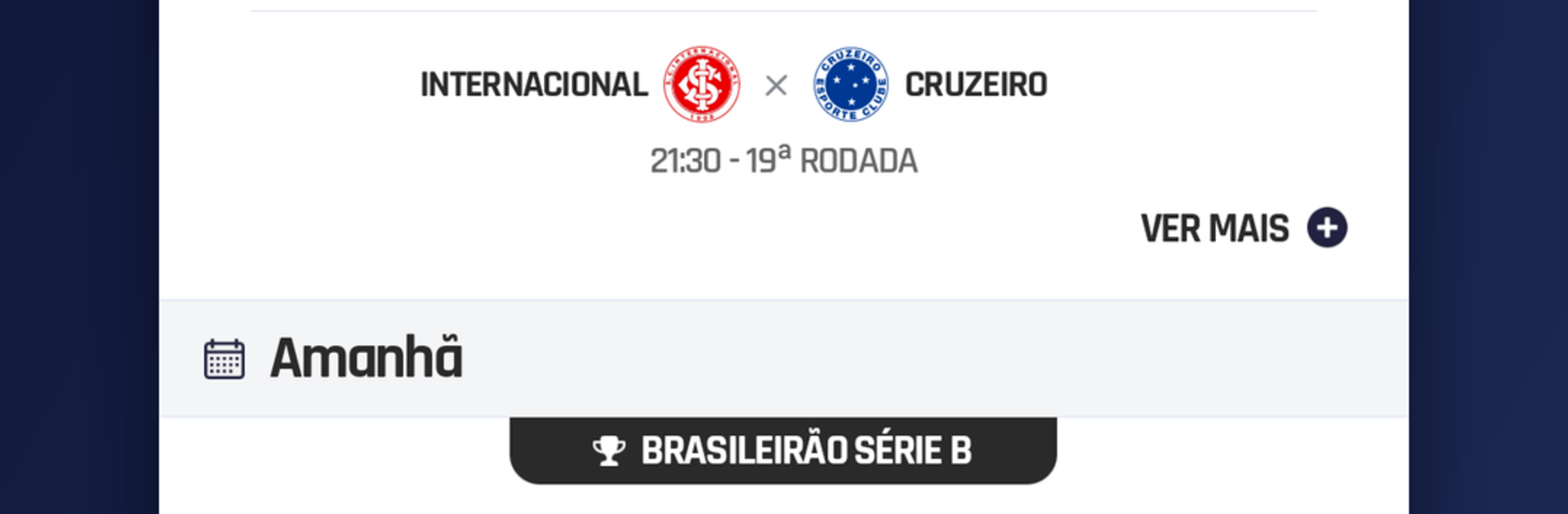
  • Fixtures at a glance: Check what’s on today, what’s coming up, and results from earlier rounds—fast.
  • Confirmed lineups and benches: View starters, reserves, and late changes as soon as they’re announced.
  • Stats and quick recaps: Scan shots, cards, chances, and a tidy post-match summary without scrolling forever.
  • Top scorers and rankings: Keep tabs on the goal race for each tournament.
  • News and transfer tracker: Follow team news, signings, and departures so you’re never behind on roster moves.
  • All the competitions you care about: Brasileirão Série A, B, C, D; Copa do Brasil; Copinha; Libertadores; Sul-Americana; Club World Cup; national team qualifiers and friendlies; plus state leagues like Paulista, Carioca, Mineiro, Gaúcho, Paranaense, Baiano, Goiano, Pernambucano, Catarinense, Cearense, and regionals like Copa do Nordeste and Copa Verde.
  • Light on data and battery: Opens fast, loads what you need, and stays out of the way.
  • Big-screen friendly with BlueStacks: Like checking matches on a larger display? It runs smoothly on BlueStacks too.

BlueStacks brings your apps to life on a bigger screen—seamless and straightforward.

How to Download and Run Futebol Plus: Brasileirão 2026 on PC or Mac

  • Download and install BlueStacks on your PC or Mac

  • Complete Google sign-in to access the Play Store, or do it later

  • Look for Futebol Plus: Brasileirão 2026 in the search bar at the top right corner

  • Click to install Futebol Plus: Brasileirão 2026 from the search results

  • Complete Google sign-in (if you skipped step 2) to install Futebol Plus: Brasileirão 2026

  • Click the Futebol Plus: Brasileirão 2026 icon on the home screen to start playing

video
Watch Video

Minimum System Requirements

With BlueStacks 5, you can get started on a PC that fulfills the following requirements.

  • Operating System

    Microsoft Windows 7 or above, macOS 11 (Big Sur) or above

  • Processor

    Intel, AMD or Apple Silicon Processor

  • RAM

    at least 4GB

  • HDD

    10GB Free Disk Space

Note:

* You must be an Administrator on your PC. Up to date graphics drivers from Microsoft or the chipset vendor.

Futebol Plus: Brasileirão 2026 - FAQs

  • How to Run Futebol Plus: Brasileirão 2026 on Windows PC & Mac?

    Run Futebol Plus: Brasileirão 2026 on your PC or Mac by following these simple steps.

    • Click on ‘Download Futebol Plus: Brasileirão 2026 on PC’ to download BlueStacks
    • Install it and log-in to Google Play Store
    • Launch and run the app.
  • Why is BlueStacks the fastest and safest platform to play games on PC?

    BlueStacks respects your privacy and is always safe and secure to use. It does not carry any malware, spyware, or any sort of additional software that could harm your PC.

    It is engineered to optimize speed and performance for a seamless gaming experience.

  • What are Futebol Plus: Brasileirão 2026 PC requirements?

    Minimum requirement to run Futebol Plus: Brasileirão 2026 on your PC

    • OS: Microsoft Windows 7 and above:
    • Processor: Intel or AMD Processor:
    • RAM: Your PC must have at least 2GB of RAM. (Note that having 2GB or more disk space is not a substitute for RAM):
    • HDD: 5GB Free Disk Space.
    • You must be an Administrator on your PC.