Squabbit - Golf Tournament App

Squabbit - Golf Tournament App

Sports

| Squabbit Golf

Play on PC with BlueStacks or from our cloud

  • Overview
  • How to Download

Page Modified On: September 18, 2026

Run Squabbit - Golf Tournament App on PC or Mac

Get freedom from your phone’s obvious limitations. Use Squabbit – Golf Tournament App, made by Squabbit Golf, a Sports app on your PC or Mac with BlueStacks, and level up your experience.

About the App

Squabbit – Golf Tournament App makes organizing and playing golf events feel easy, not fussy. This Sports app brings live scoring, GPS yardages, and fun side games to every round—whether it’s a big club championship or a buddies’ trip. Prefer a bigger screen on the range or between shots? You can even run it on BlueStacks.

App Features

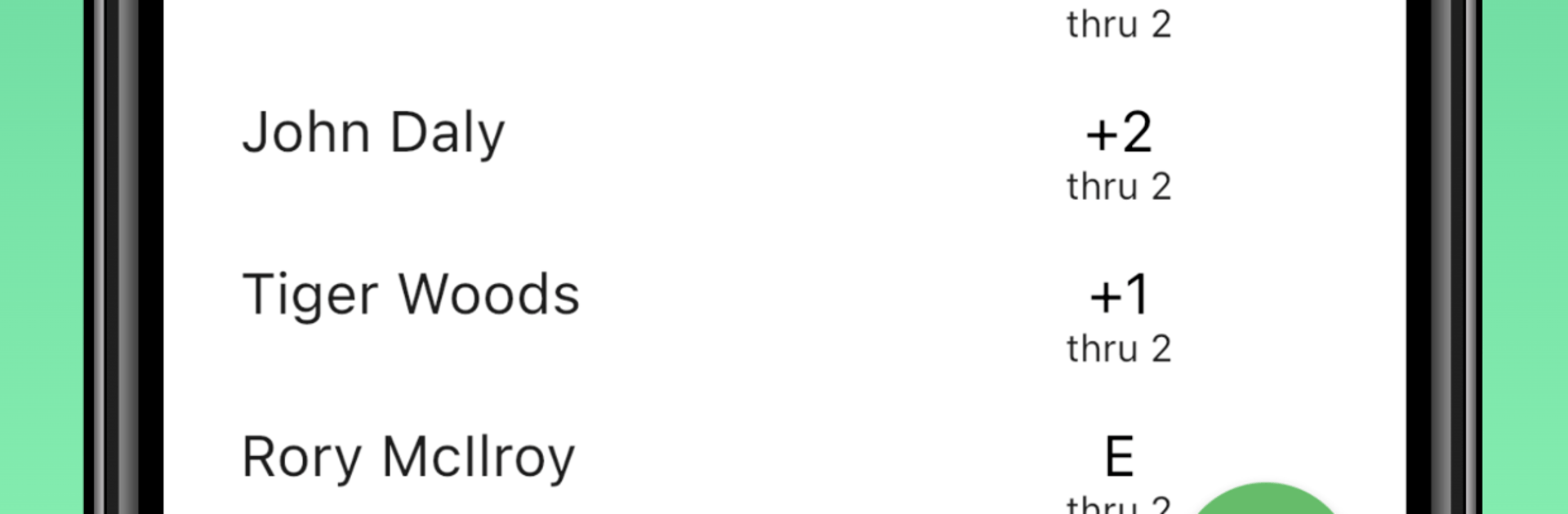
  • Live Leaderboards & Alerts: Watch scores update in real time and get notified the moment the lead changes.
  • Free With No Limits: Use it free—no ads, no paywalls, and no caps on players, teams, or tournaments.
  • Formats Galore: Run Stroke Play, Stableford, Scramble, Best Ball, Ryder Cup, Alternate Shot, Mixed, Shamble, 2‑Person Scramble, and more.
  • Leagues & Societies: Set up seasons, publish events, ping players with updates, and track season-long leaderboards.
  • On‑Course GPS: See precise distances to pins, bunkers, and hazards, and measure your shot lengths as you go.
  • Scales to Any Event: Works just as well for 100+ player multi‑day events as it does for a casual weekend outing.
  • Fast Player Entry: Add golfers in seconds—even if they don’t have a handicap yet or haven’t installed the app.
  • Wear OS Support: Check distances, log shots, and enter hole scores right from your wrist—no need to reach for a device.
  • Deep Round Stats: Spot hot streaks on pars, best aggregate on par 3s, biggest blow‑up holes, and plenty more nerdy-good insights.
  • Photos & Chat: Share pics and keep the banter rolling with a built‑in group chat for everyone in the event.
  • Global Course Directory: Browse 30k+ courses in 30+ countries, add missing ones, or edit layouts if the tees or holes change.
  • Scorecard Side Games: Layer in Match Play, Skins, Stableford, Low Ball/High Ball, and other favorites.
  • Smart Handicap Sync: Handicaps update automatically with a USGA‑based calculation, including relative and percentage adjustments per round.
  • Easy Exports: Export tournament scorecards to CSV for quick spreadsheet analysis.
  • Respectful GPS Use: Location services kick in only while you’re playing a round and can be declined if you prefer.

BlueStacks gives you the much-needed freedom to experience your favorite apps on a bigger screen. Get it now.


How to Download and Run Squabbit - Golf Tournament App on PC or Mac

  • Download and install BlueStacks on your PC or Mac

  • Complete Google sign-in to access the Play Store, or do it later

  • Look for Squabbit - Golf Tournament App in the search bar at the top right corner

  • Click to install Squabbit - Golf Tournament App from the search results

  • Complete Google sign-in (if you skipped step 2) to install Squabbit - Golf Tournament App

  • Click the Squabbit - Golf Tournament App icon on the home screen to start playing

video
Watch Video

Minimum System Requirements

With BlueStacks 5, you can get started on a PC that fulfills the following requirements.

  • Operating System

    Microsoft Windows 7 or above, macOS 11 (Big Sur) or above

  • Processor

    Intel, AMD or Apple Silicon Processor

  • RAM

    at least 4GB

  • HDD

    10GB Free Disk Space

Note:

* You must be an Administrator on your PC. Up to date graphics drivers from Microsoft or the chipset vendor.

Squabbit - Golf Tournament App - FAQs

  • How to Run Squabbit - Golf Tournament App on Windows PC & Mac?

    Run Squabbit - Golf Tournament App on your PC or Mac by following these simple steps.

    • Click on ‘Download Squabbit - Golf Tournament App on PC’ to download BlueStacks
    • Install it and log-in to Google Play Store
    • Launch and run the app.
  • Why is BlueStacks the fastest and safest platform to play games on PC?

    BlueStacks respects your privacy and is always safe and secure to use. It does not carry any malware, spyware, or any sort of additional software that could harm your PC.

    It is engineered to optimize speed and performance for a seamless gaming experience.

  • What are Squabbit - Golf Tournament App PC requirements?

    Minimum requirement to run Squabbit - Golf Tournament App on your PC

    • OS: Microsoft Windows 7 and above:
    • Processor: Intel or AMD Processor:
    • RAM: Your PC must have at least 2GB of RAM. (Note that having 2GB or more disk space is not a substitute for RAM):
    • HDD: 5GB Free Disk Space.
    • You must be an Administrator on your PC.