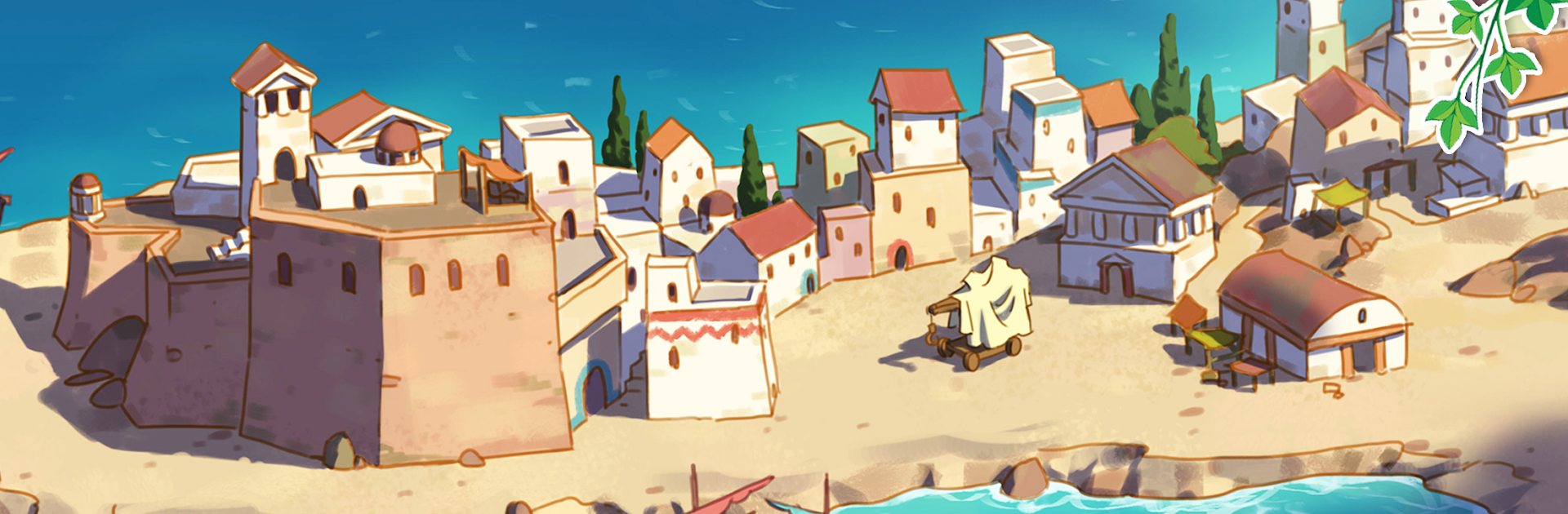
Archimedes: Eureka! (Platinum)

Archimedes: Eureka! (Platinum)

Strategy

| JetDogs Oy

Play on PC with BlueStacks or from our cloud

  • Overview
  • Game Features
  • How to Play

Page Modified On: December 05, 2025

Play Archimedes: Eureka! (Platinum) on PC or Mac

Archimedes: Eureka! (Platinum) brings the Strategy genre to life, and throws up exciting challenges for gamers. Developed by JetDogs Oy, this Android game is best experienced on BlueStacks, the World’s #1 app player for PC and Mac users.

About the Game

Archimedes: Eureka! (Platinum) from JetDogs Oy turns Ancient Greece into your bustling workshop. After a windy experiment wrecks the city, you’ll help the famed inventor rebuild, research, and juggle resources in a lively Strategy adventure. It also plays comfortably on BlueStacks if you’d rather use a keyboard and a bigger screen.

Game Features

  • Sprawling map – Travel across a sunlit island through seven story-driven episodes packed with tasks.
  • 100 handcrafted levels – Short, satisfying stages that keep the pace brisk while steadily raising the challenge.
  • Invent, test, repeat – Team up with Archimedes to research clever mechanisms, including wind-powered contraptions.
  • Build and rebuild – Reconnect routes by constructing bridges, portals, and zip lines to open new paths.
  • Resource juggling – Gather materials, manage timing, and keep your workers busy to hit each objective efficiently.
  • City restoration – Clear debris, fix what’s broken, and bring life back to a once-thriving Greek settlement.
  • Earn and invest – Generate revenue and pour it into upgrades that make your next mission smoother.
  • Friendly faces – Trade friendly jabs with Hercules and see how he stacks up against Archimedes’ inventions.

Make your gaming sessions memorable with precise controls that give you an edge in close combats and visuals that pop up, bringing every character to life.


Game Features

Enhancements

  • Macros
  • Multi Instance
  • Multi Instance Sync
  • Eco Mode
  • Enhancements
Macros

Macros

Skip the boring parts of a game. Play Archimedes: Eureka! (Platinum) with Macros and get the edge. Simply record a sequence of commands and execute them at any moment.
Multi Instance

Multi Instance

Why limit to one game on your phone when you can play many on your PC? Open multiple instances of Archimedes: Eureka! (Platinum) at once with Multi-Instance. Leverage the power of different accounts by doing more.
Multi Instance Sync

Multi Instance Sync

Get the best out of Archimedes: Eureka! (Platinum) with Multi-Instance Sync. Play the game from different accounts and build your own empire. Use Multi-instance sync to repeat the action in the main BlueStacks instance on all other instances.
Eco Mode

Eco Mode

Find the rarest heroes by making multiple summons in Archimedes: Eureka! (Platinum). And while you are at it, reduce your PC’s resource consumption with the Eco Mode. Farm efficiently. Get the best results.
Read More

How to Download and Play Archimedes: Eureka! (Platinum) on PC or Mac

  • Download and install BlueStacks on your PC or Mac

  • Complete Google sign-in to access the Play Store, or do it later

  • Look for Archimedes: Eureka! (Platinum) in the search bar at the top right corner

  • Click to install Archimedes: Eureka! (Platinum) from the search results

  • Complete Google sign-in (if you skipped step 2) to install Archimedes: Eureka! (Platinum)

  • Click the Archimedes: Eureka! (Platinum) icon on the home screen to start playing

video
Watch Video

Minimum System Requirements

With BlueStacks 5, you can get started on a PC that fulfills the following requirements.

  • Operating System

    Microsoft Windows 7 or above, macOS 11 (Big Sur) or above

  • Processor

    Intel, AMD or Apple Silicon Processor

  • RAM

    at least 4GB

  • HDD

    10GB Free Disk Space

Note:

* You must be an Administrator on your PC. Up to date graphics drivers from Microsoft or the chipset vendor.

Archimedes: Eureka! (Platinum) - FAQs

  • How to play Archimedes: Eureka! (Platinum) on Windows PC & Mac?

    Play Archimedes: Eureka! (Platinum) on your PC or Mac by following these simple steps.

    • Click on 'Play Archimedes: Eureka! (Platinum) on PC’ to download BlueStacks
    • Install it and log-in to Google Play Store
    • Launch and play the game.
  • Why is BlueStacks the fastest and safest platform to play games on PC?

    BlueStacks respects your privacy and is always safe and secure to use. It does not carry any malware, spyware, or any sort of additional software that could harm your PC.

    It is engineered to optimize speed and performance for a seamless gaming experience.

  • What are Archimedes: Eureka! (Platinum) PC requirements?

    Minimum requirement to run Archimedes: Eureka! (Platinum) on your PC

    • OS: Microsoft Windows 7 or above MacOS 11 (Big Sur) or above
    • Processor: Intel, AMD or Apple Silicon Processor
    • RAM: Your PC must have at least 4GB of RAM. (Note that having 4GB or more disk space is not a substitute for RAM)
    • HDD: 10GB Free Disk Space.
    • You must be an Administrator on your PC.