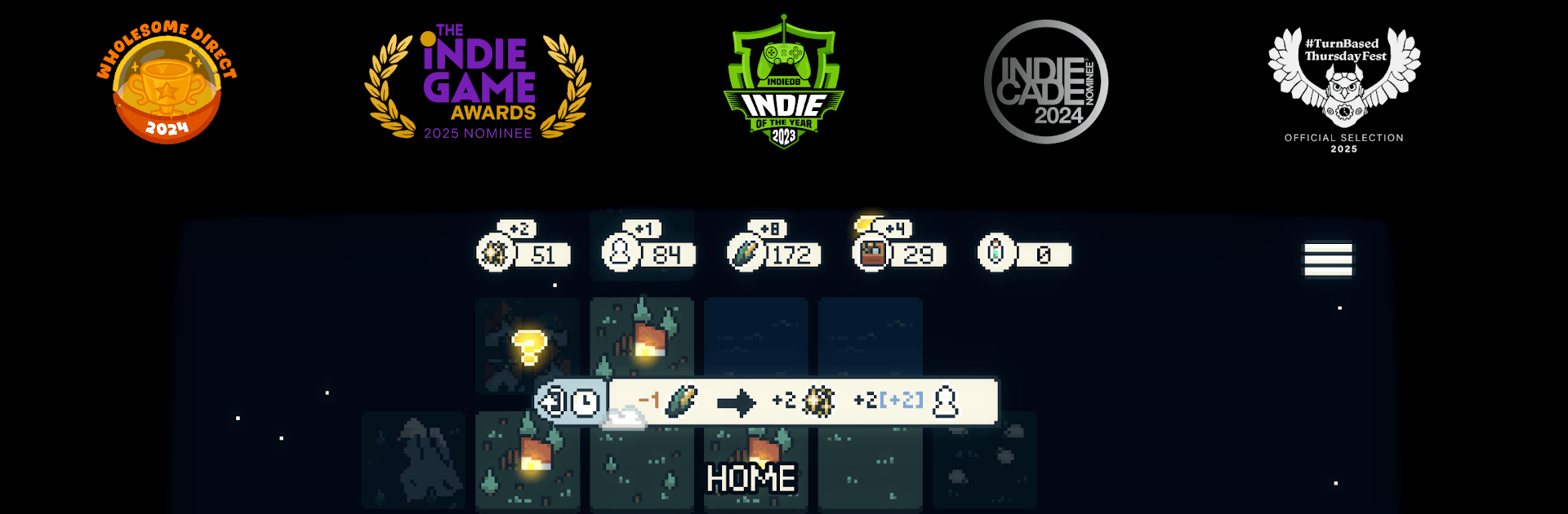


Play Dawnfolk by Short Circuit Studio on PC or Mac with BlueStacks. Use a bigger screen, mouse and keyboard controls, and smoother performance while you play.
About the Game
Dawnfolk is a Strategy game about bringing a fallen kingdom back to life, one careful choice at a time. With Lueur—a fiery little guide at your side—you’ll push back the gloom, gather resources, and turn a scrappy camp into a thriving city. It’s calm, smart, and easy to slip into, whether you have ten minutes or an evening.
Game Features
- Light as your ally: Lueur reveals hidden paths, keeps danger at bay, and helps you reclaim land swallowed by darkness.
- Relaxed strategy, real depth: Gentle pacing meets meaningful decisions, so you can think things through without feeling rushed.
- Quick starts, satisfying runs: Go from tents to a bustling city in well under an hour, without slogging through long tutorials or cluttered menus.
- Macro meets micro: Build and manage your settlement, then hop into bite-sized skill challenges inspired by farming sims and RPGs to earn extra resources.
- Multiple ways to play: Switch between real-time and turn-based modes, and tune difficulty to match your mood.
- Learn by exploring: The world doesn’t explain everything—poke around, try ideas, and uncover systems at your own pace.
- Minimalist, not bare-bones: Clean, focused mechanics deliver plenty of depth without overwhelming you.
- Your choices shape the story: Buildings spark evolving events, and your approach—gentle or pragmatic—changes how your people grow.
- PC-friendly option: Prefer a bigger screen and steady performance? You can play on BlueStacks and keep the strategy crisp and comfortable.
Ready to top the leaderboard? We bet you do. Let precise controls and sharp visuals optimized on BlueStacks lead you to victory.