Derby Monster Truck Stunt Game

Derby Monster Truck Stunt Game

Strategy

| Games Tooist

Play on PC with BlueStacks or from our cloud

  • Overview
  • Game Features
  • How to Play

Page Modified On: December 05, 2025

Play Derby Monster Truck Stunt Game on PC or Mac

From the innovators and creators at Games Tooist, Derby Monster Truck Stunt Game is another fun addition to the World of Strategy games. Go beyond your mobile screen and play it bigger and better on your PC or Mac. An immersive experience awaits you.

About the Game

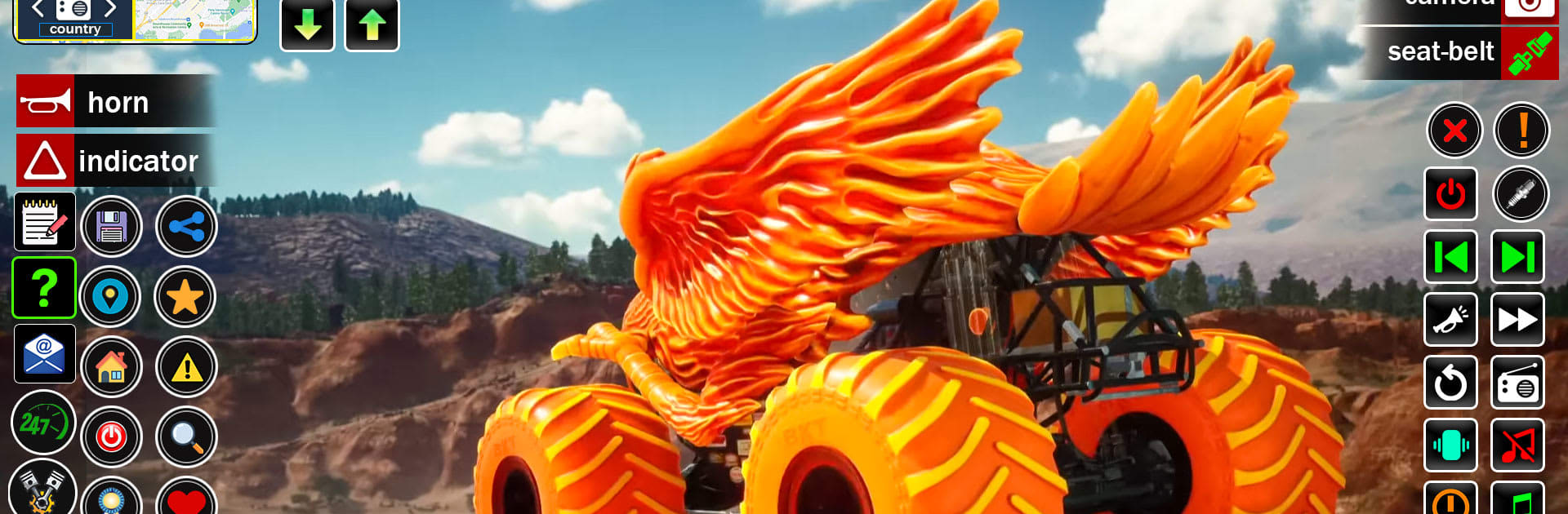
Derby Monster Truck Stunt Game throws you behind the wheel of ridiculous, oversized rigs and asks a simple question: can you outthink and out-crash everyone else? It’s action-packed, sure, but it’s also a Strategy experience from Games Tooist where timing, positioning, and smart upgrades matter as much as raw horsepower. Expect wild arenas, open-world cruising, and plenty of metal-twisting moments.

Game Features

  • Destruction Derby Arena: Enter chaotic, last-ride-standing battles where every hit counts. Line up rams, bait rivals into barriers, and survive the storm.
  • Stunt Ramps and Big Air: Launch off massive ramps, thread tight gaps, and stick clean landings. Showboating is fun—landing is smarter.
  • Open-World Free Roam: Cruise a city and surrounding backroads, pick up surprises, and jump into bite-sized challenges between events.
  • Off-Road Mud Racing: Wrestle 4×4 beasts through ruts, puddles, and hills. Choose your lines, keep momentum, and don’t bog down.
  • Pure Crash Mode: Want mayhem without the strategy layer? Smash through waves of vehicles and watch the sparks fly.
  • Build Your Beast: Spend coins to upgrade engine power and brake torque, then tweak your look with spoilers and more. Tune for ramming power or nimble dodges—your call.
  • Weighty Hits, Crunchy Audio: Collisions feel punchy and loud, with satisfying metal crunch, blast effects, and chunky tire noise.
  • Play Offline, Your Way: No connection needed for core modes. Prefer a keyboard and bigger screen? It also plays smoothly on PC with BlueStacks.
  • Easy to Pick Up, Smart to Master: Simple controls get you rolling fast, while tactical decisions—when to ram, when to swerve—win matches.

Ready to top the leaderboard? We bet you do. Let precise controls and sharp visuals optimized on BlueStacks lead you to victory.


Game Features

Enhancements

  • Macros
  • Multi Instance
  • Multi Instance Sync
  • Eco Mode
  • Enhancements
Macros

Macros

Skip the boring parts of a game. Play Derby Monster Truck Stunt Game with Macros and get the edge. Simply record a sequence of commands and execute them at any moment.
Multi Instance

Multi Instance

Why limit to one game on your phone when you can play many on your PC? Open multiple instances of Derby Monster Truck Stunt Game at once with Multi-Instance. Leverage the power of different accounts by doing more.
Multi Instance Sync

Multi Instance Sync

Get the best out of Derby Monster Truck Stunt Game with Multi-Instance Sync. Play the game from different accounts and build your own empire. Use Multi-instance sync to repeat the action in the main BlueStacks instance on all other instances.
Eco Mode

Eco Mode

Find the rarest heroes by making multiple summons in Derby Monster Truck Stunt Game. And while you are at it, reduce your PC’s resource consumption with the Eco Mode. Farm efficiently. Get the best results.
Read More

How to Download and Play Derby Monster Truck Stunt Game on PC or Mac

  • Download and install BlueStacks on your PC or Mac

  • Complete Google sign-in to access the Play Store, or do it later

  • Look for Derby Monster Truck Stunt Game in the search bar at the top right corner

  • Click to install Derby Monster Truck Stunt Game from the search results

  • Complete Google sign-in (if you skipped step 2) to install Derby Monster Truck Stunt Game

  • Click the Derby Monster Truck Stunt Game icon on the home screen to start playing

video
Watch Video

Minimum System Requirements

With BlueStacks 5, you can get started on a PC that fulfills the following requirements.

  • Operating System

    Microsoft Windows 7 or above, macOS 11 (Big Sur) or above

  • Processor

    Intel, AMD or Apple Silicon Processor

  • RAM

    at least 4GB

  • HDD

    10GB Free Disk Space

Note:

* You must be an Administrator on your PC. Up to date graphics drivers from Microsoft or the chipset vendor.

Derby Monster Truck Stunt Game - FAQs

  • How to play Derby Monster Truck Stunt Game on Windows PC & Mac?

    Play Derby Monster Truck Stunt Game on your PC or Mac by following these simple steps.

    • Click on 'Play Derby Monster Truck Stunt Game on PC’ to download BlueStacks
    • Install it and log-in to Google Play Store
    • Launch and play the game.
  • Why is BlueStacks the fastest and safest platform to play games on PC?

    BlueStacks respects your privacy and is always safe and secure to use. It does not carry any malware, spyware, or any sort of additional software that could harm your PC.

    It is engineered to optimize speed and performance for a seamless gaming experience.

  • What are Derby Monster Truck Stunt Game PC requirements?

    Minimum requirement to run Derby Monster Truck Stunt Game on your PC

    • OS: Microsoft Windows 7 or above MacOS 11 (Big Sur) or above
    • Processor: Intel, AMD or Apple Silicon Processor
    • RAM: Your PC must have at least 4GB of RAM. (Note that having 4GB or more disk space is not a substitute for RAM)
    • HDD: 10GB Free Disk Space.
    • You must be an Administrator on your PC.