

Explore a whole new adventure with Don’t Touch Grass, a Strategy game created by PIXEL RABBIT LIMITED. Experience great gameplay with BlueStacks, the most popular gaming platform to play Android games on your PC or Mac.
About the Game
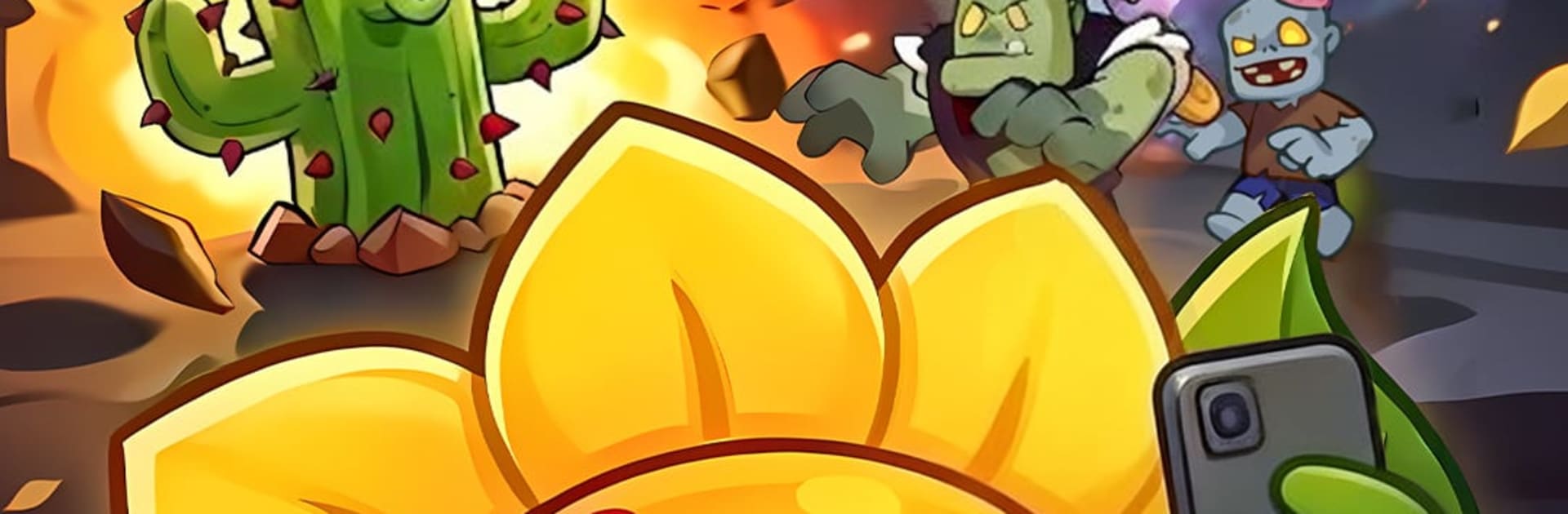
Zombies have developed a weird obsession with your lawn. In Don’t Touch Grass by PIXEL RABBIT LIMITED, you lead a prickly squad of plant-based defenders in a fast, chaotic Strategy experience that blends classic tower defense with roguelike runs. Every attempt feels fresh as you experiment with builds, roll the dice on upgrades, and keep the creeps from setting foot on your turf—on mobile or, if you prefer a bigger screen, through BlueStacks.
Game Features
- Defense with a twist: Hold the fence line while swarms snake toward your yard and giant threats loom. Placement, timing, and smart upgrades decide if your garden thrives or gets trampled.
- Roguelike picks each level: Level up and choose from randomized perks—more seeds in the air, faster attacks, or harder-hitting volleys. Small choices stack into wild, run-defining builds.
- A garden full of weapons: Unlock quirky powerhouses like a tomato with an attitude, whirling onion blades, and a bamboo dragon that means business. Each plant fights in its own hilarious, deadly way.
- Mutations that go off the rails: Feed the Seed of Chaos to evolve plants into absurdly strong versions. When synergies click, the screen melts.
- Build your perfect loadout: Combine projectiles, spinning cutters, and area traps to discover that “broken” setup you can’t stop grinning about.
- Big, memorable bosses: Square up against screen-hogging monstrosities—from drill-headed bruisers to unhinged scientists—that demand new tactics.
- Rewards while you’re away: Your garden keeps working even when you’re not. Pop back in to collect gold and gems from idle chests and push the next run further.
- Lively 2D style: Crisp, expressive animations make every victory pop and every fallen zombie feel like fresh compost.
Slay your opponents with your epic moves. Play it your way on BlueStacks and dominate the battlefield.