How to Install and Play Don't Touch Grass on PC with BlueStacks
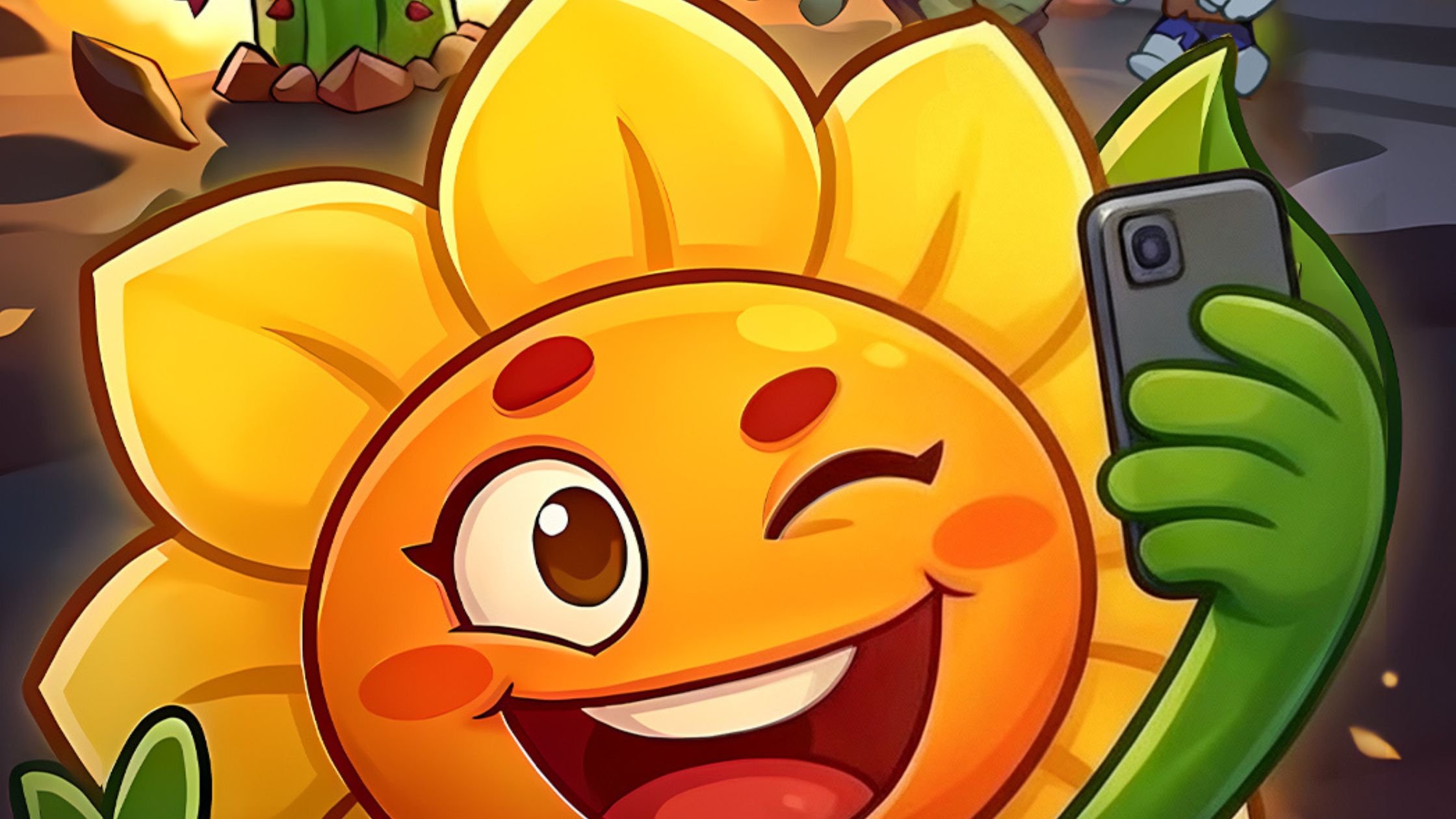
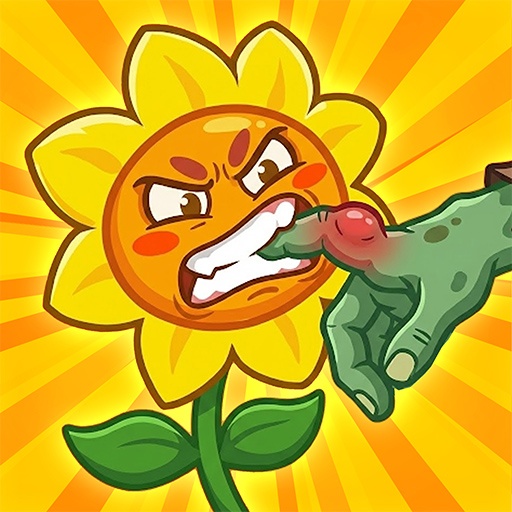
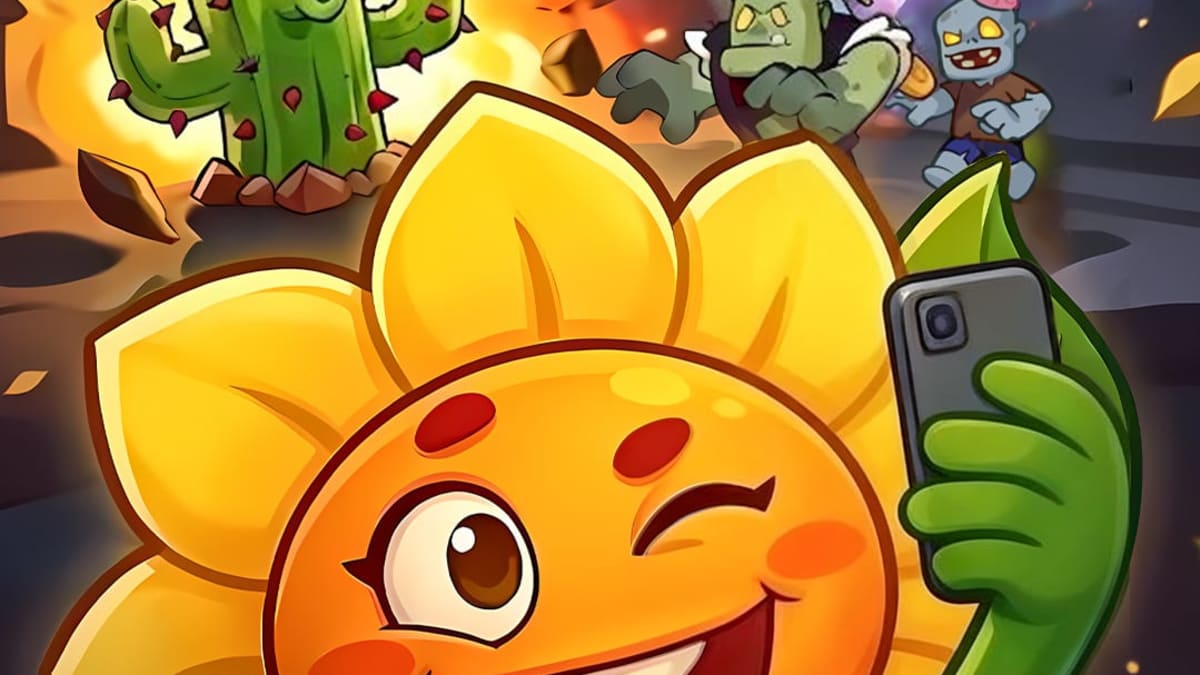
Don’t Touch Grass is a fast and funny strategy game where zombies try to invade your lawn. Your job is to stop them before they reach the fence. Instead of soldiers or machines, you command a group of powerful plants that fight back in creative ways. Each plant has its own attack style, so choosing the right setup is very important if you want to survive the incoming waves.
The gameplay mixes classic tower defense with roguelike elements. This means every run feels a little different. As you play, you gain levels and choose upgrades that change how your plants attack. One round might focus on faster attacks, while another might rely on powerful seed volleys. Small choices can lead to very strong combinations if you pick upgrades carefully.
How to Install Don’t Touch Grass on PC
- Visit the game’s page and click the “Play Don’t Touch Grass on PC” button.
- Download the installer file and open it from your browser’s downloads area.
- Install BlueStacks and launch it once the setup is finished.
- Sign in to the Google Play Store, download Don’t Touch Grass, and start playing.
How to Install Don’t Touch Grass on Mac with BlueStacks Air
- Download BlueStacks Air: Open the game’s page and click the “Play Don’t Touch Grass on Mac” button to download the installer.
- Run the Installer: Double-click the BlueStacksInstaller.pkg file and follow the setup instructions.
- Sign In: Launch BlueStacks Air from Launchpad or the Applications folder and log in with your Google account.
- Install Don’t Touch Grass: Search for Don’t Touch Grass in the Play Store and install it.
- Start Playing: Open the game and begin defending your lawn.
Already Using BlueStacks? Start Playing Faster
- Visit the game’s page and click the “Don’t Touch Grass on PC” button.
- Open BlueStacks on your PC or Mac.
- Install the game through the BlueStacks Store or Google Play Store.
- Launch Don’t Touch Grass and jump straight into the action.
Minimum System Requirements
Playing mobile games on a computer works best when your device meets a few simple requirements. Luckily, the system needs are easy for most PCs and Macs.
- OS: Microsoft Windows 7 or newer, macOS 11 (Big Sur) or newer
- Processor: Intel, AMD Processor, or Apple Silicon Processor (M1–M4)
- RAM: At least 4GB of RAM
- Storage: 10GB of free disk space
- Permissions: Administrator access on your PC or Mac
- Graphics Drivers: Updated drivers from Microsoft or your hardware provider
Don’t Touch Grass is perfect for players who enjoy strategy games with quick rounds and creative upgrades. Each match lets you try new plant combinations and upgrade paths. Sometimes you might focus on fast attacks, while other times you may build a powerful defense with spinning blades and heavy seed damage.
The bosses add even more excitement. Giant enemies like the Drill-Head Giant or the Mad Scientist can fill the screen and force you to change your strategy quickly. Learning how each plant works and combining them in smart ways is the key to protecting your garden.
Playing Don’t Touch Grass on PC or Mac with BlueStacks makes the game even more fun. The larger screen helps you see the battlefield clearly, and using a keyboard and mouse gives better control during intense waves. It also helps your game run smoothly, which makes long play sessions more comfortable and enjoyable.