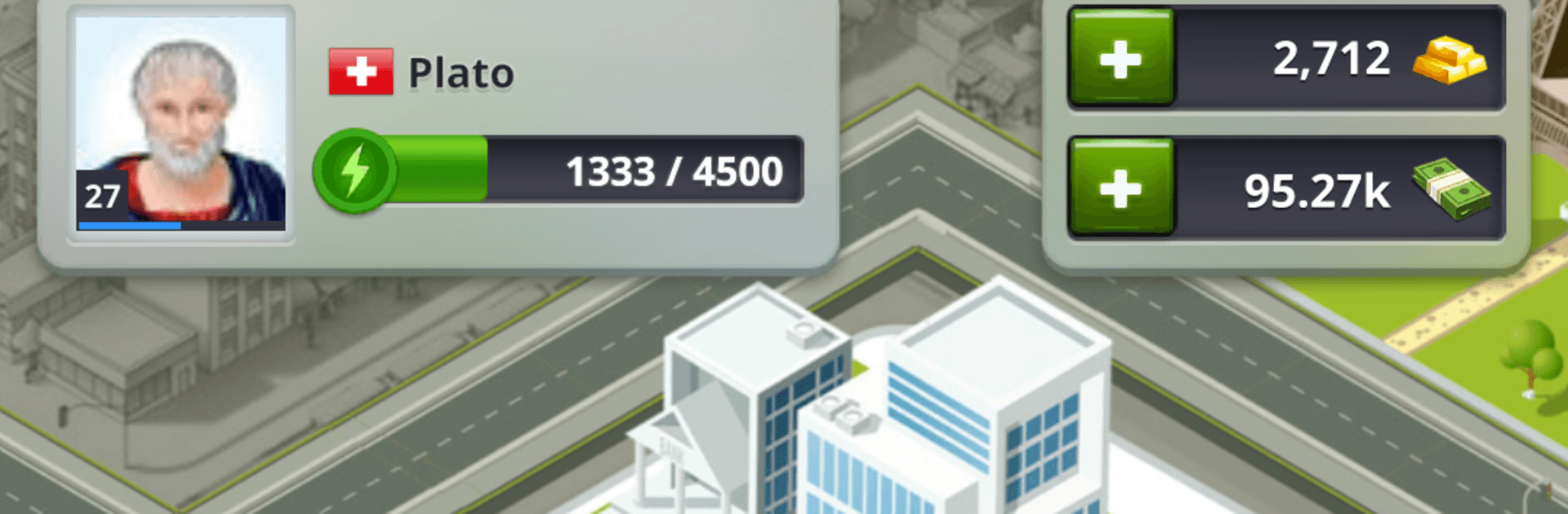
eRepublik
eRepublik

eRepublik

Strategy

| Erepublik Labs

Play on PC with BlueStacks or from our cloud

  • Overview
  • Game Features
  • How to Play

Page Modified On: April 07, 2026

Play eRepublik on PC or Mac

Bring your A-game to eRepublik, the Strategy game sensation from Erepublik Labs. Give your gameplay the much-needed boost with precise game controls, high FPS graphics, and top-tier features on your PC or Mac with BlueStacks.

About the Game

eRepublik is a Strategy sandbox from Erepublik Labs where you build a life for your Citizen and decide what kind of influence you want to have. Are you the type to march with the army, stack cash through smart deals, or climb the ladder in politics? It’s all about planning, making choices, and watching your actions shape the world around you. Prefer playing on a bigger screen? You can hop in through BlueStacks without changing a thing about how the game works.

Game Features

  • Create Your Citizen: Set up your identity and choose how you want to be known—quiet powerhouse, bold commander, or persuasive policymaker.
  • Choose Your Path: Focus on a military, economic, or political career. Stick to one lane or experiment and switch when your goals change.
  • Military Strategy: Plan operations, support campaigns, and work your way up through disciplined training and well-timed moves.
  • Economy and Trade: Build income streams, manage production, and trade goods wisely to grow your financial footprint over time.
  • Politics and Power: Join debates, back candidates, or run for office yourself. Push policies that match your vision and rally support to make them stick.
  • Long-Term Progress: Every decision adds up—earn reputation, unlock new options, and develop your Citizen into a force others have to respect.
  • Community-Driven Play: Collaborate, negotiate, and occasionally outmaneuver rivals. The social side is as strategic as the spreadsheets.
  • Smooth on PC: Want more control for planning or managing busy menus? BlueStacks lets you play with a mouse and keyboard, no fuss.

Slay your opponents with your epic moves. Play it your way on BlueStacks and dominate the battlefield.


Game Features

Enhancements

  • Macros
  • Multi Instance
  • Multi Instance Sync
  • Eco Mode
  • Enhancements
Macros

Macros

Skip the boring parts of a game. Play eRepublik with Macros and get the edge. Simply record a sequence of commands and execute them at any moment.
Multi Instance

Multi Instance

Why limit to one game on your phone when you can play many on your PC? Open multiple instances of eRepublik at once with Multi-Instance. Leverage the power of different accounts by doing more.
Multi Instance Sync

Multi Instance Sync

Get the best out of eRepublik with Multi-Instance Sync. Play the game from different accounts and build your own empire. Use Multi-instance sync to repeat the action in the main BlueStacks instance on all other instances.
Eco Mode

Eco Mode

Find the rarest heroes by making multiple summons in eRepublik. And while you are at it, reduce your PC’s resource consumption with the Eco Mode. Farm efficiently. Get the best results.
Read More

How to Download and Play eRepublik on PC or Mac

  • Download and install BlueStacks on your PC or Mac

  • Complete Google sign-in to access the Play Store, or do it later

  • Look for eRepublik in the search bar at the top right corner

  • Click to install eRepublik from the search results

  • Complete Google sign-in (if you skipped step 2) to install eRepublik

  • Click the eRepublik icon on the home screen to start playing

video
Watch Video

Minimum System Requirements

With BlueStacks 5, you can get started on a PC that fulfills the following requirements.

  • Operating System

    Microsoft Windows 7 or above, macOS 11 (Big Sur) or above

  • Processor

    Intel, AMD or Apple Silicon Processor

  • RAM

    at least 4GB

  • HDD

    10GB Free Disk Space

Note:

* You must be an Administrator on your PC. Up to date graphics drivers from Microsoft or the chipset vendor.

eRepublik - FAQs

  • How to play eRepublik on Windows PC & Mac?

    Play eRepublik on your PC or Mac by following these simple steps.

    • Click on 'Play eRepublik on PC’ to download BlueStacks
    • Install it and log-in to Google Play Store
    • Launch and play the game.
  • Why is BlueStacks the fastest and safest platform to play games on PC?

    BlueStacks respects your privacy and is always safe and secure to use. It does not carry any malware, spyware, or any sort of additional software that could harm your PC.

    It is engineered to optimize speed and performance for a seamless gaming experience.

  • What are eRepublik PC requirements?

    Minimum requirement to run eRepublik on your PC

    • OS: Microsoft Windows 7 or above MacOS 11 (Big Sur) or above
    • Processor: Intel, AMD or Apple Silicon Processor
    • RAM: Your PC must have at least 4GB of RAM. (Note that having 4GB or more disk space is not a substitute for RAM)
    • HDD: 10GB Free Disk Space.
    • You must be an Administrator on your PC.