Free Heroes 2
Free Heroes 2

Free Heroes 2

Strategy

| Gerhard Stein

Play on PC with BlueStacks or from our cloud

  • Overview
  • Game Features
  • How to Play

Page Modified On: August 11, 2026

Play Free Heroes 2 on PC or Mac

Free Heroes 2 by Gerhard Stein has plenty to keep you busy. BlueStacks lets you play it on PC or Mac with more screen space, better control, and fewer mobile limits.

About the Game

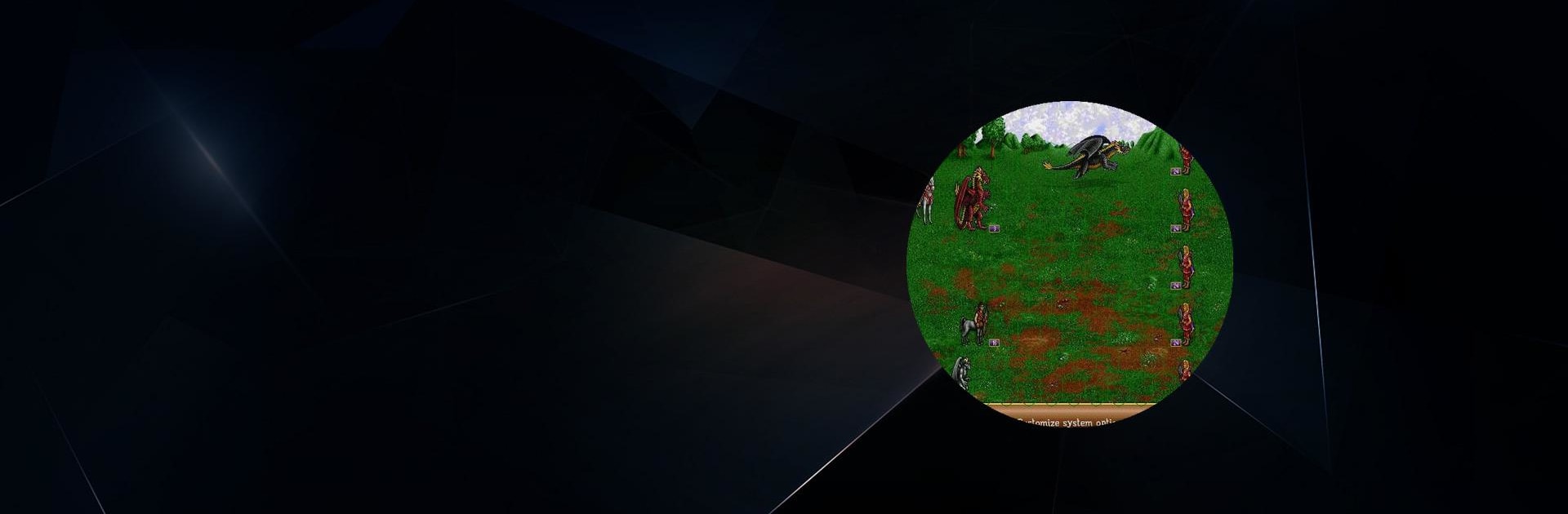
Free Heroes 2 is a fan-made re-creation of a beloved turn-based Strategy classic, built to run with the original game’s data. It keeps the familiar feel while making it easy to jump in on modern devices. Don’t have the files handy? There’s a demo you can grab from the start screen so you can try it right away.

Game Features

  • Faithful feel, modern setup: A free implementation that mirrors the look and flow of the original, letting you enjoy classic turn-based planning without fuss.
  • Easy demo access: No game data? No problem. Launch the app and pull down a playable demo directly from the start menu to get a taste.
  • Use your original files: Already own the full game? Add your data files and unlock the complete experience using the assets you know.
  • Campaign note: Campaign mode isn’t available yet, so you’ll be focusing on standalone play rather than a story-driven progression.
  • Handy army splitting: Want finer control? Press and hold a unit, then drag it to an empty slot to split your stack for more tactical options.
  • Mouse-friendly controls: The interface works great with a mouse, which feels especially natural if you’re playing on PC through BlueStacks.
  • Straight to the point: No clutter, no distractions—just classic, turn-based Strategy that’s easy to pick up and play when you’re in the mood for thoughtful battles.

BlueStacks gives you more room to focus on the game and less time adjusting around mobile limitations.


Game Features

Enhancements

  • Macros
  • Multi Instance
  • Multi Instance Sync
  • Eco Mode
  • Enhancements
Macros

Macros

Skip the boring parts of a game. Play Free Heroes 2 with Macros and get the edge. Simply record a sequence of commands and execute them at any moment.
Multi Instance

Multi Instance

Why limit to one game on your phone when you can play many on your PC? Open multiple instances of Free Heroes 2 at once with Multi-Instance. Leverage the power of different accounts by doing more.
Multi Instance Sync

Multi Instance Sync

Get the best out of Free Heroes 2 with Multi-Instance Sync. Play the game from different accounts and build your own empire. Use Multi-instance sync to repeat the action in the main BlueStacks instance on all other instances.
Eco Mode

Eco Mode

Find the rarest heroes by making multiple summons in Free Heroes 2. And while you are at it, reduce your PC’s resource consumption with the Eco Mode. Farm efficiently. Get the best results.
Read More

How to Download and Play Free Heroes 2 on PC or Mac

  • Download and install BlueStacks on your PC or Mac

  • Complete Google sign-in to access the Play Store, or do it later

  • Look for Free Heroes 2 in the search bar at the top right corner

  • Click to install Free Heroes 2 from the search results

  • Complete Google sign-in (if you skipped step 2) to install Free Heroes 2

  • Click the Free Heroes 2 icon on the home screen to start playing

video
Watch Video

Minimum System Requirements

With BlueStacks 5, you can get started on a PC that fulfills the following requirements.

  • Operating System

    Microsoft Windows 7 or above, macOS 11 (Big Sur) or above

  • Processor

    Intel, AMD or Apple Silicon Processor

  • RAM

    at least 4GB

  • HDD

    10GB Free Disk Space

Note:

* You must be an Administrator on your PC. Up to date graphics drivers from Microsoft or the chipset vendor.

Free Heroes 2 - FAQs

  • How to play Free Heroes 2 on Windows PC & Mac?

    Play Free Heroes 2 on your PC or Mac by following these simple steps.

    • Click on 'Play Free Heroes 2 on PC’ to download BlueStacks
    • Install it and log-in to Google Play Store
    • Launch and play the game.
  • Why is BlueStacks the fastest and safest platform to play games on PC?

    BlueStacks respects your privacy and is always safe and secure to use. It does not carry any malware, spyware, or any sort of additional software that could harm your PC.

    It is engineered to optimize speed and performance for a seamless gaming experience.

  • What are Free Heroes 2 PC requirements?

    Minimum requirement to run Free Heroes 2 on your PC

    • OS: Microsoft Windows 7 or above MacOS 11 (Big Sur) or above
    • Processor: Intel, AMD or Apple Silicon Processor
    • RAM: Your PC must have at least 4GB of RAM. (Note that having 4GB or more disk space is not a substitute for RAM)
    • HDD: 10GB Free Disk Space.
    • You must be an Administrator on your PC.