Indian Tractor Farming Game

Indian Tractor Farming Game

Strategy

| Software District

Play on PC with BlueStacks or from our cloud

  • Overview
  • Game Features
  • How to Play

Page Modified On: October 08, 2026

Play Indian Tractor Farming Game on PC or Mac

Explore a whole new adventure with Indian Tractor Farming Game, a Strategy game created by Software District. Experience great gameplay with BlueStacks, the most popular gaming platform to play Android games on your PC or Mac.

About the Game

Got a soft spot for roaring tractors and muddy village tracks? Indian Tractor Farming Game puts you in the driver’s seat of iconic Indian machines and lets you work, haul, and pull your way across busy towns and quiet farmlands. It’s a Strategy experience that blends crop planning with hands-on driving, from competitive tochan duels to nerve‑wracking trolley deliveries.

Game Features

  • Authentic Indian tractors: Take charge of fan favorites like the 5911, Swaraj 855, Arjun Novo, Mahindra workhorses, plus Sonalika and John Deere classics—each tuned with its own bite and personality.
  • Career farming: Plow, sow, and harvest staples such as wheat and sugarcane, expand your fleet, and build a thriving operation one field at a time.
  • Tractor Tochan battles: Strap in for head‑to‑head pulling contests where throttle finesse, grip, and timing decide who rules the village circle.
  • Trolley transport runs: Haul hefty loads over steep hills, broken paths, muddy stretches, and crowded roads without spilling the goods.
  • Free‑roam countryside: Explore a lively open‑world map with traffic, pedestrians, village markets, and city lanes that keep every drive different.
  • Weighty driving physics: Feel real traction, wheelspin, and engine torque as tires bite—or slip—through deep ruts and wet soil.
  • Desi customization: Fit DJ systems, bold stickers, and chunkier tires to make your rig look the part while staying work‑ready.
  • Weather that changes the game: Sun, rain, and dust storms shift visibility and grip, nudging you to adapt on the fly.
  • Flexible controls: Choose wheel, tilt, or tap controls and fine‑tune sensitivity until everything feels just right.
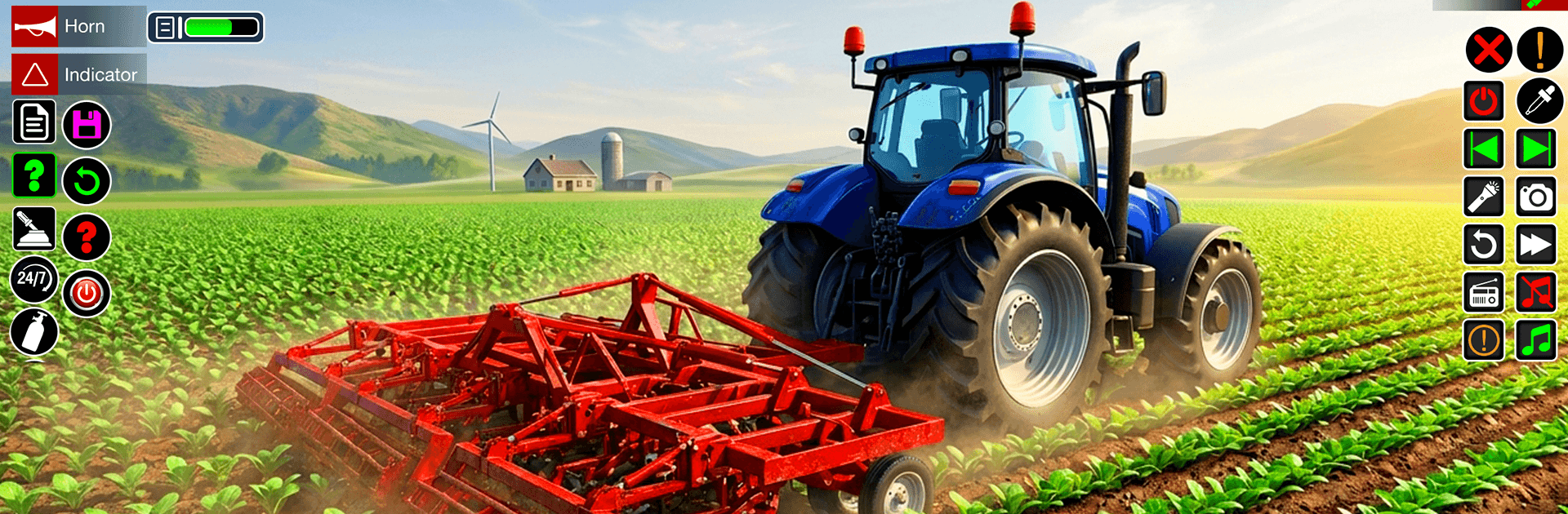
  • Crisp 3D presentation: Detailed cabins, lush crops, and textured villages look especially clean when played on BlueStacks.

Get ready for a buttery smooth, high-performance gaming action only on BlueStacks.

Game Features

Enhancements

  • Macros
  • Multi Instance
  • Multi Instance Sync
  • Eco Mode
  • Enhancements
Macros

Macros

Skip the boring parts of a game. Play Indian Tractor Farming Game with Macros and get the edge. Simply record a sequence of commands and execute them at any moment.
Multi Instance

Multi Instance

Why limit to one game on your phone when you can play many on your PC? Open multiple instances of Indian Tractor Farming Game at once with Multi-Instance. Leverage the power of different accounts by doing more.
Multi Instance Sync

Multi Instance Sync

Get the best out of Indian Tractor Farming Game with Multi-Instance Sync. Play the game from different accounts and build your own empire. Use Multi-instance sync to repeat the action in the main BlueStacks instance on all other instances.
Eco Mode

Eco Mode

Find the rarest heroes by making multiple summons in Indian Tractor Farming Game. And while you are at it, reduce your PC’s resource consumption with the Eco Mode. Farm efficiently. Get the best results.
Read More

How to Download and Play Indian Tractor Farming Game on PC or Mac

  • Download and install BlueStacks on your PC or Mac

  • Complete Google sign-in to access the Play Store, or do it later

  • Look for Indian Tractor Farming Game in the search bar at the top right corner

  • Click to install Indian Tractor Farming Game from the search results

  • Complete Google sign-in (if you skipped step 2) to install Indian Tractor Farming Game

  • Click the Indian Tractor Farming Game icon on the home screen to start playing

video
Watch Video

Minimum System Requirements

With BlueStacks 5, you can get started on a PC that fulfills the following requirements.

  • Operating System

    Microsoft Windows 7 or above, macOS 11 (Big Sur) or above

  • Processor

    Intel, AMD or Apple Silicon Processor

  • RAM

    at least 4GB

  • HDD

    10GB Free Disk Space

Note:

* You must be an Administrator on your PC. Up to date graphics drivers from Microsoft or the chipset vendor.

Indian Tractor Farming Game - FAQs

  • How to play Indian Tractor Farming Game on Windows PC & Mac?

    Play Indian Tractor Farming Game on your PC or Mac by following these simple steps.

    • Click on 'Play Indian Tractor Farming Game on PC’ to download BlueStacks
    • Install it and log-in to Google Play Store
    • Launch and play the game.
  • Why is BlueStacks the fastest and safest platform to play games on PC?

    BlueStacks respects your privacy and is always safe and secure to use. It does not carry any malware, spyware, or any sort of additional software that could harm your PC.

    It is engineered to optimize speed and performance for a seamless gaming experience.

  • What are Indian Tractor Farming Game PC requirements?

    Minimum requirement to run Indian Tractor Farming Game on your PC

    • OS: Microsoft Windows 7 or above MacOS 11 (Big Sur) or above
    • Processor: Intel, AMD or Apple Silicon Processor
    • RAM: Your PC must have at least 4GB of RAM. (Note that having 4GB or more disk space is not a substitute for RAM)
    • HDD: 10GB Free Disk Space.
    • You must be an Administrator on your PC.