Keepsweeper
Keepsweeper

Keepsweeper

Strategy

| Flarup Industries

Play on PC with BlueStacks or from our cloud

  • Overview
  • Game Features
  • How to Play

Page Modified On: October 26, 2026

Play Keepsweeper on PC or Mac

Play Keepsweeper by Flarup Industries on PC or Mac with BlueStacks. Use a bigger screen, mouse and keyboard controls, and smoother performance while you play.

About the Game

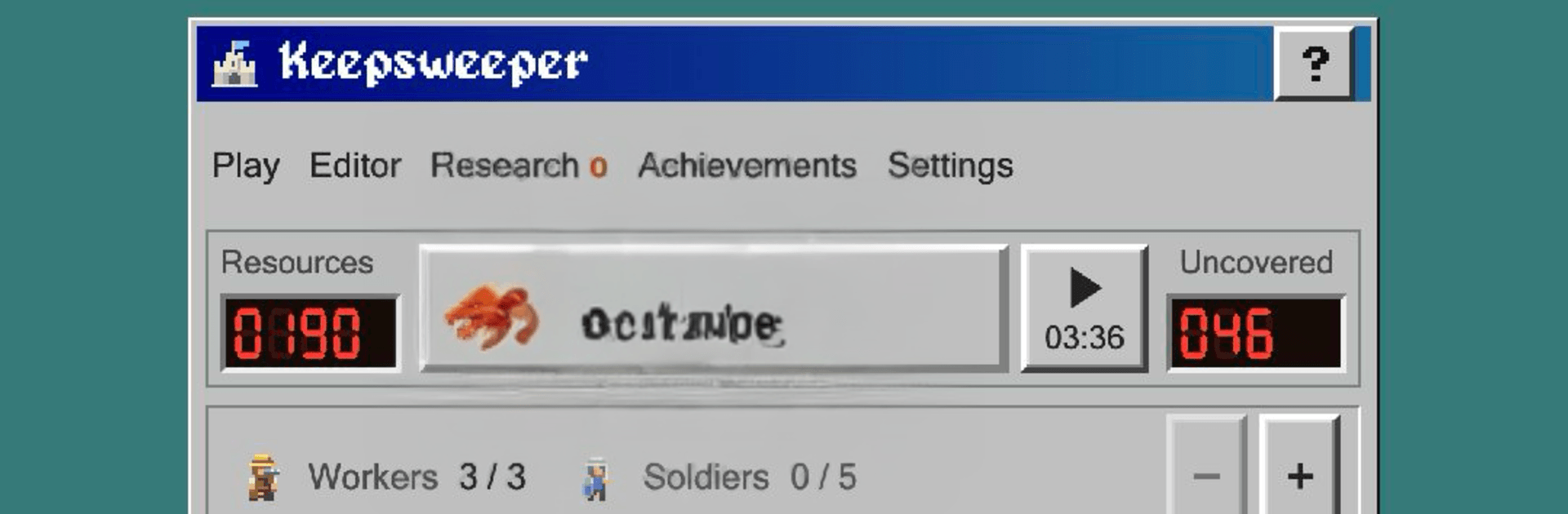
At first it’s just a grid; a few moves later, you’re running a scrappy little kingdom. Keepsweeper is a Strategy mashup that blends number-clue deduction with real-time settlement building and skirmishes, where every tile you reveal can fuel your economy—or wake something nasty. If you’d like a wider view and comfy controls, it also plays nicely on PC with BlueStacks.

Game Features

  • Clue-Driven Reveals: Read the numbers, make the call, and send workers to safely uncover land while steering clear of hidden threats.
  • Build a Living Economy: Link production chains—mills feed fields, forges gear up your ranks, and chapels keep troops fighting—so every building pulls its weight.
  • Every Tile Has Secrets: Treasure caches, goblin hideouts, ancient crypts, and snoozing dragons wait beneath forests, lakes, and mountain tiles.
  • Pick Your Path: Tackle four questlines—Dragon Hunt, Royal Treasury, Reclaim the Realm, and Rival Kingdoms—or brave the sprawling Wilds or the endless pressure of Siege.
  • Progress That Sticks: Earn Royal Seals to research new structures, upgrades, and permanent perks for future runs, plus rule-bending relics like sunbeam-blasting towers and floating hamlets.
  • Play Solo or With Friends: Jump online with 2–4 players for last-Keep standing, team matchups, AI challenges, or hold-the-line Co-op Siege.
  • Create Your Own Scenarios: Build custom maps and quirky challenges in the Map Editor, then put your strategies to the test.
  • Pause-Friendly Pacing: Take a breather in solo play whenever you need to think; the adaptive fantasy soundtrack and lively pixels keep the world buzzing.
  • Offline and Online Options: Run solo quests, Wilds, Siege, and local custom maps offline; hop online for multiplayer and community creations when you’re connected.
  • Clean, Straightforward Access: Play a chunk for free, then unlock the rest with a single purchase—no subscriptions, ads, or currency packs cluttering your kingdom.

Get ready for a buttery smooth, high-performance gaming action only on BlueStacks.

Game Features

Enhancements

  • Macros
  • Multi Instance
  • Multi Instance Sync
  • Eco Mode
  • Enhancements
Macros

Macros

Skip the boring parts of a game. Play Keepsweeper with Macros and get the edge. Simply record a sequence of commands and execute them at any moment.
Multi Instance

Multi Instance

Why limit to one game on your phone when you can play many on your PC? Open multiple instances of Keepsweeper at once with Multi-Instance. Leverage the power of different accounts by doing more.
Multi Instance Sync

Multi Instance Sync

Get the best out of Keepsweeper with Multi-Instance Sync. Play the game from different accounts and build your own empire. Use Multi-instance sync to repeat the action in the main BlueStacks instance on all other instances.
Eco Mode

Eco Mode

Find the rarest heroes by making multiple summons in Keepsweeper. And while you are at it, reduce your PC’s resource consumption with the Eco Mode. Farm efficiently. Get the best results.
Read More

How to Download and Play Keepsweeper on PC or Mac

  • Download and install BlueStacks on your PC or Mac

  • Complete Google sign-in to access the Play Store, or do it later

  • Look for Keepsweeper in the search bar at the top right corner

  • Click to install Keepsweeper from the search results

  • Complete Google sign-in (if you skipped step 2) to install Keepsweeper

  • Click the Keepsweeper icon on the home screen to start playing

video
Watch Video

Minimum System Requirements

With BlueStacks 5, you can get started on a PC that fulfills the following requirements.

  • Operating System

    Microsoft Windows 7 or above, macOS 11 (Big Sur) or above

  • Processor

    Intel, AMD or Apple Silicon Processor

  • RAM

    at least 4GB

  • HDD

    10GB Free Disk Space

Note:

* You must be an Administrator on your PC. Up to date graphics drivers from Microsoft or the chipset vendor.

Keepsweeper - FAQs

  • How to play Keepsweeper on Windows PC & Mac?

    Play Keepsweeper on your PC or Mac by following these simple steps.

    • Click on 'Play Keepsweeper on PC’ to download BlueStacks
    • Install it and log-in to Google Play Store
    • Launch and play the game.
  • Why is BlueStacks the fastest and safest platform to play games on PC?

    BlueStacks respects your privacy and is always safe and secure to use. It does not carry any malware, spyware, or any sort of additional software that could harm your PC.

    It is engineered to optimize speed and performance for a seamless gaming experience.

  • What are Keepsweeper PC requirements?

    Minimum requirement to run Keepsweeper on your PC

    • OS: Microsoft Windows 7 or above MacOS 11 (Big Sur) or above
    • Processor: Intel, AMD or Apple Silicon Processor
    • RAM: Your PC must have at least 4GB of RAM. (Note that having 4GB or more disk space is not a substitute for RAM)
    • HDD: 10GB Free Disk Space.
    • You must be an Administrator on your PC.