Lucky Unit Defense
Lucky Unit Defense

Lucky Unit Defense

Strategy

| gororong

Play on PC with BlueStacks or from our cloud

  • Overview
  • Game Features
  • How to Play

Page Modified On: August 24, 2026

Play Lucky Unit Defense on PC or Mac

Step into the World of Lucky Unit Defense, a thrilling Strategy game from the house of gororong. Play this Android game on BlueStacks App Player and experience immersive gaming on PC or Mac.

About the Game

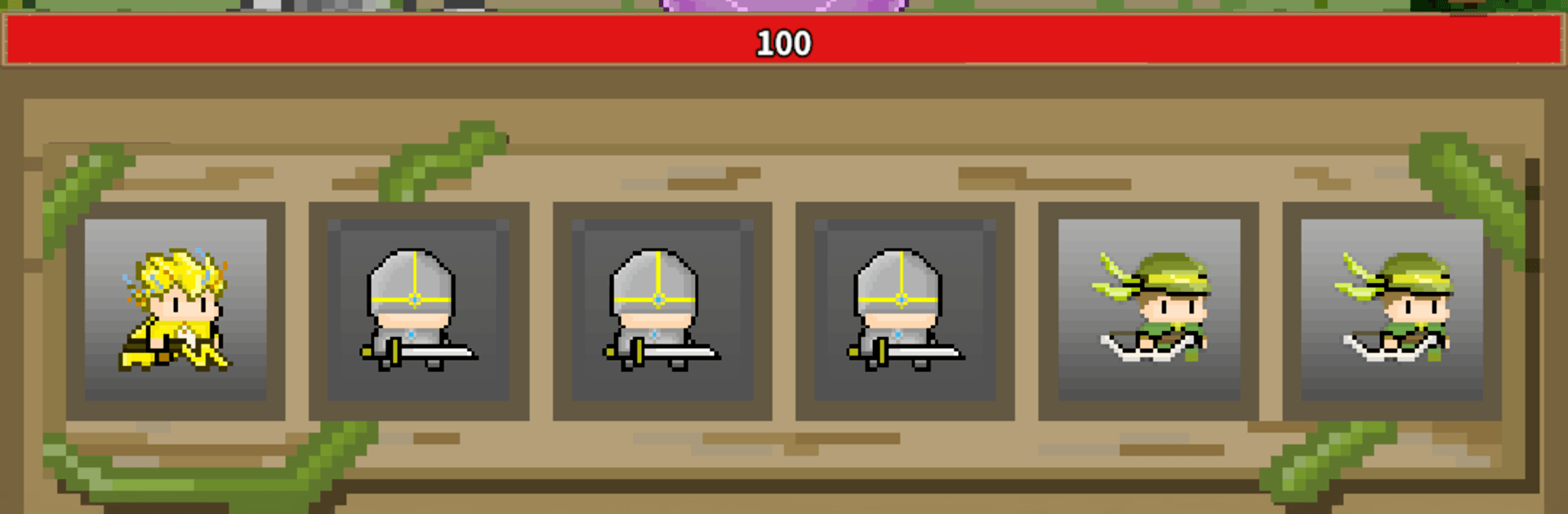
Lucky Unit Defense is a quirky mash-up of luck and planning where every spin can save your tower—or sink it. It blends Strategy with slot-style summoning, so you’re constantly weighing risk and timing while waves of monsters march in. Set your lineup, let your units handle the fighting, and focus on spinning, upgrading, and outsmarting nasty bosses. It also plays nicely on BlueStacks if you prefer a bigger screen.

Game Features

  • Spin-to-Summon Action: Pull the lever to call in random units and snag upgrade cards, with higher grades delivering bigger boosts and wilder potential.
  • Combat That Runs Itself, Choices That Don’t: Your squad auto-battles while you manage spins, rerolls, and mana to squeeze out every bit of power.
  • Custom Squad Building: Choose your roster before the fight; each unit comes with distinct passives and skills that trigger when mana fills, so synergy really matters.
  • On-the-Fly Upgrades: Use spin cards mid-run to push attack, attack speed, skill strength, and more—switch tracks fast when a new combo pops.
  • Lasting Progression: Collect artifacts, enhance your tower, and fine-tune unit options to keep growing stronger between stages.
  • Varied Battlefields: Forests, oceans, deserts, lava zones, and eerie graveyards each bring different enemy quirks and pacing to shake up your plan.
  • Bosses With Tricks: Mid-bosses and end bosses show up with disruptive skills; counter them by adjusting your squad and timing your upgrades.
  • Reward Loops That Feel Good: Move through the Stage Pass, clear daily quests, browse the shop, and use sweep rewards to speed up unlocks without busywork.

Get ready for a buttery smooth, high-performance gaming action only on BlueStacks.

Game Features

Enhancements

  • Macros
  • Multi Instance
  • Multi Instance Sync
  • Eco Mode
  • Enhancements
Macros

Macros

Skip the boring parts of a game. Play Lucky Unit Defense with Macros and get the edge. Simply record a sequence of commands and execute them at any moment.
Multi Instance

Multi Instance

Why limit to one game on your phone when you can play many on your PC? Open multiple instances of Lucky Unit Defense at once with Multi-Instance. Leverage the power of different accounts by doing more.
Multi Instance Sync

Multi Instance Sync

Get the best out of Lucky Unit Defense with Multi-Instance Sync. Play the game from different accounts and build your own empire. Use Multi-instance sync to repeat the action in the main BlueStacks instance on all other instances.
Eco Mode

Eco Mode

Find the rarest heroes by making multiple summons in Lucky Unit Defense. And while you are at it, reduce your PC’s resource consumption with the Eco Mode. Farm efficiently. Get the best results.
Read More

How to Download and Play Lucky Unit Defense on PC or Mac

  • Download and install BlueStacks on your PC or Mac

  • Complete Google sign-in to access the Play Store, or do it later

  • Look for Lucky Unit Defense in the search bar at the top right corner

  • Click to install Lucky Unit Defense from the search results

  • Complete Google sign-in (if you skipped step 2) to install Lucky Unit Defense

  • Click the Lucky Unit Defense icon on the home screen to start playing

video
Watch Video

Minimum System Requirements

With BlueStacks 5, you can get started on a PC that fulfills the following requirements.

  • Operating System

    Microsoft Windows 7 or above, macOS 11 (Big Sur) or above

  • Processor

    Intel, AMD or Apple Silicon Processor

  • RAM

    at least 4GB

  • HDD

    10GB Free Disk Space

Note:

* You must be an Administrator on your PC. Up to date graphics drivers from Microsoft or the chipset vendor.

Lucky Unit Defense - FAQs

  • How to play Lucky Unit Defense on Windows PC & Mac?

    Play Lucky Unit Defense on your PC or Mac by following these simple steps.

    • Click on 'Play Lucky Unit Defense on PC’ to download BlueStacks
    • Install it and log-in to Google Play Store
    • Launch and play the game.
  • Why is BlueStacks the fastest and safest platform to play games on PC?

    BlueStacks respects your privacy and is always safe and secure to use. It does not carry any malware, spyware, or any sort of additional software that could harm your PC.

    It is engineered to optimize speed and performance for a seamless gaming experience.

  • What are Lucky Unit Defense PC requirements?

    Minimum requirement to run Lucky Unit Defense on your PC

    • OS: Microsoft Windows 7 or above MacOS 11 (Big Sur) or above
    • Processor: Intel, AMD or Apple Silicon Processor
    • RAM: Your PC must have at least 4GB of RAM. (Note that having 4GB or more disk space is not a substitute for RAM)
    • HDD: 10GB Free Disk Space.
    • You must be an Administrator on your PC.