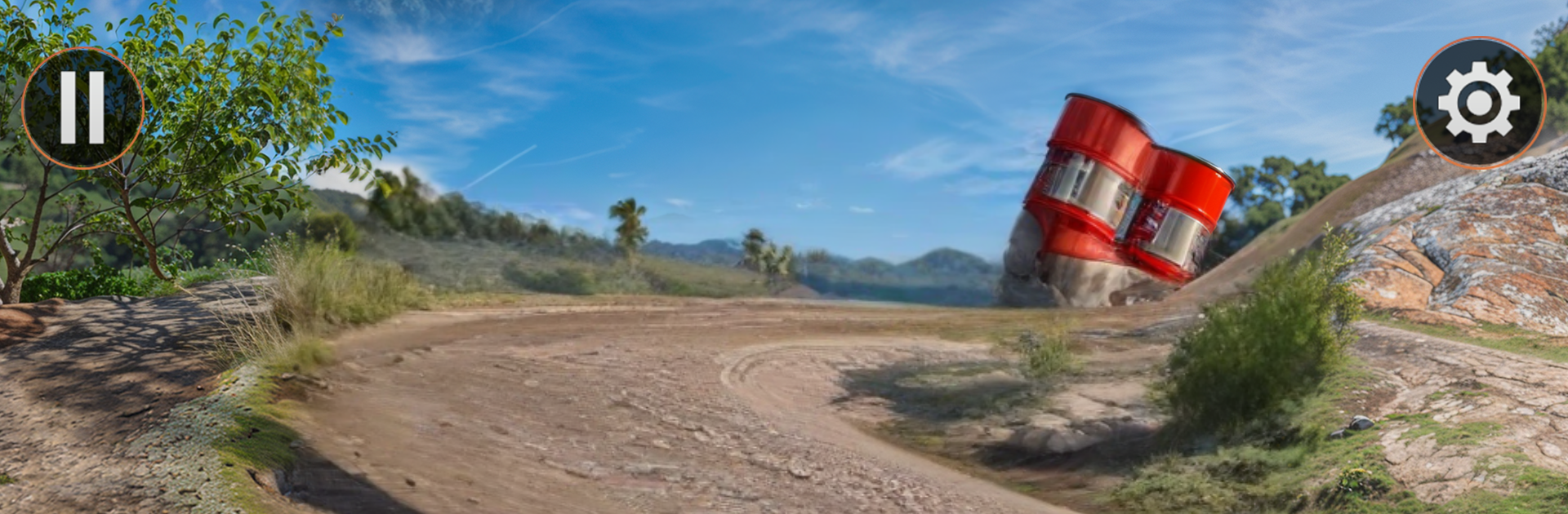
OverDrive 3D - Offroad Prado

OverDrive 3D - Offroad Prado

Strategy

| RTC League

Play on PC with BlueStacks or from our cloud

  • Overview
  • Game Features
  • How to Play

Page Modified On: December 05, 2025

Play OverDrive 3D - Offroad Prado on PC or Mac

Explore a whole new adventure with OverDrive 3D – Offroad Prado, a Strategy game created by RTC League. Experience great gameplay with BlueStacks, the most popular gaming platform to play Android games on your PC or Mac.

OverDrive 3D – Offroad Prado feels like a slow, stubborn climb more than a racer, and that is the hook. It puts chunky jeeps and Prados on narrow mountain tracks where every bump matters. The physics push back, so throttle and brake need a light touch or the truck will tilt, slide, or nose into a ditch. Trails twist around cliffs, mud patches bog the wheels, and small rocks that look harmless can kick the chassis sideways at the worst time. The visuals are clean with solid 3D models, nothing flashy, but the sense of weight comes through and the camera gives a clear view of ruts and edges. Swapping tyres, rims, and body colors helps the ride look personal, even if the upgrades are mostly style.

There are five modes that spin the off-road idea in different ways. Checkpoint runs are about keeping momentum without rolling. Cargo missions ask for careful crawling, because a loose frame or an attached trolley can sway and dump the load on a sharp incline. Parcel runs thread through tighter mountain roads that punish rushing. The rescue angle lets the player hook up a winch and haul the vehicle out of dumb spots, which sounds simple until the anchor point is at a weird angle and the truck starts to crab sideways. It is chill when things go right and tense when a tire lifts and the hood points at the sky. On PC with BlueStacks, steering on keyboard or a pad feels steady, and the bigger screen makes judging approach angles way easier. Controls are smooth enough that small throttle feathers actually matter, so a tough hill turns into a neat little puzzle that rewards patience more than speed.

Start your journey now. Download the game on BlueStacks, invite your friends, and march on a new adventure.


Game Features

Enhancements

  • Macros
  • Multi Instance
  • Multi Instance Sync
  • Eco Mode
  • Enhancements
Macros

Macros

Skip the boring parts of a game. Play OverDrive 3D - Offroad Prado with Macros and get the edge. Simply record a sequence of commands and execute them at any moment.
Multi Instance

Multi Instance

Why limit to one game on your phone when you can play many on your PC? Open multiple instances of OverDrive 3D - Offroad Prado at once with Multi-Instance. Leverage the power of different accounts by doing more.
Multi Instance Sync

Multi Instance Sync

Get the best out of OverDrive 3D - Offroad Prado with Multi-Instance Sync. Play the game from different accounts and build your own empire. Use Multi-instance sync to repeat the action in the main BlueStacks instance on all other instances.
Eco Mode

Eco Mode

Find the rarest heroes by making multiple summons in OverDrive 3D - Offroad Prado. And while you are at it, reduce your PC’s resource consumption with the Eco Mode. Farm efficiently. Get the best results.
Read More

How to Download and Play OverDrive 3D - Offroad Prado on PC or Mac

  • Download and install BlueStacks on your PC or Mac

  • Complete Google sign-in to access the Play Store, or do it later

  • Look for OverDrive 3D - Offroad Prado in the search bar at the top right corner

  • Click to install OverDrive 3D - Offroad Prado from the search results

  • Complete Google sign-in (if you skipped step 2) to install OverDrive 3D - Offroad Prado

  • Click the OverDrive 3D - Offroad Prado icon on the home screen to start playing

video
Watch Video

Minimum System Requirements

With BlueStacks 5, you can get started on a PC that fulfills the following requirements.

  • Operating System

    Microsoft Windows 7 or above, macOS 11 (Big Sur) or above

  • Processor

    Intel, AMD or Apple Silicon Processor

  • RAM

    at least 4GB

  • HDD

    10GB Free Disk Space

Note:

* You must be an Administrator on your PC. Up to date graphics drivers from Microsoft or the chipset vendor.

OverDrive 3D - Offroad Prado - FAQs

  • How to play OverDrive 3D - Offroad Prado on Windows PC & Mac?

    Play OverDrive 3D - Offroad Prado on your PC or Mac by following these simple steps.

    • Click on 'Play OverDrive 3D - Offroad Prado on PC’ to download BlueStacks
    • Install it and log-in to Google Play Store
    • Launch and play the game.
  • Why is BlueStacks the fastest and safest platform to play games on PC?

    BlueStacks respects your privacy and is always safe and secure to use. It does not carry any malware, spyware, or any sort of additional software that could harm your PC.

    It is engineered to optimize speed and performance for a seamless gaming experience.

  • What are OverDrive 3D - Offroad Prado PC requirements?

    Minimum requirement to run OverDrive 3D - Offroad Prado on your PC

    • OS: Microsoft Windows 7 or above MacOS 11 (Big Sur) or above
    • Processor: Intel, AMD or Apple Silicon Processor
    • RAM: Your PC must have at least 4GB of RAM. (Note that having 4GB or more disk space is not a substitute for RAM)
    • HDD: 10GB Free Disk Space.
    • You must be an Administrator on your PC.