Overgeared Hero: Merge RPG

Overgeared Hero: Merge RPG

Strategy

| 5minlab Corp.

Play on PC with BlueStacks or from our cloud

  • Overview
  • Game Features
  • How to Play

Page Modified On: August 12, 2026

Play Overgeared Hero: Merge RPG on PC or Mac

Bring your A-game to Overgeared Hero: Merge RPG, the Strategy game sensation from 5minlab Corp.. Give your gameplay the much-needed boost with precise game controls, high FPS graphics, and top-tier features on your PC or Mac with BlueStacks.

About the Game

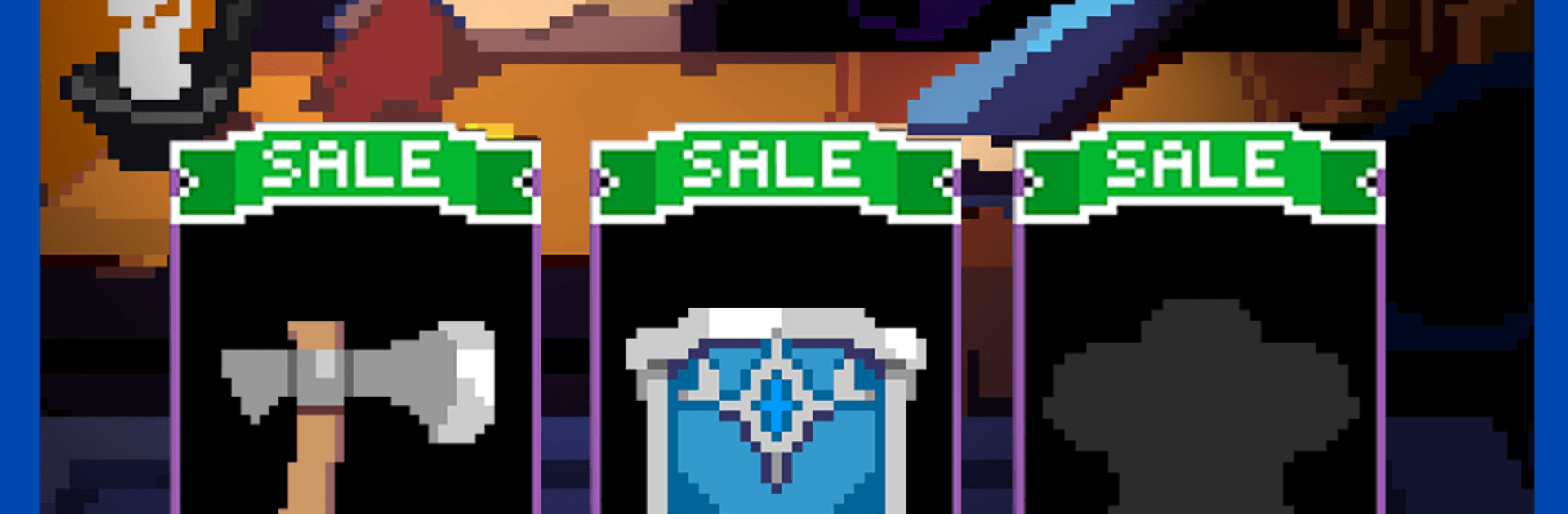
Overgeared Hero: Merge RPG is a Strategy roguelike auto-battler where your backpack is the battlefield. You’ll collect gear, merge duplicates to power them up, and arrange everything just right so your hero fights exactly the way you planned—automatically. Runs are quick, decisions are crunchy, and that “one more try” feeling sneaks up fast. Prefer a bigger screen? It also plays smoothly on PC with BlueStacks.

Game Features

  • Backpack brainpower: Arrange items like a puzzle—position and neighbors matter. Smart layouts trigger damage boosts, shielding, healing, and more.
  • Merge to upgrade: Fuse duplicate gear to unlock stronger versions and hunt for rarer tiers, from solid finds to epic and legendary standouts.
  • Classes that click: Pick a class that fits your style, then weave together class skills, gear synergies, and item placement to craft a build that feels yours.
  • Pets that pull weight: Raise scrappy companions with useful skills. They support your plan in surprising ways, not just as stat sticks.
  • Fresh runs, every time: Procedural encounters, shifting loot, and new modifiers keep each attempt distinct. Short sessions, tons to experiment with.
  • Strategy first, then action: Battles resolve automatically based on your setup. Tweak between fights, refine your pack, and watch your plan come alive.
  • PvP that rewards wit: Face other players’ builds, climb leaderboards, and prove that sharp backpack design can outplay brute force.
  • Clean retro charm: Crisp pixel art meets modern combat feedback, so it’s easy to read in the heat of a fight and satisfying when everything clicks.
  • Play how you like: Want more space to plan and drag items around? BlueStacks on PC gives you that room without changing the feel.

Start playing Overgeared Hero: Merge RPG on BlueStacks and get a smoother, more comfortable PC or Mac setup.

Game Features

Enhancements

  • Macros
  • Multi Instance
  • Multi Instance Sync
  • Eco Mode
  • Enhancements
Macros

Macros

Skip the boring parts of a game. Play Overgeared Hero: Merge RPG with Macros and get the edge. Simply record a sequence of commands and execute them at any moment.
Multi Instance

Multi Instance

Why limit to one game on your phone when you can play many on your PC? Open multiple instances of Overgeared Hero: Merge RPG at once with Multi-Instance. Leverage the power of different accounts by doing more.
Multi Instance Sync

Multi Instance Sync

Get the best out of Overgeared Hero: Merge RPG with Multi-Instance Sync. Play the game from different accounts and build your own empire. Use Multi-instance sync to repeat the action in the main BlueStacks instance on all other instances.
Eco Mode

Eco Mode

Find the rarest heroes by making multiple summons in Overgeared Hero: Merge RPG. And while you are at it, reduce your PC’s resource consumption with the Eco Mode. Farm efficiently. Get the best results.
Read More

How to Download and Play Overgeared Hero: Merge RPG on PC or Mac

  • Download and install BlueStacks on your PC or Mac

  • Complete Google sign-in to access the Play Store, or do it later

  • Look for Overgeared Hero: Merge RPG in the search bar at the top right corner

  • Click to install Overgeared Hero: Merge RPG from the search results

  • Complete Google sign-in (if you skipped step 2) to install Overgeared Hero: Merge RPG

  • Click the Overgeared Hero: Merge RPG icon on the home screen to start playing

video
Watch Video

Minimum System Requirements

With BlueStacks 5, you can get started on a PC that fulfills the following requirements.

  • Operating System

    Microsoft Windows 7 or above, macOS 11 (Big Sur) or above

  • Processor

    Intel, AMD or Apple Silicon Processor

  • RAM

    at least 4GB

  • HDD

    10GB Free Disk Space

Note:

* You must be an Administrator on your PC. Up to date graphics drivers from Microsoft or the chipset vendor.

Overgeared Hero: Merge RPG - FAQs

  • How to play Overgeared Hero: Merge RPG on Windows PC & Mac?

    Play Overgeared Hero: Merge RPG on your PC or Mac by following these simple steps.

    • Click on 'Play Overgeared Hero: Merge RPG on PC’ to download BlueStacks
    • Install it and log-in to Google Play Store
    • Launch and play the game.
  • Why is BlueStacks the fastest and safest platform to play games on PC?

    BlueStacks respects your privacy and is always safe and secure to use. It does not carry any malware, spyware, or any sort of additional software that could harm your PC.

    It is engineered to optimize speed and performance for a seamless gaming experience.

  • What are Overgeared Hero: Merge RPG PC requirements?

    Minimum requirement to run Overgeared Hero: Merge RPG on your PC

    • OS: Microsoft Windows 7 or above MacOS 11 (Big Sur) or above
    • Processor: Intel, AMD or Apple Silicon Processor
    • RAM: Your PC must have at least 4GB of RAM. (Note that having 4GB or more disk space is not a substitute for RAM)
    • HDD: 10GB Free Disk Space.
    • You must be an Administrator on your PC.