Papa's Cluckeria To Go!

Papa's Cluckeria To Go!

Strategy

| Flipline Studios

Play on PC with BlueStacks or from our cloud

  • Overview
  • Game Features
  • How to Play

Page Modified On: October 07, 2026

Play Papa's Cluckeria To Go! on PC or Mac

Bring your A-game to Papa’s Cluckeria To Go!, the Strategy game sensation from Flipline Studios. Give your gameplay the much-needed boost with precise game controls, high FPS graphics, and top-tier features on your PC or Mac with BlueStacks.

About the Game

Papa’s Cluckeria To Go! puts you in charge of a fast-paced chicken sandwich shop with a Strategy twist. You’re juggling fryers, towering builds, and slushy machines while rival restaurants try to edge you out. It feels extra smooth on BlueStacks, so dialing in perfect timing and precise assembly is seriously satisfying.

Game Features

  • Crispy Prep, Real Timing: Bread and batter each piece, drop it in the fryer, and manage cook times as the rush hits—Papa’s menu even expands beyond chicken once you get rolling.
  • Towering Sandwich Builds: Pick your bun, then stack meats, cheeses, toppings, and sauces to craft photo-worthy sandwiches that match each order exactly.
  • Swirled Slushes: Measure syrups, add ice, and let the machine spin up bright, swirled drinks that pair perfectly with those crunchy bites.
  • Seasonal Menus: Rank up to rotate through holidays, unlocking new buns, sauces, toppings, and slush flavors that change what your customers crave.
  • Daily Specials & Bonuses: Earn unique recipes from regulars, feature them for the day, and hit the build perfectly to score bonus rewards.
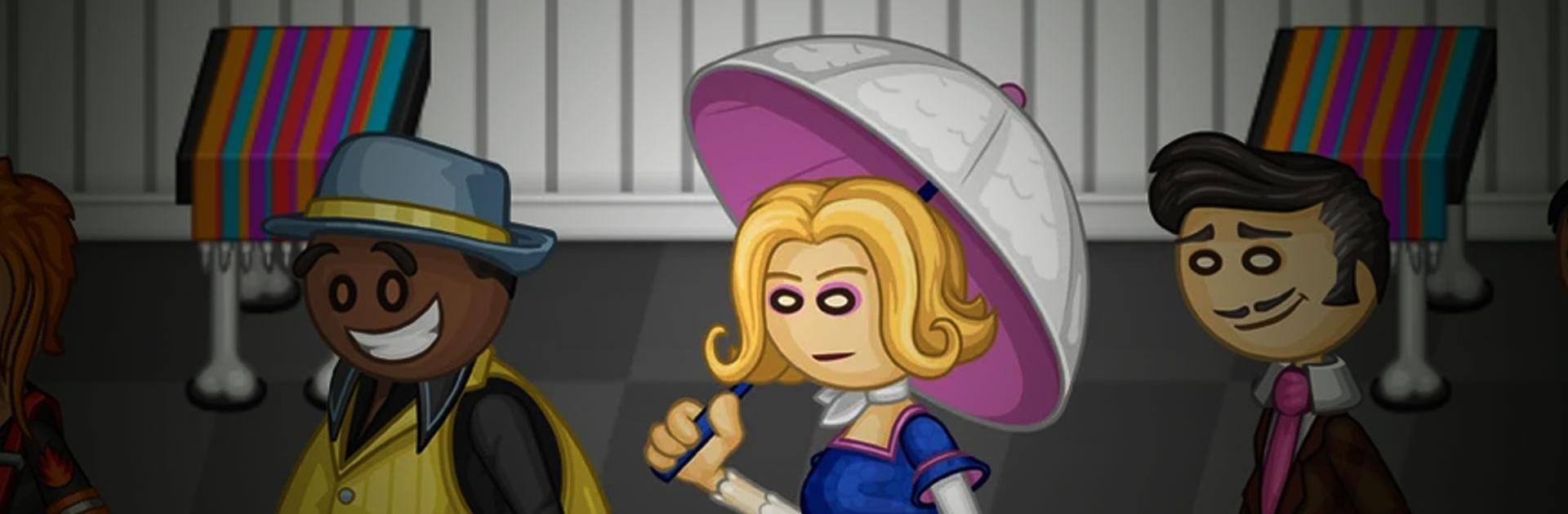
  • Create Your Crew: Play as Wylan B or Olivia, or design your own chef and driver with loads of outfits and color mixes to nail the vibe you want.
  • Call-In Orders & Delivery: Take call-in tickets and send your driver to drop off meals so fans outside town don’t miss out.
  • Food Truck Experiments: Between shifts, run a Food Truck where you can mix ingredients from any season and serve your own wild creations.
  • Stickers & Outfits: Complete tasks to collect Stickers; finish a customer’s set to unlock a brand-new outfit for them.
  • Dress the Place & Mini-Games: Spruce up the lobby with themed furniture, send coupons to bring customers back, and play quick mini-games to snag more gear.
  • Big Cast, Bigger Pantry: Serve a huge lineup of regulars while unlocking a hefty stash of ingredients and mastering a wide range of special recipes.

Start your journey now. Download the game on BlueStacks, invite your friends, and march on a new adventure.


Game Features

Enhancements

  • Macros
  • Multi Instance
  • Multi Instance Sync
  • Eco Mode
  • Enhancements
Macros

Macros

Skip the boring parts of a game. Play Papa's Cluckeria To Go! with Macros and get the edge. Simply record a sequence of commands and execute them at any moment.
Multi Instance

Multi Instance

Why limit to one game on your phone when you can play many on your PC? Open multiple instances of Papa's Cluckeria To Go! at once with Multi-Instance. Leverage the power of different accounts by doing more.
Multi Instance Sync

Multi Instance Sync

Get the best out of Papa's Cluckeria To Go! with Multi-Instance Sync. Play the game from different accounts and build your own empire. Use Multi-instance sync to repeat the action in the main BlueStacks instance on all other instances.
Eco Mode

Eco Mode

Find the rarest heroes by making multiple summons in Papa's Cluckeria To Go!. And while you are at it, reduce your PC’s resource consumption with the Eco Mode. Farm efficiently. Get the best results.
Read More

How to Download and Play Papa's Cluckeria To Go! on PC or Mac

  • Download and install BlueStacks on your PC or Mac

  • Complete Google sign-in to access the Play Store, or do it later

  • Look for Papa's Cluckeria To Go! in the search bar at the top right corner

  • Click to install Papa's Cluckeria To Go! from the search results

  • Complete Google sign-in (if you skipped step 2) to install Papa's Cluckeria To Go!

  • Click the Papa's Cluckeria To Go! icon on the home screen to start playing

video
Watch Video

Minimum System Requirements

With BlueStacks 5, you can get started on a PC that fulfills the following requirements.

  • Operating System

    Microsoft Windows 7 or above, macOS 11 (Big Sur) or above

  • Processor

    Intel, AMD or Apple Silicon Processor

  • RAM

    at least 4GB

  • HDD

    10GB Free Disk Space

Note:

* You must be an Administrator on your PC. Up to date graphics drivers from Microsoft or the chipset vendor.

Papa's Cluckeria To Go! - FAQs

  • How to play Papa's Cluckeria To Go! on Windows PC & Mac?

    Play Papa's Cluckeria To Go! on your PC or Mac by following these simple steps.

    • Click on 'Play Papa's Cluckeria To Go! on PC’ to download BlueStacks
    • Install it and log-in to Google Play Store
    • Launch and play the game.
  • Why is BlueStacks the fastest and safest platform to play games on PC?

    BlueStacks respects your privacy and is always safe and secure to use. It does not carry any malware, spyware, or any sort of additional software that could harm your PC.

    It is engineered to optimize speed and performance for a seamless gaming experience.

  • What are Papa's Cluckeria To Go! PC requirements?

    Minimum requirement to run Papa's Cluckeria To Go! on your PC

    • OS: Microsoft Windows 7 or above MacOS 11 (Big Sur) or above
    • Processor: Intel, AMD or Apple Silicon Processor
    • RAM: Your PC must have at least 4GB of RAM. (Note that having 4GB or more disk space is not a substitute for RAM)
    • HDD: 10GB Free Disk Space.
    • You must be an Administrator on your PC.