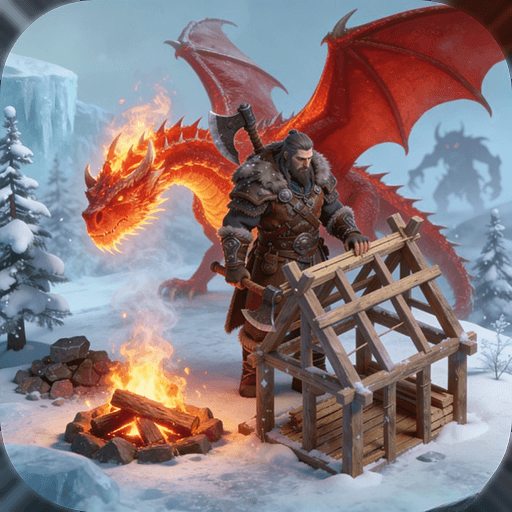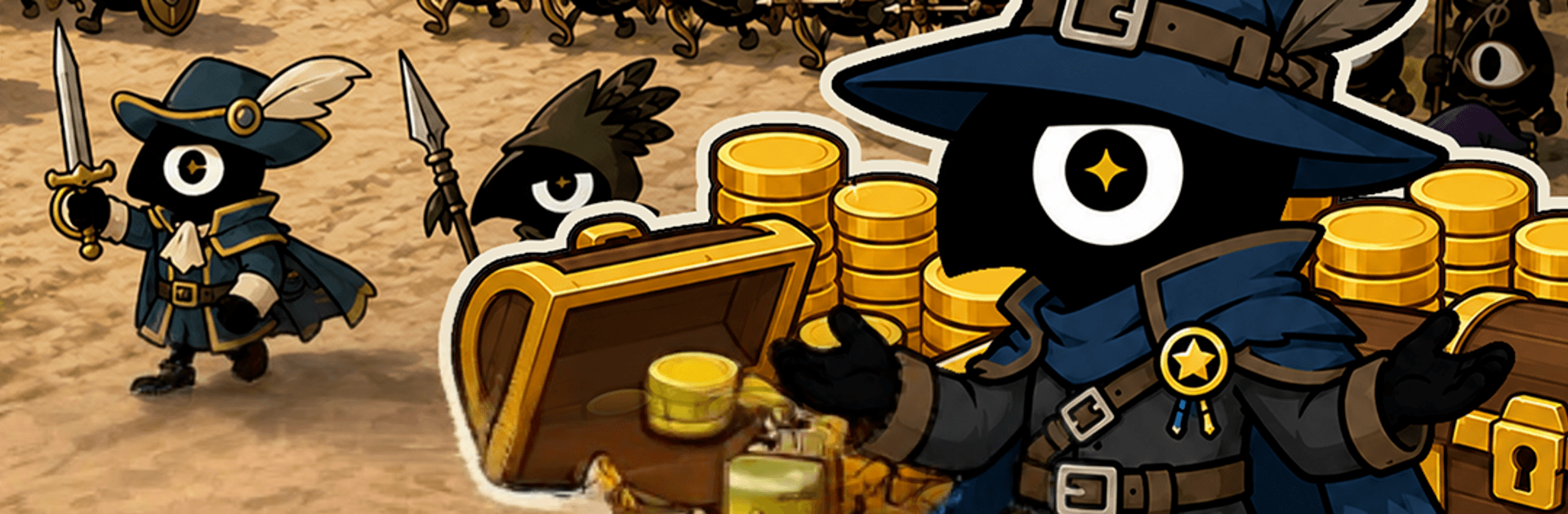
Polaris: Crown Legacy

Polaris: Crown Legacy

Strategy

| Underdox Untamed Maniacs

Play on PC with BlueStacks or from our cloud

  • Overview
  • Game Features
  • How to Play

Page Modified On: October 21, 2026

Play Polaris: Crown Legacy on PC or Mac

Explore a whole new adventure with Polaris: Crown Legacy, a Strategy game created by Underdox Untamed Maniacs. Experience great gameplay with BlueStacks, the most popular gaming platform to play Android games on your PC or Mac.

About the Game

Polaris: Crown Legacy is a Strategy game that blends laid-back growth with big, brainy battles. You’re building a roster of heroes, marshaling armies, and juggling resources while plotting how to take – and keep – the map. Prefer a bigger screen and handy controls? It runs smoothly on PC with BlueStacks, too.

Game Features

  • Dual-Scale Combat: Watch tense 5v5 hero skirmishes unfold right alongside sweeping army clashes on the same field, then pivot your attention to whichever front needs you most.
  • Smart Deployment: Position heroes and units, tweak formations, and counter enemy types; tiny changes in timing and placement can flip the outcome in your favor.
  • Idle Progress That Matters: Your squad keeps collecting resources and growing stronger while you’re away, so logging back in feels rewarding instead of like a chore.
  • Player-Driven Market: Trade gear and materials with others in a live marketplace to finish builds, plug gaps, and progress on your terms.
  • Alliances and Territory Control: Team up with friends, coordinate sieges, capture key zones, and unlock bigger rewards as your borders expand.
  • Collectible Heroes With Style: Recruit a diverse cast with distinct roles, personalities, and flashy skill sets, then mix and match to create squads that actually click.
  • Auto When You Want It: Let auto-battle handle routine fights, then jump in manually for clutch moments when timing and targeting really count.
  • Army Crafting and Upgrades: Train specialized troops, invest in upgrades, and stack synergies so your frontline holds while your damage dealers do their thing.

BlueStacks gives you more room to focus on the game and less time adjusting around mobile limitations.


Game Features

Enhancements

  • Macros
  • Multi Instance
  • Multi Instance Sync
  • Eco Mode
  • Enhancements
Macros

Macros

Skip the boring parts of a game. Play Polaris: Crown Legacy with Macros and get the edge. Simply record a sequence of commands and execute them at any moment.
Multi Instance

Multi Instance

Why limit to one game on your phone when you can play many on your PC? Open multiple instances of Polaris: Crown Legacy at once with Multi-Instance. Leverage the power of different accounts by doing more.
Multi Instance Sync

Multi Instance Sync

Get the best out of Polaris: Crown Legacy with Multi-Instance Sync. Play the game from different accounts and build your own empire. Use Multi-instance sync to repeat the action in the main BlueStacks instance on all other instances.
Eco Mode

Eco Mode

Find the rarest heroes by making multiple summons in Polaris: Crown Legacy. And while you are at it, reduce your PC’s resource consumption with the Eco Mode. Farm efficiently. Get the best results.
Read More

How to Download and Play Polaris: Crown Legacy on PC or Mac

  • Download and install BlueStacks on your PC or Mac

  • Complete Google sign-in to access the Play Store, or do it later

  • Look for Polaris: Crown Legacy in the search bar at the top right corner

  • Click to install Polaris: Crown Legacy from the search results

  • Complete Google sign-in (if you skipped step 2) to install Polaris: Crown Legacy

  • Click the Polaris: Crown Legacy icon on the home screen to start playing

video
Watch Video

Minimum System Requirements

With BlueStacks 5, you can get started on a PC that fulfills the following requirements.

  • Operating System

    Microsoft Windows 7 or above, macOS 11 (Big Sur) or above

  • Processor

    Intel, AMD or Apple Silicon Processor

  • RAM

    at least 4GB

  • HDD

    10GB Free Disk Space

Note:

* You must be an Administrator on your PC. Up to date graphics drivers from Microsoft or the chipset vendor.

Polaris: Crown Legacy - FAQs

  • How to play Polaris: Crown Legacy on Windows PC & Mac?

    Play Polaris: Crown Legacy on your PC or Mac by following these simple steps.

    • Click on 'Play Polaris: Crown Legacy on PC’ to download BlueStacks
    • Install it and log-in to Google Play Store
    • Launch and play the game.
  • Why is BlueStacks the fastest and safest platform to play games on PC?

    BlueStacks respects your privacy and is always safe and secure to use. It does not carry any malware, spyware, or any sort of additional software that could harm your PC.

    It is engineered to optimize speed and performance for a seamless gaming experience.

  • What are Polaris: Crown Legacy PC requirements?

    Minimum requirement to run Polaris: Crown Legacy on your PC

    • OS: Microsoft Windows 7 or above MacOS 11 (Big Sur) or above
    • Processor: Intel, AMD or Apple Silicon Processor
    • RAM: Your PC must have at least 4GB of RAM. (Note that having 4GB or more disk space is not a substitute for RAM)
    • HDD: 10GB Free Disk Space.
    • You must be an Administrator on your PC.