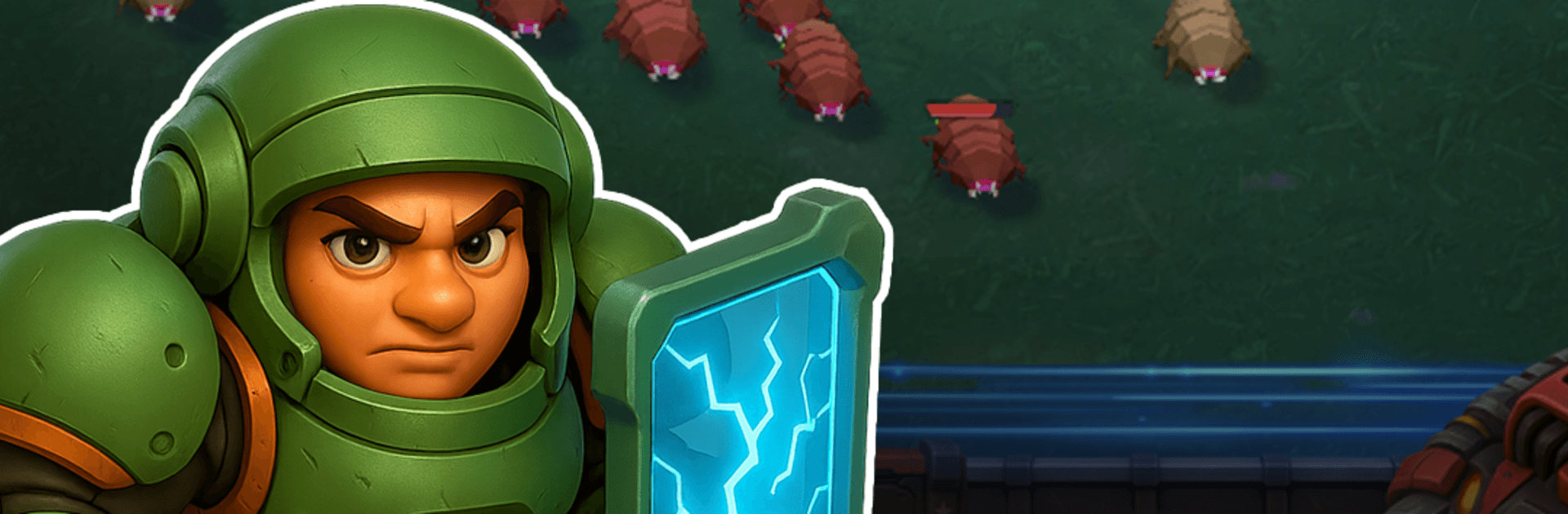
Star Marines: War Invasion TD

Star Marines: War Invasion TD

Strategy

| NOXGAMES

Play on PC with BlueStacks or from our cloud

  • Overview
  • Game Features
  • How to Play

Page Modified On: August 31, 2026

Play Star Marines: War Invasion TD on PC or Mac

Bring your A-game to Star Marines: War Invasion TD, the Strategy game sensation from NOXGAMES. Give your gameplay the much-needed boost with precise game controls, high FPS graphics, and top-tier features on your PC or Mac with BlueStacks.

About the Game

Star Marines: War Invasion TD throws you into a desperate stand against alien swarms, where every placement, upgrade, and call matters. It’s a Strategy game with an idle twist: your defense keeps working even when you’re away, so progress never stalls. Prefer playing on a bigger screen? It feels right at home on BlueStacks with smooth, precise control.

Game Features

  • Command the Outpost: Take charge of an embattled fortress and organize your elite Marines alongside automated defenses to hold the line against endless waves.
  • Idle Combat, Real Progress: Your squad keeps fighting and collecting salvage while you’re offline, letting you return to stronger defenses and fresh upgrades.
  • Towers + Troops Synergy: Mix heavy turrets with frontline Marines and smart fortifications, creating lethal crossfires and layered choke points.
  • Evolving Alien Swarms: Face metallic beetles, buzzing drones, hulking spiders, and other nasties—each enemy type pushes a different weakness to exploit.
  • Deep Tech and Upgrades: Research new weapon systems, strengthen towers, and boost Marine stats to scale your damage, range, and survivability.
  • Custom Loadouts: Tailor your Star Marines with specialized gear and roles so each squad member fits your plan—not the other way around.
  • Resource-Driven Strategy: Spend hard-earned salvage wisely to unlock new units, reinforce key lanes, and tune your fortress for the next onslaught.
  • Endless Resistance: The pressure never lets up; refine your layout, test new builds, and see how long your defenses can withstand the growing tide.

Get ready for a buttery smooth, high-performance gaming action only on BlueStacks.

Game Features

Enhancements

  • Macros
  • Multi Instance
  • Multi Instance Sync
  • Eco Mode
  • Enhancements
Macros

Macros

Skip the boring parts of a game. Play Star Marines: War Invasion TD with Macros and get the edge. Simply record a sequence of commands and execute them at any moment.
Multi Instance

Multi Instance

Why limit to one game on your phone when you can play many on your PC? Open multiple instances of Star Marines: War Invasion TD at once with Multi-Instance. Leverage the power of different accounts by doing more.
Multi Instance Sync

Multi Instance Sync

Get the best out of Star Marines: War Invasion TD with Multi-Instance Sync. Play the game from different accounts and build your own empire. Use Multi-instance sync to repeat the action in the main BlueStacks instance on all other instances.
Eco Mode

Eco Mode

Find the rarest heroes by making multiple summons in Star Marines: War Invasion TD. And while you are at it, reduce your PC’s resource consumption with the Eco Mode. Farm efficiently. Get the best results.
Read More

How to Download and Play Star Marines: War Invasion TD on PC or Mac

  • Download and install BlueStacks on your PC or Mac

  • Complete Google sign-in to access the Play Store, or do it later

  • Look for Star Marines: War Invasion TD in the search bar at the top right corner

  • Click to install Star Marines: War Invasion TD from the search results

  • Complete Google sign-in (if you skipped step 2) to install Star Marines: War Invasion TD

  • Click the Star Marines: War Invasion TD icon on the home screen to start playing

video
Watch Video

Minimum System Requirements

With BlueStacks 5, you can get started on a PC that fulfills the following requirements.

  • Operating System

    Microsoft Windows 7 or above, macOS 11 (Big Sur) or above

  • Processor

    Intel, AMD or Apple Silicon Processor

  • RAM

    at least 4GB

  • HDD

    10GB Free Disk Space

Note:

* You must be an Administrator on your PC. Up to date graphics drivers from Microsoft or the chipset vendor.

Star Marines: War Invasion TD - FAQs

  • How to play Star Marines: War Invasion TD on Windows PC & Mac?

    Play Star Marines: War Invasion TD on your PC or Mac by following these simple steps.

    • Click on 'Play Star Marines: War Invasion TD on PC’ to download BlueStacks
    • Install it and log-in to Google Play Store
    • Launch and play the game.
  • Why is BlueStacks the fastest and safest platform to play games on PC?

    BlueStacks respects your privacy and is always safe and secure to use. It does not carry any malware, spyware, or any sort of additional software that could harm your PC.

    It is engineered to optimize speed and performance for a seamless gaming experience.

  • What are Star Marines: War Invasion TD PC requirements?

    Minimum requirement to run Star Marines: War Invasion TD on your PC

    • OS: Microsoft Windows 7 or above MacOS 11 (Big Sur) or above
    • Processor: Intel, AMD or Apple Silicon Processor
    • RAM: Your PC must have at least 4GB of RAM. (Note that having 4GB or more disk space is not a substitute for RAM)
    • HDD: 10GB Free Disk Space.
    • You must be an Administrator on your PC.