Thế giới nước sinh tồn

Thế giới nước sinh tồn

Strategy

| KAN ONLINE ENTERTAINMENT JOINT STOCK COMPANY

Play on PC with BlueStacks or from our cloud

  • Overview
  • Game Features
  • How to Play

Page Modified On: October 30, 2026

Play Thế giới nước sinh tồn on PC or Mac

Bring your A-game to Thế giới nước sinh tồn, the Strategy game sensation from KAN ONLINE ENTERTAINMENT JOINT STOCK COMPANY. Give your gameplay the much-needed boost with precise game controls, high FPS graphics, and top-tier features on your PC or Mac with BlueStacks.

About the Game

Thế giới nước sinh tồn is a Strategy survival adventure set after the world disappears under endless waves. You’re clinging to a small raft with a handful of supplies and big decisions to make—scrounge, build, protect your crew, and find a way to keep hope afloat. Want a wider view of your sea-stronghold? It plays comfortably on BlueStacks.

Game Features

  • Floating Fortress Building: Gather drifting planks, scrap, and tarp to stitch together decks, walls, sails, and nets—watch your bare raft grow into a seaworthy base.
  • Smart Scavenging: Time your throws and place collection nets to snag crates and barrels, or take a quick, risky dive when the water’s calm.
  • Real Threats at Sea: Sharks gnaw at your hull and raiders eye your stash—craft spears, bows, and reinforced frames to keep trouble outside the rails.
  • Exploration With Purpose: Ride currents toward wrecked rigs, radio beacons, and scattered flotillas, each hiding materials, events, and clues.
  • Crew Care and Survival: Boil water, cook meals, treat scrapes, and manage fatigue so no one keels over mid-storm.
  • Meaningful Choices: Rescue a castaway or save rations? Sail through the night or wait for dawn? Your calls decide who makes it to tomorrow.
  • Tech and Upgrades: Research better sails, watermakers, engines, traps, and storage to stretch resources and travel farther.
  • Weather and Sea States: Plan around rolling swells, sudden squalls, thick fog, and the occasional rogue wave.
  • Trade and Diplomacy: Barter with drifters, swap coordinates, and form loose alliances that can grow into a fragile network.
  • Story Hints and Lore: Pick up radio chatter, find journals, and piece together what the world lost—and what might still be saved.

Start your journey now. Download the game on BlueStacks, invite your friends, and march on a new adventure.


Game Features

Enhancements

  • Macros
  • Multi Instance
  • Multi Instance Sync
  • Eco Mode
  • Enhancements
Macros

Macros

Skip the boring parts of a game. Play Thế giới nước sinh tồn with Macros and get the edge. Simply record a sequence of commands and execute them at any moment.
Multi Instance

Multi Instance

Why limit to one game on your phone when you can play many on your PC? Open multiple instances of Thế giới nước sinh tồn at once with Multi-Instance. Leverage the power of different accounts by doing more.
Multi Instance Sync

Multi Instance Sync

Get the best out of Thế giới nước sinh tồn with Multi-Instance Sync. Play the game from different accounts and build your own empire. Use Multi-instance sync to repeat the action in the main BlueStacks instance on all other instances.
Eco Mode

Eco Mode

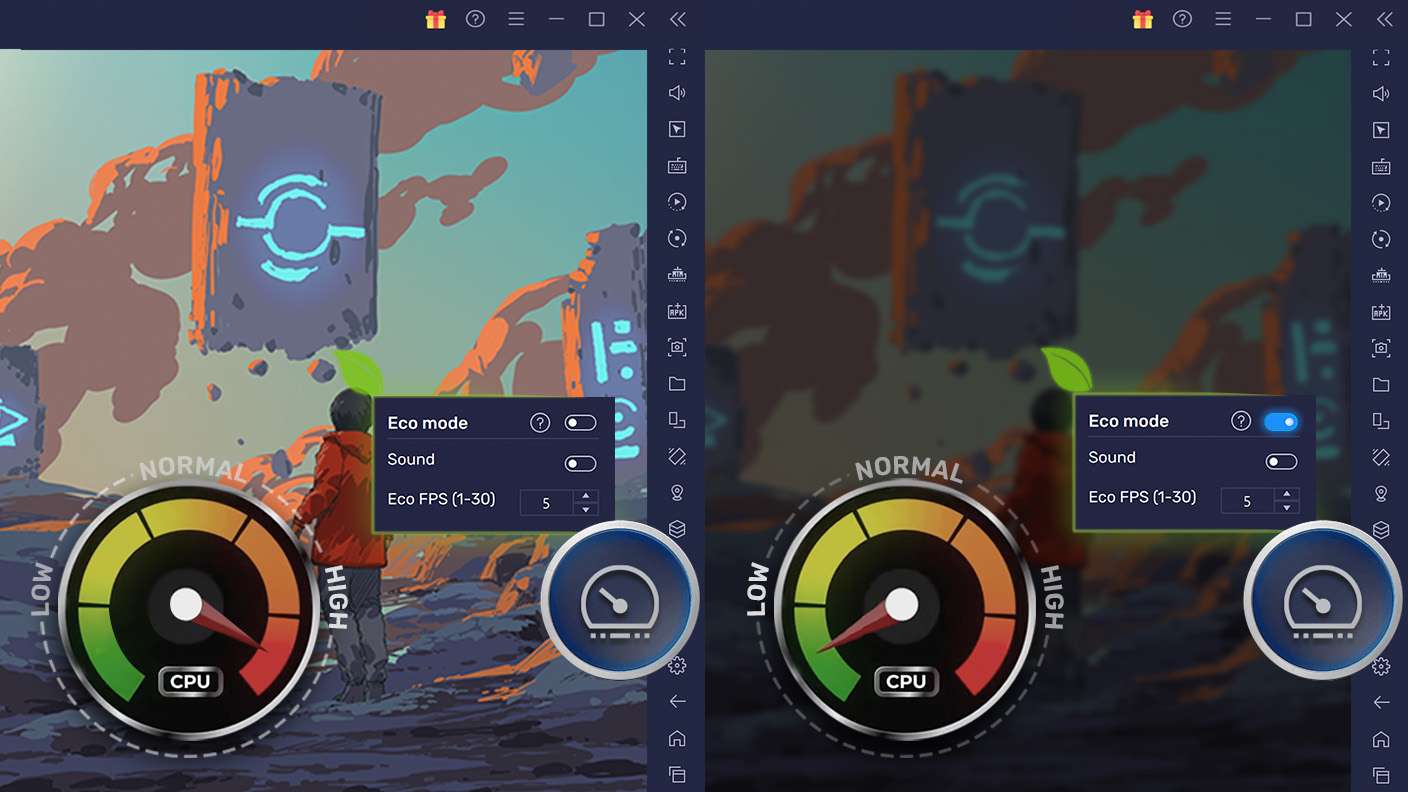
Find the rarest heroes by making multiple summons in Thế giới nước sinh tồn. And while you are at it, reduce your PC’s resource consumption with the Eco Mode. Farm efficiently. Get the best results.
Read More

How to Download and Play Thế giới nước sinh tồn on PC or Mac

  • Download and install BlueStacks on your PC or Mac

  • Complete Google sign-in to access the Play Store, or do it later

  • Look for Thế giới nước sinh tồn in the search bar at the top right corner

  • Click to install Thế giới nước sinh tồn from the search results

  • Complete Google sign-in (if you skipped step 2) to install Thế giới nước sinh tồn

  • Click the Thế giới nước sinh tồn icon on the home screen to start playing

video
Watch Video

Minimum System Requirements

With BlueStacks 5, you can get started on a PC that fulfills the following requirements.

  • Operating System

    Microsoft Windows 7 or above, macOS 11 (Big Sur) or above

  • Processor

    Intel, AMD or Apple Silicon Processor

  • RAM

    at least 4GB

  • HDD

    10GB Free Disk Space

Note:

* You must be an Administrator on your PC. Up to date graphics drivers from Microsoft or the chipset vendor.

Thế giới nước sinh tồn - FAQs

  • How to play Thế giới nước sinh tồn on Windows PC & Mac?

    Play Thế giới nước sinh tồn on your PC or Mac by following these simple steps.

    • Click on 'Play Thế giới nước sinh tồn on PC’ to download BlueStacks
    • Install it and log-in to Google Play Store
    • Launch and play the game.
  • Why is BlueStacks the fastest and safest platform to play games on PC?

    BlueStacks respects your privacy and is always safe and secure to use. It does not carry any malware, spyware, or any sort of additional software that could harm your PC.

    It is engineered to optimize speed and performance for a seamless gaming experience.

  • What are Thế giới nước sinh tồn PC requirements?

    Minimum requirement to run Thế giới nước sinh tồn on your PC

    • OS: Microsoft Windows 7 or above MacOS 11 (Big Sur) or above
    • Processor: Intel, AMD or Apple Silicon Processor
    • RAM: Your PC must have at least 4GB of RAM. (Note that having 4GB or more disk space is not a substitute for RAM)
    • HDD: 10GB Free Disk Space.
    • You must be an Administrator on your PC.