Tower Siege: Castle Defense TD

Tower Siege: Castle Defense TD

Strategy

| AppleJuiceGames

Play on PC with BlueStacks or from our cloud

  • Overview
  • Game Features
  • How to Play

Page Modified On: October 21, 2026

Play Tower Siege: Castle Defense TD on PC or Mac

Bring your A-game to Tower Siege: Castle Defense TD, the Strategy game sensation from AppleJuiceGames. Give your gameplay the much-needed boost with precise game controls, high FPS graphics, and top-tier features on your PC or Mac with BlueStacks.

About the Game

Tower Siege: Castle Defense TD is all about holding the line when everything’s trying to break it. This Strategy title puts you in charge of a battered fortress and asks one simple question: can your planning outlast wave after wave of attackers? Expect a clean, no-nonsense tower defense experience with thoughtful planning, snappy battles, and plenty of nail-biting moments. Prefer a bigger screen and steady controls? It runs smoothly on BlueStacks, too.

Game Features

  • Smart base building: Shape a solid defense by placing towers where they matter most, covering key lanes and tweaking your layout as threats evolve.
  • Deep tower growth: Upgrade towers along distinct paths and combine enhancements to create loadouts that suit your playstyle, from high burst to steady crowd control.
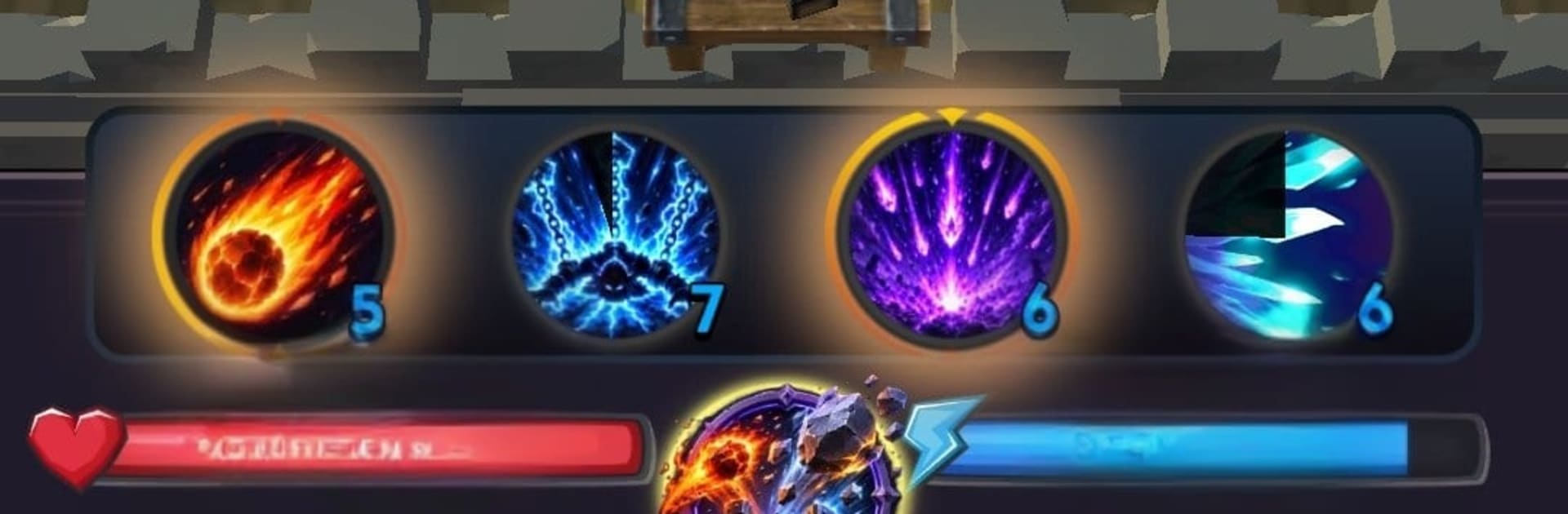
  • Abilities that matter: Time special skills to stall a rush, finish off tough enemies, or stabilize a crumbling flank when things get spicy.
  • Escalating challenges: Face steadily tougher waves that push you to refine placements, rethink priorities, and squeeze more value from every slot.
  • True siege feel: Battle amid a bold fantasy backdrop, with creeping hordes and tense pushes that feel like a real castle under siege.
  • Offline friendly: Play anywhere without a connection—perfect for commutes, travel, or when you just want a focused session without distractions.
  • Clear, tight pacing: Quick stages keep decisions sharp, while longer runs reward careful planning and smart resource use.
  • Designed for TD fans: It keeps the focus on thoughtful defense, satisfying upgrades, and clutch moments—no fluff, just the good stuff.

Get ready for a buttery smooth, high-performance gaming action only on BlueStacks.

Game Features

Enhancements

  • Macros
  • Multi Instance
  • Multi Instance Sync
  • Eco Mode
  • Enhancements
Macros

Macros

Skip the boring parts of a game. Play Tower Siege: Castle Defense TD with Macros and get the edge. Simply record a sequence of commands and execute them at any moment.
Multi Instance

Multi Instance

Why limit to one game on your phone when you can play many on your PC? Open multiple instances of Tower Siege: Castle Defense TD at once with Multi-Instance. Leverage the power of different accounts by doing more.
Multi Instance Sync

Multi Instance Sync

Get the best out of Tower Siege: Castle Defense TD with Multi-Instance Sync. Play the game from different accounts and build your own empire. Use Multi-instance sync to repeat the action in the main BlueStacks instance on all other instances.
Eco Mode

Eco Mode

Find the rarest heroes by making multiple summons in Tower Siege: Castle Defense TD. And while you are at it, reduce your PC’s resource consumption with the Eco Mode. Farm efficiently. Get the best results.
Read More

How to Download and Play Tower Siege: Castle Defense TD on PC or Mac

  • Download and install BlueStacks on your PC or Mac

  • Complete Google sign-in to access the Play Store, or do it later

  • Look for Tower Siege: Castle Defense TD in the search bar at the top right corner

  • Click to install Tower Siege: Castle Defense TD from the search results

  • Complete Google sign-in (if you skipped step 2) to install Tower Siege: Castle Defense TD

  • Click the Tower Siege: Castle Defense TD icon on the home screen to start playing

video
Watch Video

Minimum System Requirements

With BlueStacks 5, you can get started on a PC that fulfills the following requirements.

  • Operating System

    Microsoft Windows 7 or above, macOS 11 (Big Sur) or above

  • Processor

    Intel, AMD or Apple Silicon Processor

  • RAM

    at least 4GB

  • HDD

    10GB Free Disk Space

Note:

* You must be an Administrator on your PC. Up to date graphics drivers from Microsoft or the chipset vendor.

Tower Siege: Castle Defense TD - FAQs

  • How to play Tower Siege: Castle Defense TD on Windows PC & Mac?

    Play Tower Siege: Castle Defense TD on your PC or Mac by following these simple steps.

    • Click on 'Play Tower Siege: Castle Defense TD on PC’ to download BlueStacks
    • Install it and log-in to Google Play Store
    • Launch and play the game.
  • Why is BlueStacks the fastest and safest platform to play games on PC?

    BlueStacks respects your privacy and is always safe and secure to use. It does not carry any malware, spyware, or any sort of additional software that could harm your PC.

    It is engineered to optimize speed and performance for a seamless gaming experience.

  • What are Tower Siege: Castle Defense TD PC requirements?

    Minimum requirement to run Tower Siege: Castle Defense TD on your PC

    • OS: Microsoft Windows 7 or above MacOS 11 (Big Sur) or above
    • Processor: Intel, AMD or Apple Silicon Processor
    • RAM: Your PC must have at least 4GB of RAM. (Note that having 4GB or more disk space is not a substitute for RAM)
    • HDD: 10GB Free Disk Space.
    • You must be an Administrator on your PC.