World Conqueror 1945

World Conqueror 1945

Strategy

| EasyTech Games

Play on PC with BlueStacks or from our cloud

  • Overview
  • Game Features
  • How to Play

Page Modified On: July 14, 2026

Play World Conqueror 1945 on PC or Mac

World Conqueror 1945 by EasyTech Games has plenty to keep you busy. BlueStacks lets you play it on PC or Mac with more screen space, better control, and fewer mobile limits.

About the Game

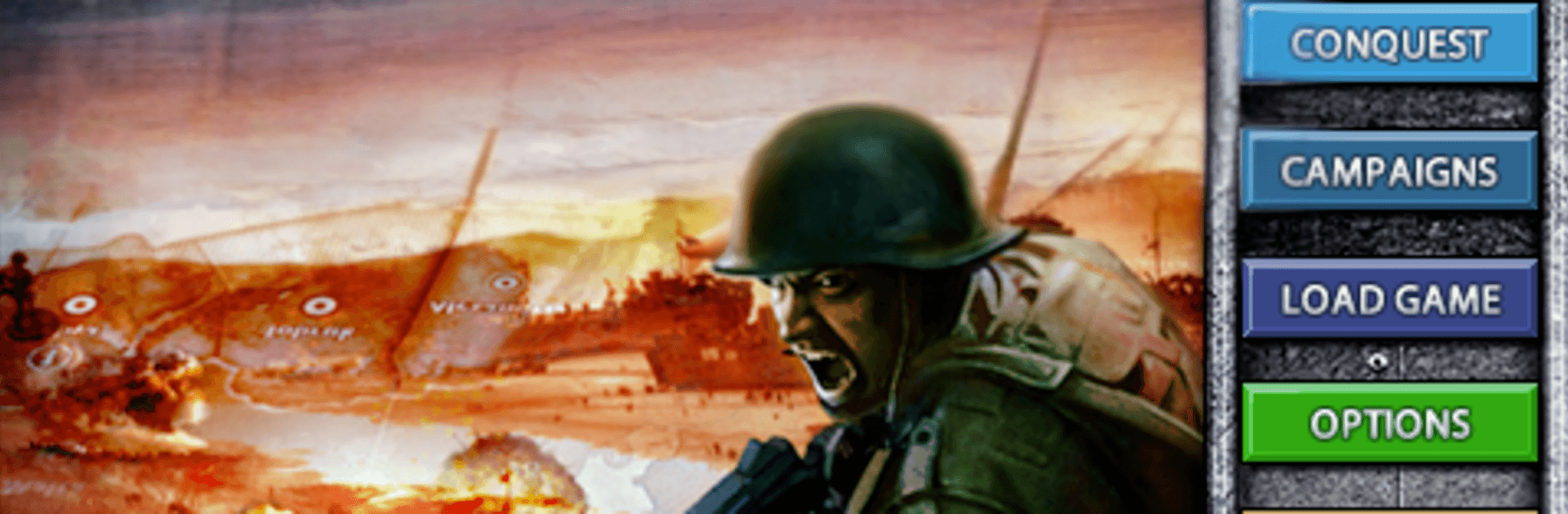
World Conqueror 1945 is a deep, old-school Strategy war game that hands you command of World War II fronts across land, sea, and air. You’ll manage resources, position units, and make tough calls as fierce AI opponents fight for the same cities, ports, and chokepoints. After a few turns, you’ll realize every move matters—and a single breakthrough can change everything.

Game Features

  • Two Ways to Play: Jump into sweeping Conquest campaigns or tackle tightly designed historical Battles when you want a faster challenge.
  • Smart, Relentless AI: Expect counterattacks, encirclements, and pressure on weak spots. Reading the map is half the fight.
  • Core Arms, Clear Roles: Soldiers hold ground and stretch your economy, tanks punch through lines and can keep moving after a kill, and artillery softens targets from range.
  • National Strengths: Different countries bring unique edges—think powerful (but costly) German armor, standout Soviet guns, and a formidable British navy.
  • Officers and Medals: Units earn experience in combat. Decorated troops hit harder and last longer, turning into dependable aces you’ll want to protect.
  • Tactical Cards: Deploy production cards for soldiers, tanks, or artillery; call in battleships; build fortresses; launch airstrikes; or improve territories with construction to boost taxes and even draft troops at higher levels.
  • Command Upgrades: Attach a General to push your offensive power or a Marshal to bolster defense right when it counts.
  • Special Nation Cards: Major powers get unique abilities on a cooldown, adding a timely twist to big operations.
  • Historic Scenarios: Fight at Kursk, Normandy, North Africa, the Pacific, and more across three WWII periods (1940, 1942, 1944).
  • Scale and Variety: Battle across 243 territories with dozens of unit types, five difficulty settings, and autosave for stress-free session breaks.
  • Play on PC: Prefer a mouse and a bigger view? World Conqueror 1945 runs smoothly on BlueStacks for a desktop-style setup.

Start playing World Conqueror 1945 on BlueStacks and get a smoother, more comfortable PC or Mac setup.


Game Features

Enhancements

  • Macros
  • Multi Instance
  • Multi Instance Sync
  • Eco Mode
  • Enhancements
Macros

Macros

Skip the boring parts of a game. Play World Conqueror 1945 with Macros and get the edge. Simply record a sequence of commands and execute them at any moment.
Multi Instance

Multi Instance

Why limit to one game on your phone when you can play many on your PC? Open multiple instances of World Conqueror 1945 at once with Multi-Instance. Leverage the power of different accounts by doing more.
Multi Instance Sync

Multi Instance Sync

Get the best out of World Conqueror 1945 with Multi-Instance Sync. Play the game from different accounts and build your own empire. Use Multi-instance sync to repeat the action in the main BlueStacks instance on all other instances.
Eco Mode

Eco Mode

Find the rarest heroes by making multiple summons in World Conqueror 1945. And while you are at it, reduce your PC’s resource consumption with the Eco Mode. Farm efficiently. Get the best results.
Read More

How to Download and Play World Conqueror 1945 on PC or Mac

  • Download and install BlueStacks on your PC or Mac

  • Complete Google sign-in to access the Play Store, or do it later

  • Look for World Conqueror 1945 in the search bar at the top right corner

  • Click to install World Conqueror 1945 from the search results

  • Complete Google sign-in (if you skipped step 2) to install World Conqueror 1945

  • Click the World Conqueror 1945 icon on the home screen to start playing

video
Watch Video

Minimum System Requirements

With BlueStacks 5, you can get started on a PC that fulfills the following requirements.

  • Operating System

    Microsoft Windows 7 or above, macOS 11 (Big Sur) or above

  • Processor

    Intel, AMD or Apple Silicon Processor

  • RAM

    at least 4GB

  • HDD

    10GB Free Disk Space

Note:

* You must be an Administrator on your PC. Up to date graphics drivers from Microsoft or the chipset vendor.

World Conqueror 1945 - FAQs

  • How to play World Conqueror 1945 on Windows PC & Mac?

    Play World Conqueror 1945 on your PC or Mac by following these simple steps.

    • Click on 'Play World Conqueror 1945 on PC’ to download BlueStacks
    • Install it and log-in to Google Play Store
    • Launch and play the game.
  • Why is BlueStacks the fastest and safest platform to play games on PC?

    BlueStacks respects your privacy and is always safe and secure to use. It does not carry any malware, spyware, or any sort of additional software that could harm your PC.

    It is engineered to optimize speed and performance for a seamless gaming experience.

  • What are World Conqueror 1945 PC requirements?

    Minimum requirement to run World Conqueror 1945 on your PC

    • OS: Microsoft Windows 7 or above MacOS 11 (Big Sur) or above
    • Processor: Intel, AMD or Apple Silicon Processor
    • RAM: Your PC must have at least 4GB of RAM. (Note that having 4GB or more disk space is not a substitute for RAM)
    • HDD: 10GB Free Disk Space.
    • You must be an Administrator on your PC.