
Account Space: Multi App&Clone

Account Space: Multi App&Clone

Tools

| Great Talent Video Inc. Video Editor App

Play on PC with BlueStacks or from our cloud

  • Overview
  • How to Download

Page Modified On: September 19, 2025

Run Account Space: Multi App&Clone on PC or Mac

Why limit yourself to your small screen on the phone? Run Account Space: Multi App&Clone, an app by Great Talent Video Inc. Video Editor App, best experienced on your PC or Mac with BlueStacks, the world’s #1 Android emulator.

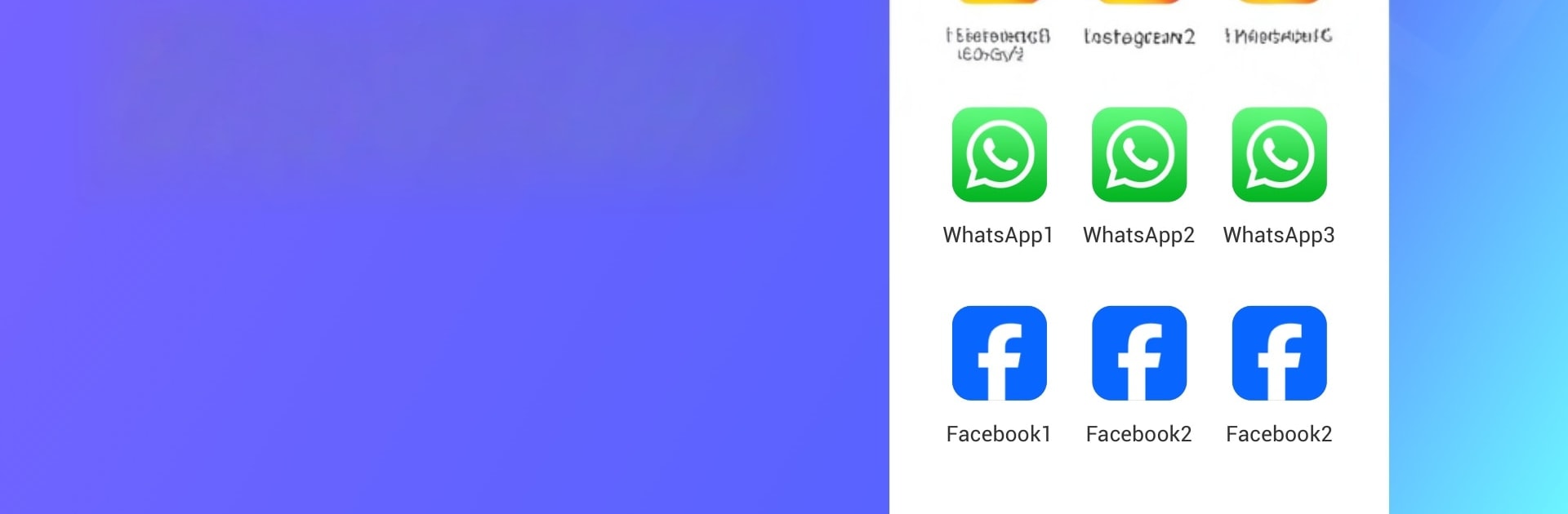
Account Space is one of those handy clones-and-switch tools for people who bounce between work, personal, and game alts without wanting to log out every time. It spins up clean copies of apps, so someone can keep a WhatsApp for family, a Messenger for work, and another for guild chat. Tapping between accounts is fast and the cloned apps feel like the originals, not weird stripped versions. On a PC with BlueStacks it works like a tidy hub, open a clone and it behaves like any normal app window, keyboard input is smooth and it does not feel heavy unless a bunch are running at once.

It supports the big names like Facebook, Instagram, WhatsApp, WeChat, plus mobile games that love multiple accounts like PUBG Mobile, Wild Rift, Lords Mobile, and those puzzle survival titles. Each clone keeps its own data silo, which is good for privacy and also for not mixing notifications or chat history. There is a simple option to hide certain clones and even tweak icons, helpful when there are many copies of the same thing and someone wants them labeled cleanly.

Permissions are needed for features to work inside the clones, like camera or mic. That is normal, but worth noting. Notifications can be picky, so adding Account Space to a whitelist and allowing it to run in the background helps messages land on time. Storage use grows with every clone, so it is smart to keep only what is really used, and in BlueStacks giving it enough memory makes everything feel snappier.

Ready to experience Account Space: Multi App&Clone on a bigger screen, in all its glory? Download BlueStacks now.


How to Download and Run Account Space: Multi App&Clone on PC or Mac

  • Download and install BlueStacks on your PC or Mac

  • Complete Google sign-in to access the Play Store, or do it later

  • Look for Account Space: Multi App&Clone in the search bar at the top right corner

  • Click to install Account Space: Multi App&Clone from the search results

  • Complete Google sign-in (if you skipped step 2) to install Account Space: Multi App&Clone

  • Click the Account Space: Multi App&Clone icon on the home screen to start playing

video
Watch Video

Minimum System Requirements

With BlueStacks 5, you can get started on a PC that fulfills the following requirements.

  • Operating System

    Microsoft Windows 7 or above, macOS 11 (Big Sur) or above

  • Processor

    Intel, AMD or Apple Silicon Processor

  • RAM

    at least 4GB

  • HDD

    10GB Free Disk Space

Note:

* You must be an Administrator on your PC. Up to date graphics drivers from Microsoft or the chipset vendor.

Account Space: Multi App&Clone - FAQs

  • How to Run Account Space: Multi App&Clone on Windows PC & Mac?

    Run Account Space: Multi App&Clone on your PC or Mac by following these simple steps.

    • Click on ‘Download Account Space: Multi App&Clone on PC’ to download BlueStacks
    • Install it and log-in to Google Play Store
    • Launch and run the app.
  • Why is BlueStacks the fastest and safest platform to play games on PC?

    BlueStacks respects your privacy and is always safe and secure to use. It does not carry any malware, spyware, or any sort of additional software that could harm your PC.

    It is engineered to optimize speed and performance for a seamless gaming experience.

  • What are Account Space: Multi App&Clone PC requirements?

    Minimum requirement to run Account Space: Multi App&Clone on your PC

    • OS: Microsoft Windows 7 and above:
    • Processor: Intel or AMD Processor:
    • RAM: Your PC must have at least 2GB of RAM. (Note that having 2GB or more disk space is not a substitute for RAM):
    • HDD: 5GB Free Disk Space.
    • You must be an Administrator on your PC.



