
AndroidSDK easter egg showcase

AndroidSDK easter egg showcase

Tools

| TrianguloY

Play on PC with BlueStacks or from our cloud

  • Overview
  • How to Download

Page Modified On: October 03, 2025

Run AndroidSDK easter egg showcase on PC or Mac

Upgrade your experience. Try AndroidSDK easter egg showcase, the fantastic Tools app from TrianguloY, from the comfort of your laptop, PC, or Mac, only on BlueStacks.

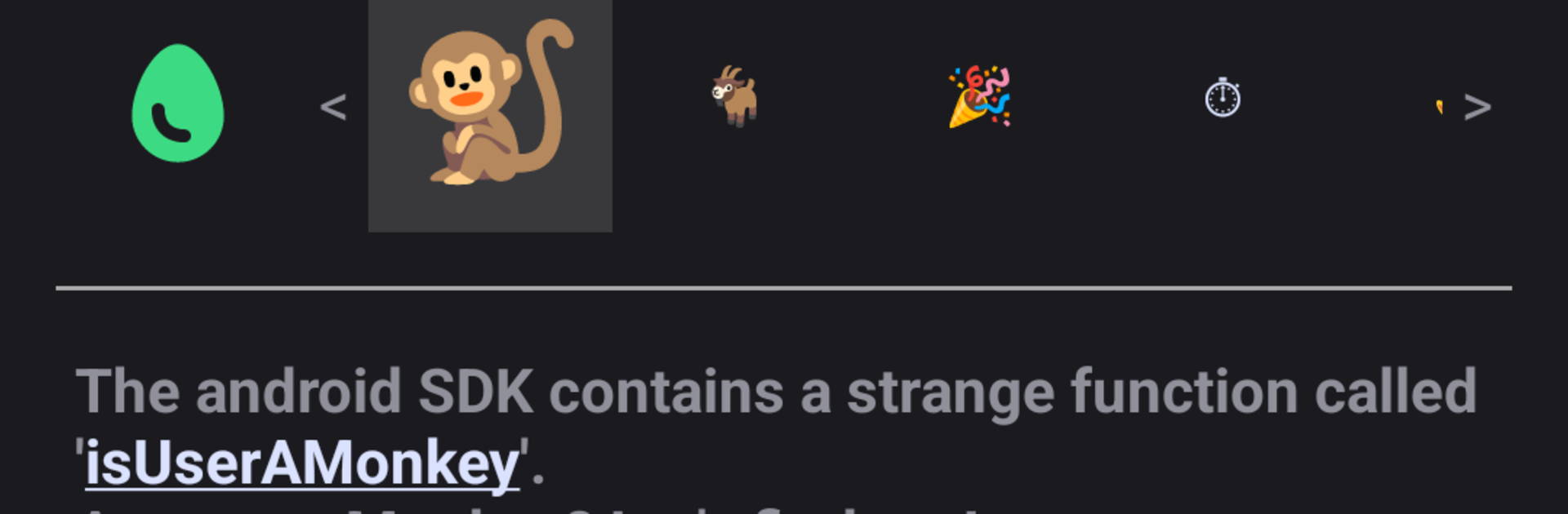
This is one of those nerdy little apps that treats the Android SDK like a museum of oddities, and lets someone poke all the exhibits. It pulls together the weird functions and constants that are hidden in plain sight, like that cheeky isUserAMonkey check or a gravity value that references a certain space station. Everything is explained in plain language, then there are buttons to trigger or test them so a person can see what actually happens. It is not a game, more like a hands on guide for curious people who enjoy software quirks, trivia, or just understanding why these things exist. The interface is simple and fast, mostly lists and small screens with notes, so nothing gets in the way.

On a PC with BlueStacks it runs clean and light, and having the bigger screen makes the explanations easier to read while clicking through items. It does not need permissions, does not show ads, and the whole thing is tiny, so it feels safe to keep around as a pocket reference. Performance is instant because there is not alot going on beyond demonstrations. Someone who codes Android will probably grin at a few entries, but it also makes sense to anyone who likes tech easter eggs. The fun is in triggering stuff and seeing the results right there, no setup, no chasing docs, just a neat catalog of odd behavior that actually works.

Ready to experience AndroidSDK easter egg showcase on a bigger screen, in all its glory? Download BlueStacks now.


How to Download and Run AndroidSDK easter egg showcase on PC or Mac

  • Download and install BlueStacks on your PC or Mac

  • Complete Google sign-in to access the Play Store, or do it later

  • Look for AndroidSDK easter egg showcase in the search bar at the top right corner

  • Click to install AndroidSDK easter egg showcase from the search results

  • Complete Google sign-in (if you skipped step 2) to install AndroidSDK easter egg showcase

  • Click the AndroidSDK easter egg showcase icon on the home screen to start playing

video
Watch Video

Minimum System Requirements

With BlueStacks 5, you can get started on a PC that fulfills the following requirements.

  • Operating System

    Microsoft Windows 7 or above, macOS 11 (Big Sur) or above

  • Processor

    Intel, AMD or Apple Silicon Processor

  • RAM

    at least 4GB

  • HDD

    10GB Free Disk Space

Note:

* You must be an Administrator on your PC. Up to date graphics drivers from Microsoft or the chipset vendor.

AndroidSDK easter egg showcase - FAQs

  • How to Run AndroidSDK easter egg showcase on Windows PC & Mac?

    Run AndroidSDK easter egg showcase on your PC or Mac by following these simple steps.

    • Click on ‘Download AndroidSDK easter egg showcase on PC’ to download BlueStacks
    • Install it and log-in to Google Play Store
    • Launch and run the app.
  • Why is BlueStacks the fastest and safest platform to play games on PC?

    BlueStacks respects your privacy and is always safe and secure to use. It does not carry any malware, spyware, or any sort of additional software that could harm your PC.

    It is engineered to optimize speed and performance for a seamless gaming experience.

  • What are AndroidSDK easter egg showcase PC requirements?

    Minimum requirement to run AndroidSDK easter egg showcase on your PC

    • OS: Microsoft Windows 7 and above:
    • Processor: Intel or AMD Processor:
    • RAM: Your PC must have at least 2GB of RAM. (Note that having 2GB or more disk space is not a substitute for RAM):
    • HDD: 5GB Free Disk Space.
    • You must be an Administrator on your PC.



