
SkyAtlas
SkyAtlas

SkyAtlas

Tools

| Suzhou ZWO Co., Ltd.

Play on PC with BlueStacks or from our cloud

  • Overview
  • How to Download

Page Modified On: August 13, 2025

Run SkyAtlas on PC or Mac

What’s better than using SkyAtlas by Suzhou ZWO Co., Ltd.? Well, try it on a big screen, on your PC or Mac, with BlueStacks to see the difference.

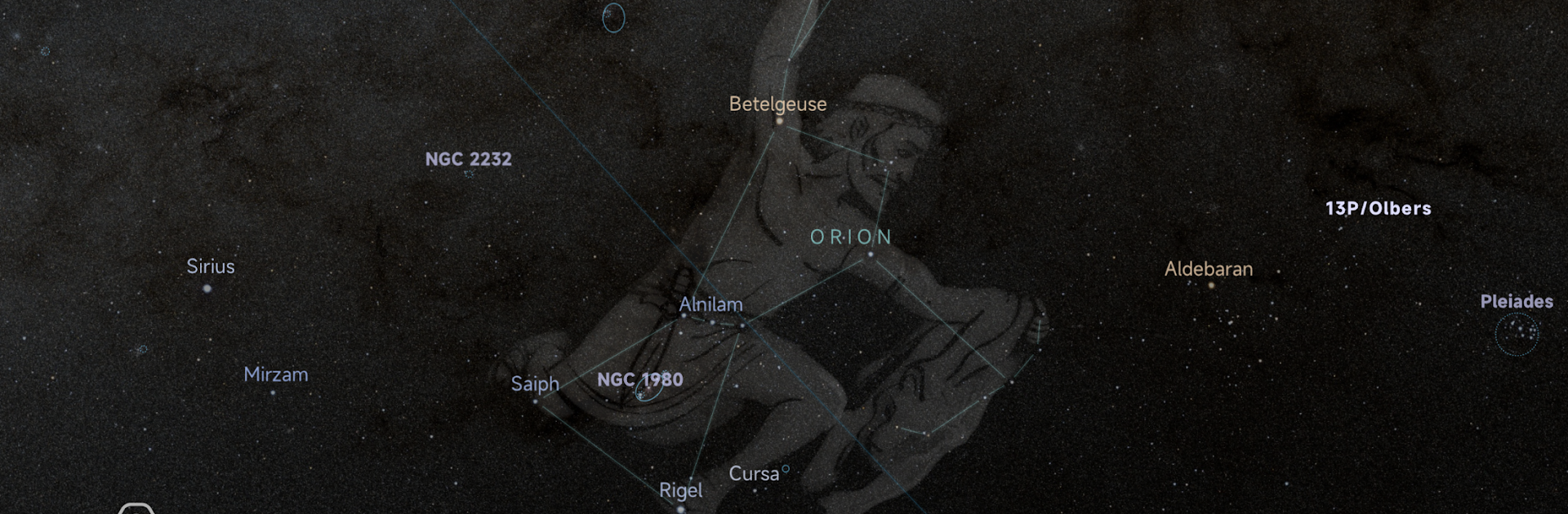
SkyAtlas is one of those apps that’s all about making telescope stuff way more approachable, especially if you’re using those ASI mounts. Once it’s set up with your mount, it almost feels like the sky unfolds right on your screen. There’s this part where it shows the night’s best objects to see, so you don’t have to guess about what’s out there. The simulated camera field of view part is super handy, because you can see exactly what would show up with your setup before you start taking pictures, which saves a lot of time fiddling around in the dark. Moving the telescope is done with one tap – you just pick an object, hit GoTo, and boom, it handles the rest. It even updates in real time so you always know where the telescope’s actually pointed.

Switching between Equatorial and AltAz modes happens pretty much instantly, and the tracking feels smooth even on a bigger screen. With a PC and BlueStacks, everything’s easier to see and control – the charts look crisp and it actually makes planning shots or just poking around the sky less of a hassle than on a tiny phone. For anyone into astrophotography or just checking out what’s up there without getting lost in technical menus, this app feels straightforward and quick, but still detailed. The whole experience is less about fighting with gear and more about actually seeing stuff, which stands out compared to a lot of apps that are just cluttered or too basic.

Big screen. Bigger performance. Use BlueStacks on your PC or Mac to run your favorite apps.

How to Download and Run SkyAtlas on PC or Mac

  • Download and install BlueStacks on your PC or Mac

  • Complete Google sign-in to access the Play Store, or do it later

  • Look for SkyAtlas in the search bar at the top right corner

  • Click to install SkyAtlas from the search results

  • Complete Google sign-in (if you skipped step 2) to install SkyAtlas

  • Click the SkyAtlas icon on the home screen to start playing

video
Watch Video

Minimum System Requirements

With BlueStacks 5, you can get started on a PC that fulfills the following requirements.

  • Operating System

    Microsoft Windows 7 or above, macOS 11 (Big Sur) or above

  • Processor

    Intel, AMD or Apple Silicon Processor

  • RAM

    at least 4GB

  • HDD

    10GB Free Disk Space

Note:

* You must be an Administrator on your PC. Up to date graphics drivers from Microsoft or the chipset vendor.

SkyAtlas - FAQs

  • How to Run SkyAtlas on Windows PC & Mac?

    Run SkyAtlas on your PC or Mac by following these simple steps.

    • Click on ‘Download SkyAtlas on PC’ to download BlueStacks
    • Install it and log-in to Google Play Store
    • Launch and run the app.
  • Why is BlueStacks the fastest and safest platform to play games on PC?

    BlueStacks respects your privacy and is always safe and secure to use. It does not carry any malware, spyware, or any sort of additional software that could harm your PC.

    It is engineered to optimize speed and performance for a seamless gaming experience.

  • What are SkyAtlas PC requirements?

    Minimum requirement to run SkyAtlas on your PC

    • OS: Microsoft Windows 7 and above:
    • Processor: Intel or AMD Processor:
    • RAM: Your PC must have at least 2GB of RAM. (Note that having 2GB or more disk space is not a substitute for RAM):
    • HDD: 5GB Free Disk Space.
    • You must be an Administrator on your PC.




