

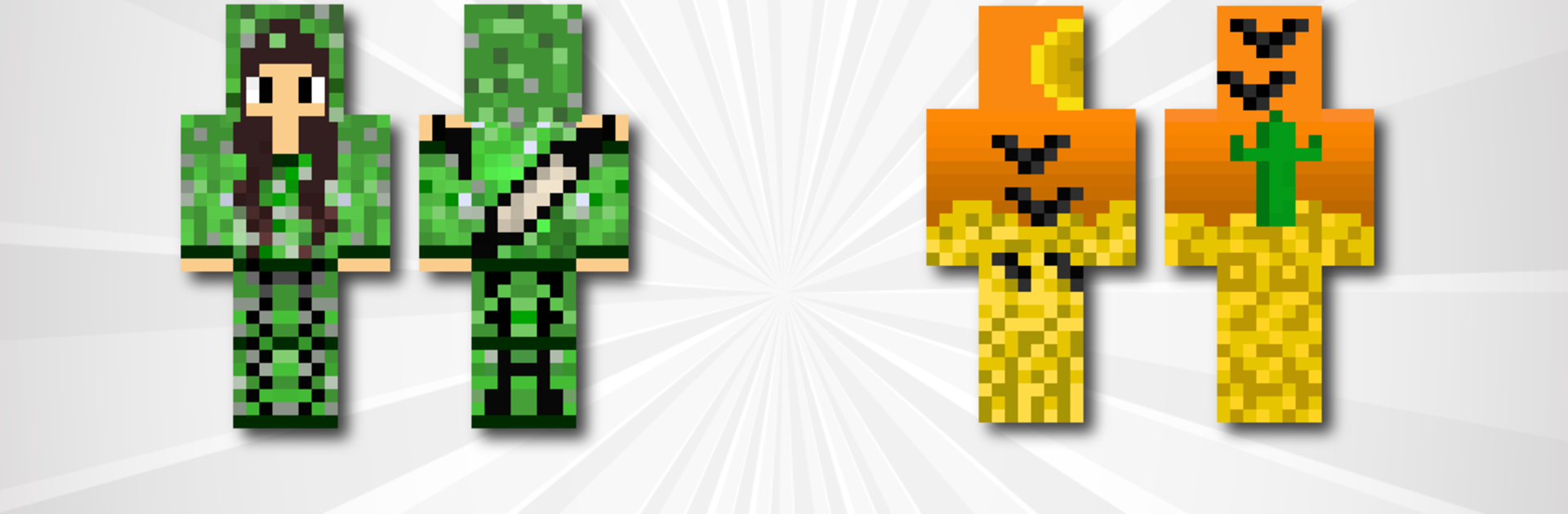


What’s better than using Camouflage Skins for Minecraft by Kitoved? Well, try it on a big screen, on your PC or Mac, with BlueStacks to see the difference.
About the App
Camouflage Skins for Minecraft turns your MCPE wardrobe into a stealth kit. Want to vanish against stone, slip into a forest, or patrol in full tactical gear? This Tools app by Kitoved lets you browse, preview, and drop tons of clever camo skins straight into the game in seconds—and it even plays nice with BlueStacks on your computer.
App Features
- Huge camo library: Explore a wide range of skins inspired by wood, stone, dirt, ores like diamond and iron, lava, forest, and urban settings.
- Blend with the world: Hide in plain sight with skins that match interiors (tables, bookshelves) or merge with landscapes and specific blocks.
- Underwater stealth: Go aquatic with water- and algae-themed skins designed for sneaky ocean adventures.
- Tactical and themed looks: Pick from soldiers in light gear or full kit with vests and helmets, plus playful options like uniforms with ears.
- Accessories that matter: Try skins featuring goggles, masks, and bandanas for a more covert vibe.
- Stealth legends: Slip into ninja hoods, equip archer looks with quivers, or go for a Herobrine-inspired camo twist.
- Quick preview: See every skin up close before you commit, so you know exactly how it’ll look in-game.
- One-tap install: Import directly into MCPE without juggling files or complicated steps.
- Save favorites: Bookmark the looks you love for fast access later.
- Download to gallery: Keep skins on your device so you can reuse or share them anytime.
- Clean, easy interface: A bright, straightforward layout that makes browsing fast and simple.
- Broad compatibility: Works smoothly across Minecraft versions, including Pocket Edition.
BlueStacks brings your apps to life on a bigger screen—seamless and straightforward.





