



Multitask effortlessly on your PC or Mac as you try out Castro Premium – system info, a Tools app by Pavlo Rekun on BlueStacks.
About the App
Castro Premium – system info tells you exactly what your phone is doing, right now, in plain English. It turns deep hardware stats into a clean, readable snapshot, so you can check performance, battery health, and more without digging through menus. A polished Tools app from Pavlo Rekun, it’s great for tinkerers, testers, and anyone curious about what’s under the hood. Prefer a bigger screen? You can view your stats on BlueStacks, too.
App Features
-
Live performance
Get real-time CPU and GPU activity, including core load and frequencies, so you can see what’s working hard and what’s idle. -
Battery and thermals
Track charge status, health details, and device temperatures to spot problems before they become issues. -
Memory and storage
Understand how RAM and other memory types are being used, and keep tabs on storage consumption without guesswork. -
Network insights
Watch mobile data and Wi‑Fi usage as it happens, with helpful breakdowns. Premium adds an always-on speed monitor. -
Sensors with graphs
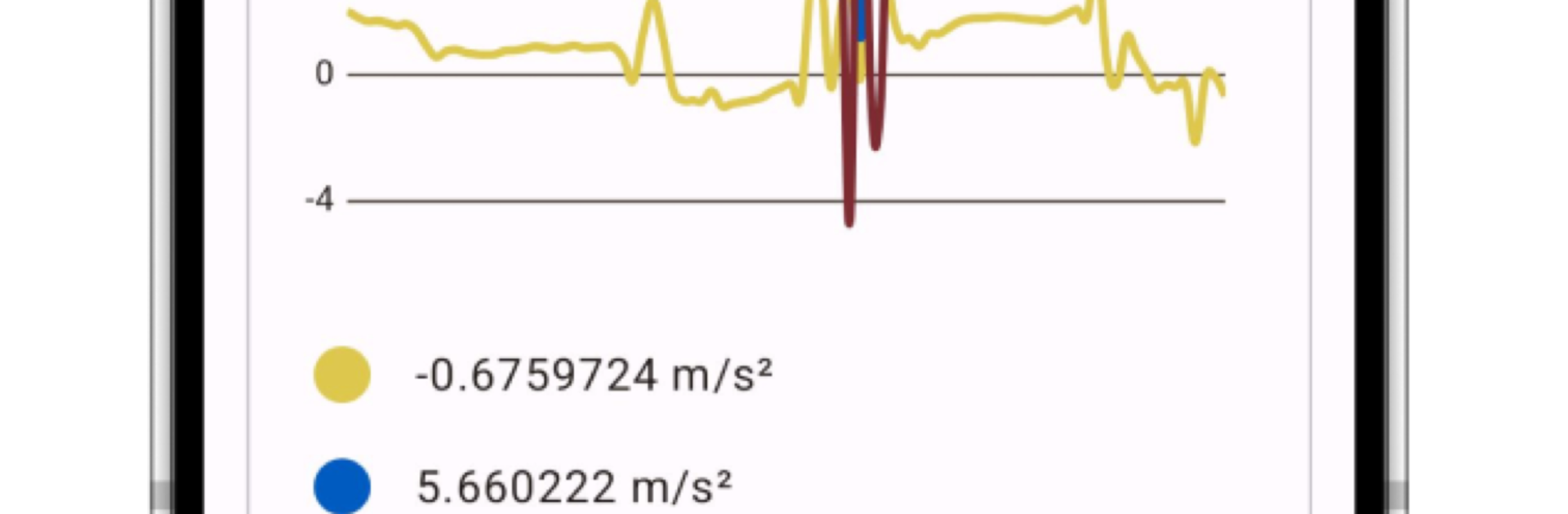
View live readings from onboard sensors with clear charts—helpful for testing or just geeking out. -
Cameras and media info
Check detailed camera specs and see the full list of supported audio/video codecs, plus DRM and Bluetooth capabilities. -
Dashboard overview
Short on time? The Dashboard pulls the essentials—CPU, battery, memory, and network—into one glanceable screen. -
Handy utilities
Export device info for sharing, run a screen test to spot display issues, and measure ambient sound with the noise checker. -
Premium extras
Customize the interface with colors and themes, use a dedicated battery monitor, add a configurable home-screen widget, track CPU usage, monitor network speed, and export reports as PDFs.
BlueStacks gives you the much-needed freedom to experience your favorite apps on a bigger screen. Get it now.





