
Castro - system info

Castro - system info

Tools

| Pavlo Rekun

Play on PC with BlueStacks or from our cloud

  • Overview
  • How to Download

Page Modified On: October 03, 2025

Run Castro - system info on PC or Mac

Why limit yourself to your small screen on the phone? Run Castro – system info, an app by Pavlo Rekun, best experienced on your PC or Mac with BlueStacks, the world’s #1 Android emulator.

About the App

Castro – system info is your live window into what your Android phone or tablet is doing right now. It turns complex hardware stats into clean, readable panels you can actually use. Whether you’re tweaking performance or just curious, this Tools app from Pavlo Rekun keeps the important stuff front and center. Prefer checking from a desktop? It works great through BlueStacks too.

App Features

  • Quick Dashboard: Glance at CPU load, battery status, network activity, and memory use without digging through menus.
  • CPU & GPU Details: Track core frequencies and graphics activity in real time so you know what’s working hard (and what’s not).
  • Battery Insights: See battery properties, temperature, and status to understand health and power draw over the day.
  • Memory & Storage: Monitor RAM usage and storage consumption to spot what’s eating space or slowing things down.
  • Network Usage: Keep tabs on data over Wi‑Fi and mobile networks, with clear breakdowns of what’s moving and when.
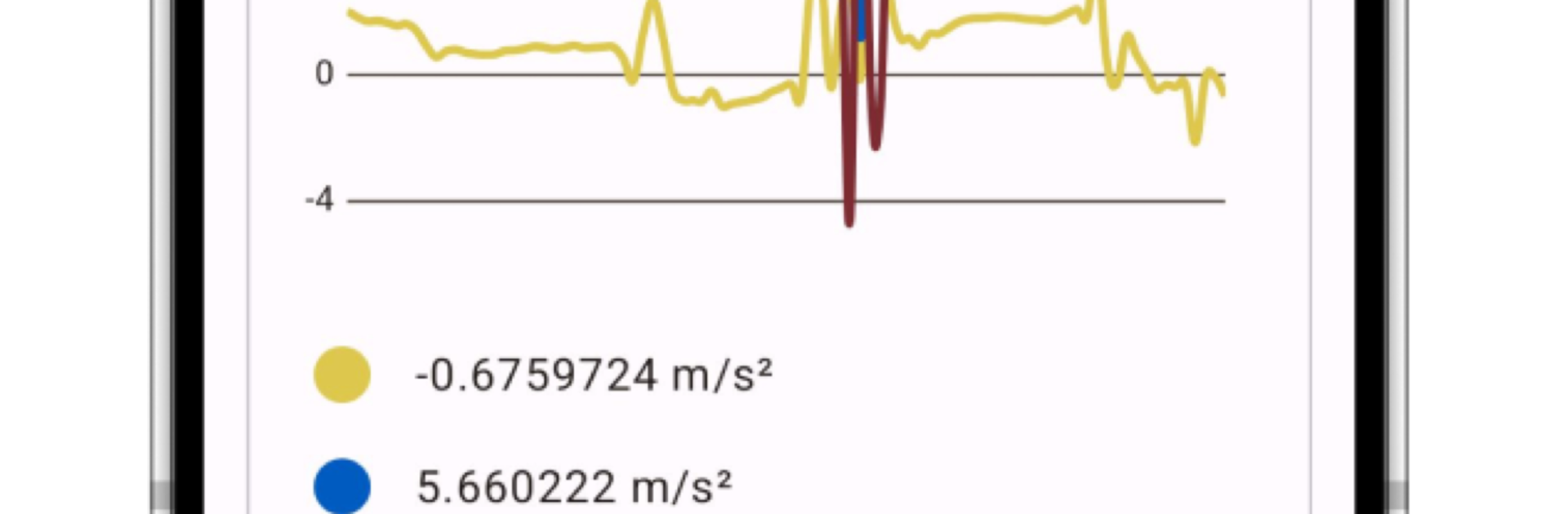
  • Sensor Readouts: Watch live graphs for onboard sensors — motion, light, and more — updated in real time.
  • Camera & Media Info: Get detailed camera specs plus a full list of supported audio and video codecs.
  • Thermal Monitoring: Follow device temperatures to catch heat spikes before they become problems.
  • System Extras: Peek into Bluetooth and DRM details when you need the nitty‑gritty.
  • Data Export: Share a full device report; Premium adds exporting to PDF for neat, portable summaries.
  • Screen Tester: Run visual checks with patterns to spot display issues or color oddities.
  • Noise Checker: Measure ambient sound around you using your device’s mic.
  • Themes & Colors (Premium): Personalize the interface with a range of styles and accents.
  • Widgets & Monitors (Premium): Add a home-screen widget for battery and memory, watch CPU frequency usage, and track live network speed.

Ready to experience Castro – system info on a bigger screen, in all its glory? Download BlueStacks now.


How to Download and Run Castro - system info on PC or Mac

  • Download and install BlueStacks on your PC or Mac

  • Complete Google sign-in to access the Play Store, or do it later

  • Look for Castro - system info in the search bar at the top right corner

  • Click to install Castro - system info from the search results

  • Complete Google sign-in (if you skipped step 2) to install Castro - system info

  • Click the Castro - system info icon on the home screen to start playing

video
Watch Video

Minimum System Requirements

With BlueStacks 5, you can get started on a PC that fulfills the following requirements.

  • Operating System

    Microsoft Windows 7 or above, macOS 11 (Big Sur) or above

  • Processor

    Intel, AMD or Apple Silicon Processor

  • RAM

    at least 4GB

  • HDD

    10GB Free Disk Space

Note:

* You must be an Administrator on your PC. Up to date graphics drivers from Microsoft or the chipset vendor.

Castro - system info - FAQs

  • How to Run Castro - system info on Windows PC & Mac?

    Run Castro - system info on your PC or Mac by following these simple steps.

    • Click on ‘Download Castro - system info on PC’ to download BlueStacks
    • Install it and log-in to Google Play Store
    • Launch and run the app.
  • Why is BlueStacks the fastest and safest platform to play games on PC?

    BlueStacks respects your privacy and is always safe and secure to use. It does not carry any malware, spyware, or any sort of additional software that could harm your PC.

    It is engineered to optimize speed and performance for a seamless gaming experience.

  • What are Castro - system info PC requirements?

    Minimum requirement to run Castro - system info on your PC

    • OS: Microsoft Windows 7 and above:
    • Processor: Intel or AMD Processor:
    • RAM: Your PC must have at least 2GB of RAM. (Note that having 2GB or more disk space is not a substitute for RAM):
    • HDD: 5GB Free Disk Space.
    • You must be an Administrator on your PC.



