
Easy Scanner
Easy Scanner

Easy Scanner

Tools

| Caller Show

Play on PC with BlueStacks or from our cloud

  • Overview
  • How to Download

Page Modified On: November 28, 2025

Run Easy Scanner on PC or Mac

Let BlueStacks turn your PC, Mac, or laptop into the perfect home for Easy Scanner, a fun Tools app from Caller Show.

Easy Scanner feels like one of those no-fuss tools that just gets the job done. Tap to scan and it grabs a receipt, note, whiteboard, or a whole stack of pages, then cleans it up with smart crop and color tweaks so the text looks clear instead of fuzzy. The big draw is how quick it is to go from a photo to a tidy PDF or a simple JPEG, without fiddling forever. It also reads text from images with OCR, so grabbing a quote from a book or copying info off a flyer is not a pain anymore.

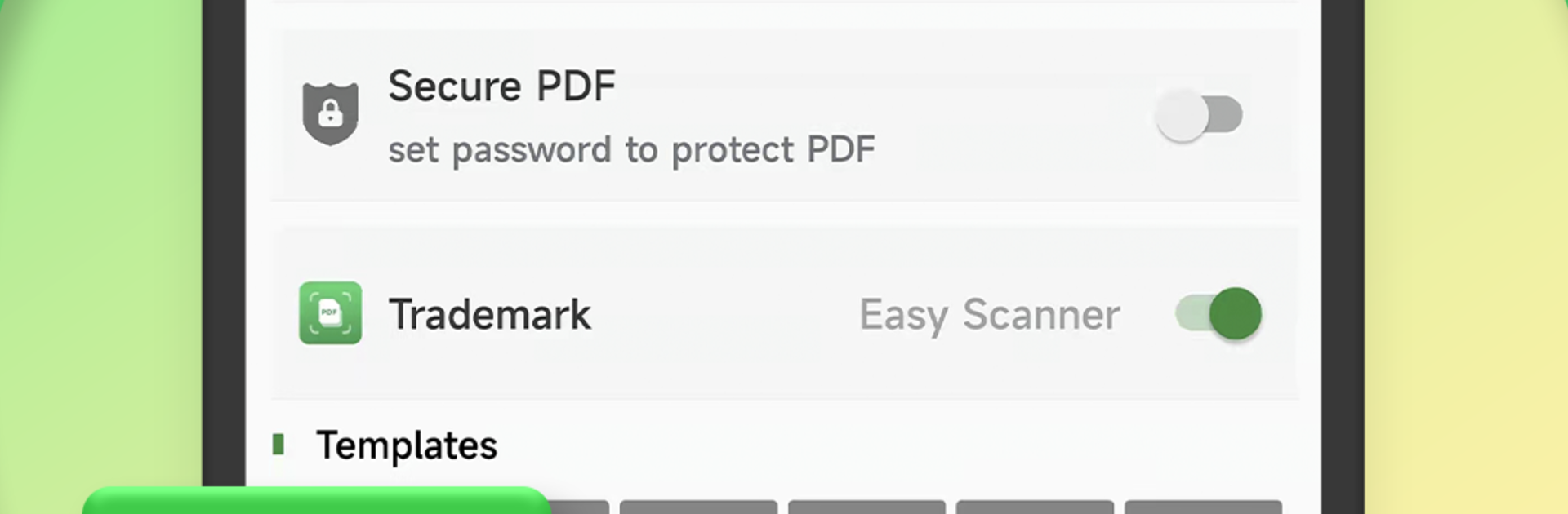
There is a nice set of extras tucked in. Sign a PDF without printing, toss on a watermark if a file needs a little protection, and add comments or marks when something needs review. Sharing is flexible too, so sending a scan through email or social apps takes a couple taps. Security options are there if needed, with document passwords and an app lock so sensitive stuff stays private.

Running it on PC with BlueStacks is surprisingly handy. The bigger screen makes cropping and annotating easier, and dragging in images from the desktop keeps things flowing. Using the keyboard to edit OCR text is way faster than pecking on a phone. Overall it feels simple, clean, and quick, the way a scanner app should feel.

Ready to experience Easy Scanner on a bigger screen, in all its glory? Download BlueStacks now.

How to Download and Run Easy Scanner on PC or Mac

  • Download and install BlueStacks on your PC or Mac

  • Complete Google sign-in to access the Play Store, or do it later

  • Look for Easy Scanner in the search bar at the top right corner

  • Click to install Easy Scanner from the search results

  • Complete Google sign-in (if you skipped step 2) to install Easy Scanner

  • Click the Easy Scanner icon on the home screen to start playing

video
Watch Video

Minimum System Requirements

With BlueStacks 5, you can get started on a PC that fulfills the following requirements.

  • Operating System

    Microsoft Windows 7 or above, macOS 11 (Big Sur) or above

  • Processor

    Intel, AMD or Apple Silicon Processor

  • RAM

    at least 4GB

  • HDD

    10GB Free Disk Space

Note:

* You must be an Administrator on your PC. Up to date graphics drivers from Microsoft or the chipset vendor.

Easy Scanner - FAQs

  • How to Run Easy Scanner on Windows PC & Mac?

    Run Easy Scanner on your PC or Mac by following these simple steps.

    • Click on ‘Download Easy Scanner on PC’ to download BlueStacks
    • Install it and log-in to Google Play Store
    • Launch and run the app.
  • Why is BlueStacks the fastest and safest platform to play games on PC?

    BlueStacks respects your privacy and is always safe and secure to use. It does not carry any malware, spyware, or any sort of additional software that could harm your PC.

    It is engineered to optimize speed and performance for a seamless gaming experience.

  • What are Easy Scanner PC requirements?

    Minimum requirement to run Easy Scanner on your PC

    • OS: Microsoft Windows 7 and above:
    • Processor: Intel or AMD Processor:
    • RAM: Your PC must have at least 2GB of RAM. (Note that having 2GB or more disk space is not a substitute for RAM):
    • HDD: 5GB Free Disk Space.
    • You must be an Administrator on your PC.




