




Let BlueStacks turn your PC, Mac, or laptop into the perfect home for G-MoN Pro, a fun Tools app from C. Knuetter.
About the App
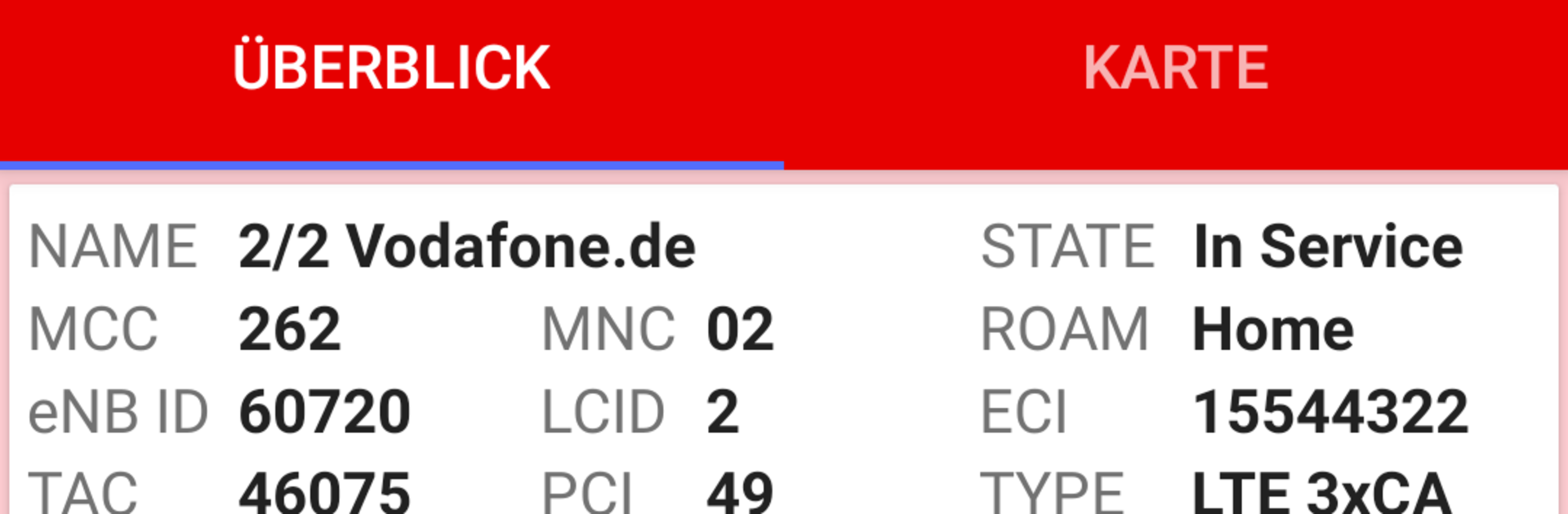
G-MoN Pro turns your phone into a clear, no-nonsense mobile network analyzer. It helps you see what’s really happening on 5G (NSA and SA), 4G, 3G, and 2G, with live views and logs you can actually work with. It’s a Tools app by C. Knuetter that’s actively evolving, and if you like reviewing data on a bigger screen, it works nicely through BlueStacks too.
App Features
-
Multi‑network insights: View detailed cell info and measurements across 5G NSA/SA, 4G, 3G, and 2G. Available details vary by phone model and Android version, so you get the best your device can provide.
-
Real‑time signal on the map: Watch received levels (Rx) update live while you move. It’s a quick way to spot coverage changes and see how your signal shifts in the real world.
-
Robust logging (CSV & KML): Capture everything to CSV or KML—even with the screen off—so you can analyze later or share results. Open KML logs in Google Earth for an easy visual overview.
-
Dual SIM done right: Use both SIMs without hassle. Quickly switch the overview to the SIM you care about and compare network stats side by side.
-
Cell Compass guidance: Let the compass point to the current Best Server cell (when it’s in your CLF). See direction, distance, your speed, and GSM accuracy. You can even align the arrow to your travel direction—handy on a train or in a car.
-
CLF v4 support: Work with the latest cell list file format (CLF v4) for modern, detailed datasets.
-
Calibration controls: If a value looks off, fine‑tune it. Try different API options in the calibration settings to match your device’s reporting.
-
Built‑in feedback: Crashed or spotted something odd? Send a report straight from the app. Feature ideas are welcome—development is ongoing and improvements roll out regularly.
BlueStacks brings your apps to life on a bigger screen—seamless and straightforward.





