
Glextor App Folder Organizer

Glextor App Folder Organizer

Tools

| Glextor UA

Play on PC with BlueStacks or from our cloud

  • Overview
  • How to Download

Page Modified On: September 12, 2025

Run Glextor App Folder Organizer on PC or Mac

Upgrade your experience. Try Glextor App Folder Organizer, the fantastic Tools app from Glextor UA, from the comfort of your laptop, PC, or Mac, only on BlueStacks.

About the App

Tired of scrolling through an endless app drawer? Glextor App Folder Organizer helps you bring order to the chaos with smart sorting, clean folders, and tools that actually make managing apps easy. It’s built by Glextor UA and fits right into your daily routine—whether you’re cleaning up your home screen or backing up APKs. You can even manage your setup when running Android apps on your PC with BlueStacks.

App Features

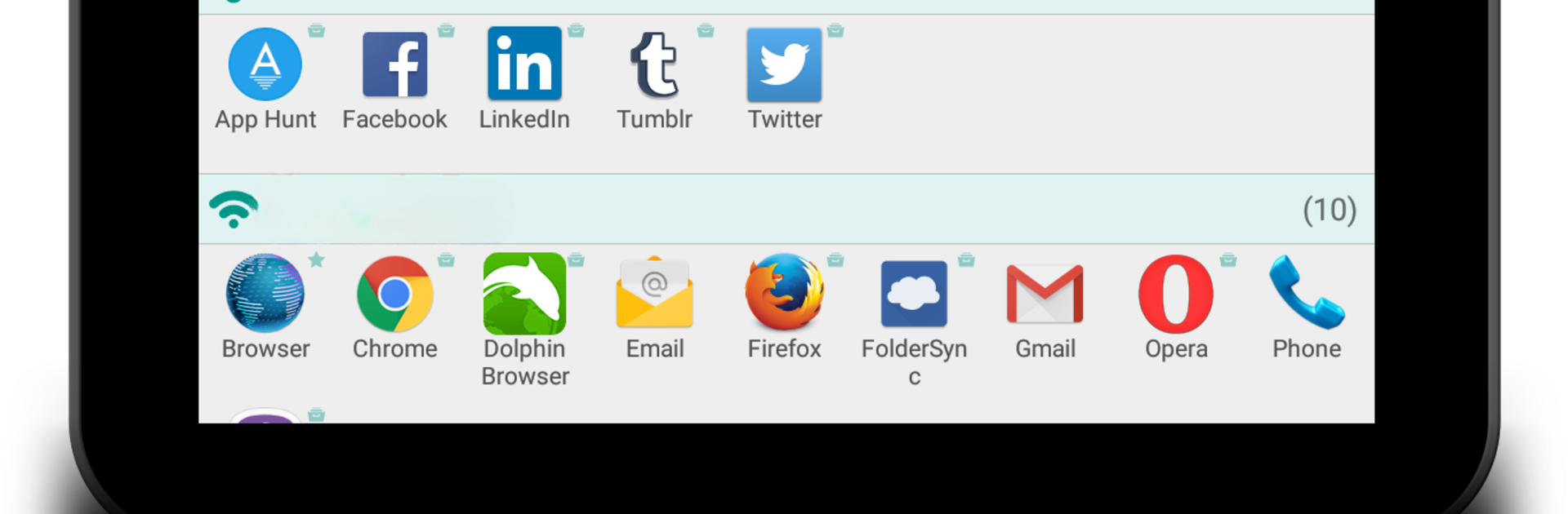
  • Smart categories: New apps can be sorted automatically by Google Play categories, so your games, tools, and media land where they belong without extra work.
  • Custom folders and subfolders: Build your own structure, rename anything, and add subfolders in the full version to keep things neat.
  • Tags and multi-grouping: Put one app in multiple places with tags—great for those tools that do more than one job.
  • Group shortcuts and widgets: Drop a single shortcut or widget on your home screen that opens a whole folder. Fewer icons, more clarity.
  • Favorites and smart lists: Quickly access your most used, last opened, or recently installed apps. Mark favorites to pin them to the top.
  • App Repository and APK backups: Save apps as store bookmarks or back up their APKs, then reinstall from your own archive when you need to. You can share APKs using standard Android sharing.
  • Backup history and auto-updates: Keep multiple backups per app and let backups refresh when a new version is installed.
  • Root tools (optional): On rooted devices, run batch installs/uninstalls and remove system apps with care.
  • Hide what you don’t use: Clear out visual clutter by hiding apps; the full version removes limits.
  • Powerful search and filters: Find what you need fast with name, tag, and group filters.
  • Deep customization: Apply icon packs automatically, tweak transparency, tailor context menus, and reconfigure widgets to match your style.
  • Export/import settings: Move your setup to a new device or restore it after a reset.
  • Accessibility note: Some features rely on Accessibility services for smoother control.

BlueStacks gives you the much-needed freedom to experience your favorite apps on a bigger screen. Get it now.


How to Download and Run Glextor App Folder Organizer on PC or Mac

  • Download and install BlueStacks on your PC or Mac

  • Complete Google sign-in to access the Play Store, or do it later

  • Look for Glextor App Folder Organizer in the search bar at the top right corner

  • Click to install Glextor App Folder Organizer from the search results

  • Complete Google sign-in (if you skipped step 2) to install Glextor App Folder Organizer

  • Click the Glextor App Folder Organizer icon on the home screen to start playing

video
Watch Video

Minimum System Requirements

With BlueStacks 5, you can get started on a PC that fulfills the following requirements.

  • Operating System

    Microsoft Windows 7 or above, macOS 11 (Big Sur) or above

  • Processor

    Intel, AMD or Apple Silicon Processor

  • RAM

    at least 4GB

  • HDD

    10GB Free Disk Space

Note:

* You must be an Administrator on your PC. Up to date graphics drivers from Microsoft or the chipset vendor.

Glextor App Folder Organizer - FAQs

  • How to Run Glextor App Folder Organizer on Windows PC & Mac?

    Run Glextor App Folder Organizer on your PC or Mac by following these simple steps.

    • Click on ‘Download Glextor App Folder Organizer on PC’ to download BlueStacks
    • Install it and log-in to Google Play Store
    • Launch and run the app.
  • Why is BlueStacks the fastest and safest platform to play games on PC?

    BlueStacks respects your privacy and is always safe and secure to use. It does not carry any malware, spyware, or any sort of additional software that could harm your PC.

    It is engineered to optimize speed and performance for a seamless gaming experience.

  • What are Glextor App Folder Organizer PC requirements?

    Minimum requirement to run Glextor App Folder Organizer on your PC

    • OS: Microsoft Windows 7 and above:
    • Processor: Intel or AMD Processor:
    • RAM: Your PC must have at least 2GB of RAM. (Note that having 2GB or more disk space is not a substitute for RAM):
    • HDD: 5GB Free Disk Space.
    • You must be an Administrator on your PC.



