
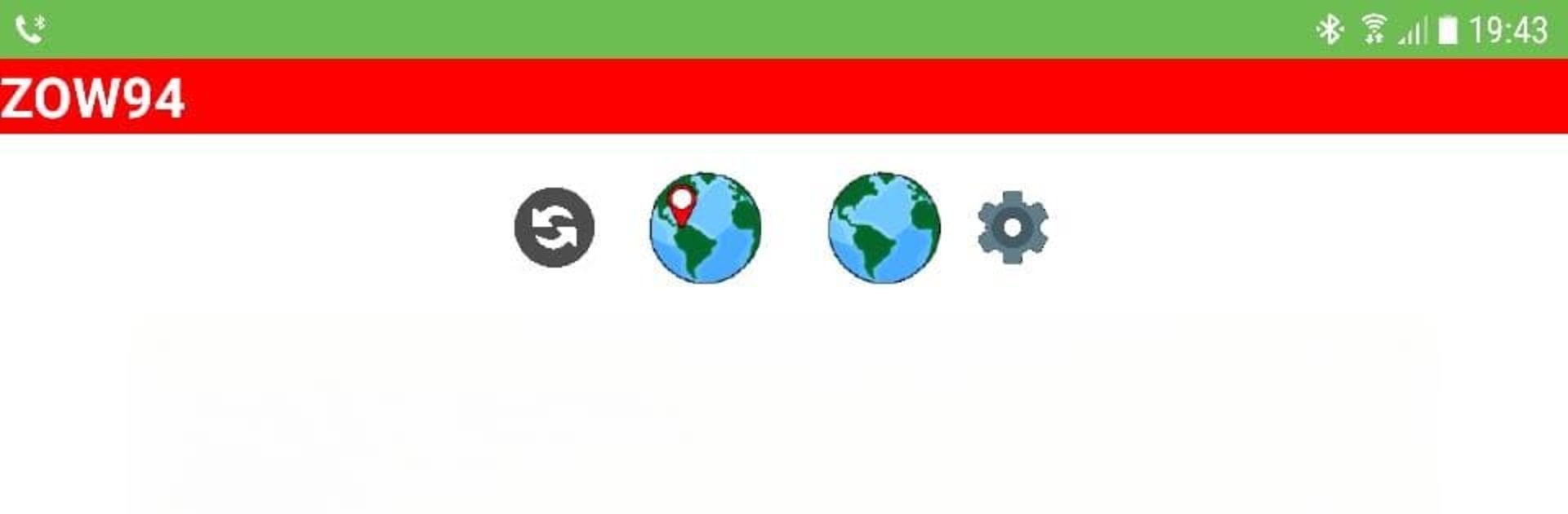
Ham Solar | HAP Chart

Ham Solar | HAP Chart

Tools

| Muhammad Zakwan

Play on PC with BlueStacks or from our cloud

  • Overview
  • How to Download

Page Modified On: August 18, 2025

Run Ham Solar | HAP Chart on PC or Mac

Why limit yourself to your small screen on the phone? Run Ham Solar | HAP Chart, an app by Muhammad Zakwan, best experienced on your PC or Mac with BlueStacks, the world’s #1 Android emulator.

About the App

Curious about radio propagation and want to make the most of your HF communications? Ham Solar | HAP Chart by Muhammad Zakwan is a handy tool built just for radio enthusiasts looking to get real-time insights on Maximum Usable Frequency (MUF). If you’re always checking on solar conditions or just want straightforward info on frequencies and propagation, this app offers exactly that—no fuss, just the facts you need. All you need is an internet connection, and you’re ready to start exploring.

App Features

  • Live Hourly HAP Charts
    Get fresh HAP (Hourly Area Prediction) charts every hour, updated using current ionospheric data. Quickly check exactly which frequencies will work best, right now, for the locations you care about.

  • Easy MUF Visualization
    Pick your base location—like Minneapolis or anywhere else on the map—and see a simple color-coded display showing MUF between your spot and anywhere else. The colors make it super easy to figure out the best frequency for reliable communication.

  • Multiple Location Support
    Trying to make contact far from home? The app makes it easy to see communications and propagation from distant spots, so you’ll know if your signal can reach the Midwest or anywhere else.

  • Helpful for HF Operators
    Whether you’re a seasoned ham or just starting out, this app sorts through all the technical stuff and gives you quick answers about which bands to use, based on up-to-the-minute data.

  • Simple, User-Friendly Design
    Built with practicality in mind, the interface is streamlined for fast access to what you need—no clutter, just the information right up front.

  • Runs Smoothly on BlueStacks
    Want a bigger view while you’re planning your contacts? Go ahead and run Ham Solar | HAP Chart on BlueStacks for that extra workspace.

If you’re someone who likes clear, up-to-date info on radio propagation, this tool is designed to keep things simple, visual, and accurate, whenever you need it.

Big screen. Bigger performance. Use BlueStacks on your PC or Mac to run your favorite apps.

How to Download and Run Ham Solar | HAP Chart on PC or Mac

  • Download and install BlueStacks on your PC or Mac

  • Complete Google sign-in to access the Play Store, or do it later

  • Look for Ham Solar | HAP Chart in the search bar at the top right corner

  • Click to install Ham Solar | HAP Chart from the search results

  • Complete Google sign-in (if you skipped step 2) to install Ham Solar | HAP Chart

  • Click the Ham Solar | HAP Chart icon on the home screen to start playing

video
Watch Video

Minimum System Requirements

With BlueStacks 5, you can get started on a PC that fulfills the following requirements.

  • Operating System

    Microsoft Windows 7 or above, macOS 11 (Big Sur) or above

  • Processor

    Intel, AMD or Apple Silicon Processor

  • RAM

    at least 4GB

  • HDD

    10GB Free Disk Space

Note:

* You must be an Administrator on your PC. Up to date graphics drivers from Microsoft or the chipset vendor.

Ham Solar | HAP Chart - FAQs

  • How to Run Ham Solar | HAP Chart on Windows PC & Mac?

    Run Ham Solar | HAP Chart on your PC or Mac by following these simple steps.

    • Click on ‘Download Ham Solar | HAP Chart on PC’ to download BlueStacks
    • Install it and log-in to Google Play Store
    • Launch and run the app.
  • Why is BlueStacks the fastest and safest platform to play games on PC?

    BlueStacks respects your privacy and is always safe and secure to use. It does not carry any malware, spyware, or any sort of additional software that could harm your PC.

    It is engineered to optimize speed and performance for a seamless gaming experience.

  • What are Ham Solar | HAP Chart PC requirements?

    Minimum requirement to run Ham Solar | HAP Chart on your PC

    • OS: Microsoft Windows 7 and above:
    • Processor: Intel or AMD Processor:
    • RAM: Your PC must have at least 2GB of RAM. (Note that having 2GB or more disk space is not a substitute for RAM):
    • HDD: 5GB Free Disk Space.
    • You must be an Administrator on your PC.




