
HONDAtabase
HONDAtabase

HONDAtabase

Tools

| HRTuning.com

Play on PC with BlueStacks or from our cloud

  • Overview
  • How to Download

Page Modified On: October 03, 2025

Run HONDAtabase on PC or Mac

What’s better than using HONDAtabase by HRTuning.com? Well, try it on a big screen, on your PC or Mac, with BlueStacks to see the difference.

About the App

HONDAtabase is your go-to pocket reference for Honda engine and ECU info, built to be fast, clear, and always available. Made by HRTuning.com, this Tools app works completely offline, so you can look up what you need in the garage, at the track, or anywhere your signal drops. Prefer a bigger screen while wrenching? You can also open it on BlueStacks for an easy desktop-style view.

App Features

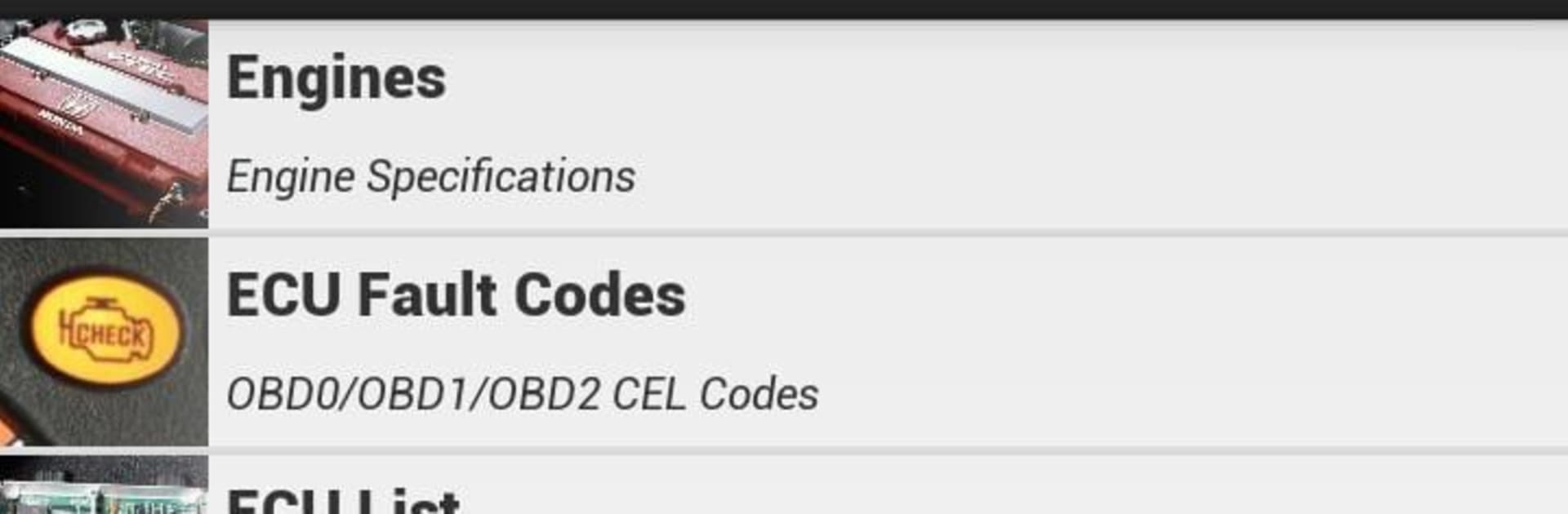
  • Engine Series Specs: Quick, organized specs for A-, B-, C-, D-, F-, G-, H-, J-, K-, L-, N-, and R-series engines, so you can compare details without digging through forums.
  • OBD Fault Codes: OBD0, OBD1, and OBD2 ECU fault codes in one spot, making troubleshooting a lot less guessy when a light pops up.
  • Transmission Details: Handy transmission specifications at a glance—ideal when you’re planning a swap or verifying gearing info.
  • ECU List: A clear list of ECU variants to help you confirm compatibility and identify the right brain for your setup.
  • ECU Pinouts: Pinout references you can check quickly while wiring, testing, or diagnosing issues.
  • Bearing Thickness Chart: A practical chart for selecting bearing sizes during rebuilds, right when you need it.
  • Fully Offline: No Wi-Fi? No problem. All data is available without a connection.
  • Clean Organization: Information is arranged by series and system, so finding what you’re after takes seconds, not minutes.

Switch to BlueStacks and make the most of your apps on your PC or Mac.

How to Download and Run HONDAtabase on PC or Mac

  • Download and install BlueStacks on your PC or Mac

  • Complete Google sign-in to access the Play Store, or do it later

  • Look for HONDAtabase in the search bar at the top right corner

  • Click to install HONDAtabase from the search results

  • Complete Google sign-in (if you skipped step 2) to install HONDAtabase

  • Click the HONDAtabase icon on the home screen to start playing

video
Watch Video

Minimum System Requirements

With BlueStacks 5, you can get started on a PC that fulfills the following requirements.

  • Operating System

    Microsoft Windows 7 or above, macOS 11 (Big Sur) or above

  • Processor

    Intel, AMD or Apple Silicon Processor

  • RAM

    at least 4GB

  • HDD

    10GB Free Disk Space

Note:

* You must be an Administrator on your PC. Up to date graphics drivers from Microsoft or the chipset vendor.

HONDAtabase - FAQs

  • How to Run HONDAtabase on Windows PC & Mac?

    Run HONDAtabase on your PC or Mac by following these simple steps.

    • Click on ‘Download HONDAtabase on PC’ to download BlueStacks
    • Install it and log-in to Google Play Store
    • Launch and run the app.
  • Why is BlueStacks the fastest and safest platform to play games on PC?

    BlueStacks respects your privacy and is always safe and secure to use. It does not carry any malware, spyware, or any sort of additional software that could harm your PC.

    It is engineered to optimize speed and performance for a seamless gaming experience.

  • What are HONDAtabase PC requirements?

    Minimum requirement to run HONDAtabase on your PC

    • OS: Microsoft Windows 7 and above:
    • Processor: Intel or AMD Processor:
    • RAM: Your PC must have at least 2GB of RAM. (Note that having 2GB or more disk space is not a substitute for RAM):
    • HDD: 5GB Free Disk Space.
    • You must be an Administrator on your PC.




