



Upgrade your experience. Try KrakenSDR RDF, the fantastic Tools app from KrakenRF, from the comfort of your laptop, PC, or Mac, only on BlueStacks.
About the App
KrakenSDR RDF is the go-to companion for your KrakenSDR setup when you’re out tracking signals. Built by KrakenRF and sitting in the Tools category, it keeps things streamlined so you can focus on radio direction finding instead of wrestling with menus. It pairs with your hardware to give you clear, timely information right where you need it—on your phone or tablet.
App Features
- Hardware companion: Connects with your KrakenSDR hardware to support real-time radio direction finding in the field.
- Live bearings at a glance: Get straightforward readouts that help you see where a signal’s pointing without overcomplicated graphs or clutter.
- Field-friendly controls: Quick access to essential actions and a layout that makes sense when you’re moving, driving, or working outdoors.
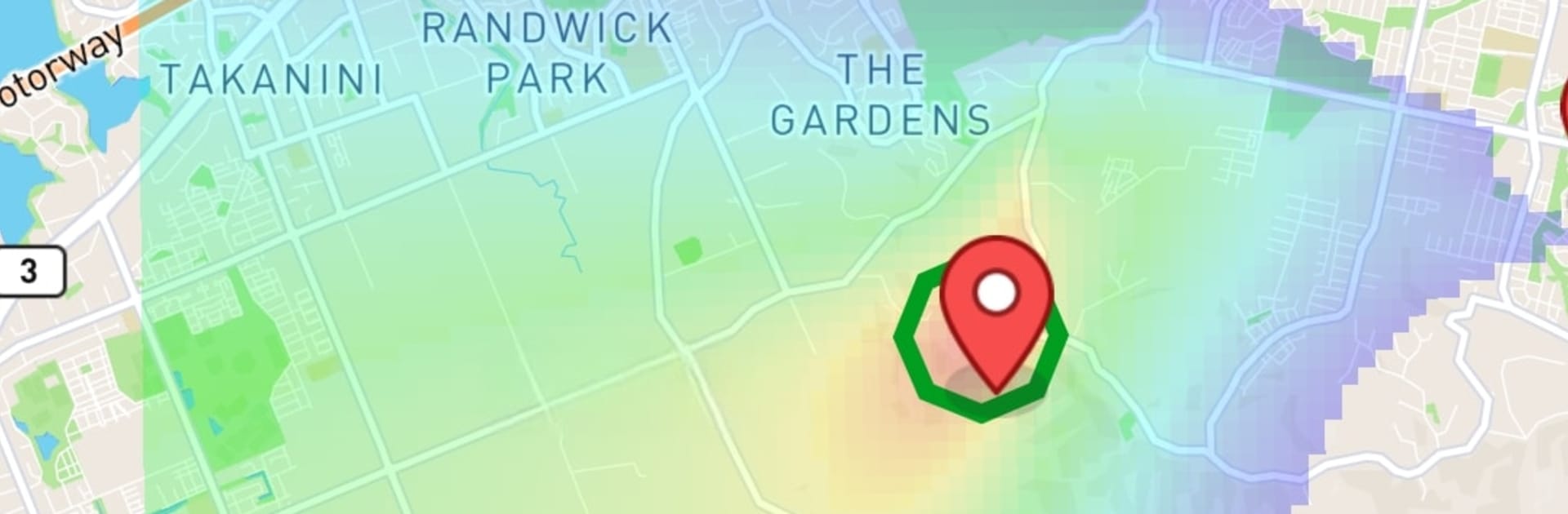
- Optional RDF Mapper uploads: Want to send data to a third-party service? You can upload to RDF Mapper only if you’ve purchased that software and turned uploads on—your choice, every time.
- Privacy-minded location use: Location is used for direction finding, but it’s not shared unless you explicitly enable RDF Mapper uploads after purchasing that third-party tool.
- Built for utility: A focused, no-frills approach from KrakenRF that supports the core tasks you actually need during radio hunts.
- Desktop convenience: Prefer a larger screen while testing or demoing? You can run KrakenSDR RDF on your computer using BlueStacks if that fits your setup.
Switch to BlueStacks and make the most of your apps on your PC or Mac.





