
Ksenia SecureWeb
Ksenia SecureWeb

Ksenia SecureWeb

Tools

| Ksenia Security Srl

Play on PC with BlueStacks or from our cloud

  • Overview
  • How to Download

Page Modified On: October 24, 2025

Run Ksenia SecureWeb on PC or Mac

What’s better than using Ksenia SecureWeb by Ksenia Security Srl? Well, try it on a big screen, on your PC or Mac, with BlueStacks to see the difference.

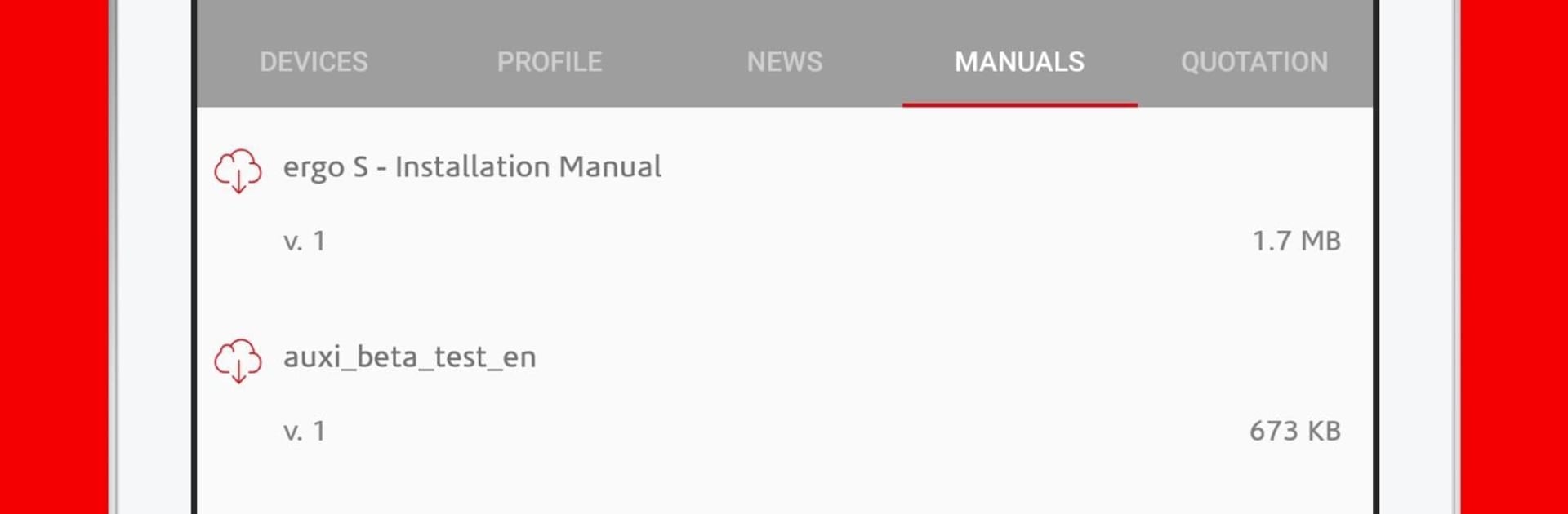
Ksenia SecureWeb feels like a straight-up control room for a Ksenia security system, without a lot of fluff. On a PC with BlueStacks, the layout gets room to breathe, so sensors, cameras, and thermostats are easier to see and click through. It is the kind of app that rewards being organized. The interface is plain in a good way, quick to learn, and it does not get in the way when someone just wants to arm a zone, check a camera, or tweak a schedule. Nothing flashy, just clear tiles, status info, and controls that respond fast.

There are two sides to it. Installers can use the KSENIA PRO side to grab a control panel by scanning a QR code, register it with geolocation, and handle the deeper programming from a phone or tablet or the PC window. Regular users get their own app view to manage the system day to day. That includes sensor management, event history, custom scenarios, home automation toggles, and a built-in thermostat control that actually feels handy. Video streaming and video verification are there when a notification pings, so checking what happened is not a guess. The best bit is that it does not ask for a public IP or weird router setup, so connecting from outside the house is not a headache. With BlueStacks running in the background, it is easy to leave the dashboard open and glance at push alerts or the events log while doing other stuff.

Switch to BlueStacks and make the most of your apps on your PC or Mac.

How to Download and Run Ksenia SecureWeb on PC or Mac

  • Download and install BlueStacks on your PC or Mac

  • Complete Google sign-in to access the Play Store, or do it later

  • Look for Ksenia SecureWeb in the search bar at the top right corner

  • Click to install Ksenia SecureWeb from the search results

  • Complete Google sign-in (if you skipped step 2) to install Ksenia SecureWeb

  • Click the Ksenia SecureWeb icon on the home screen to start playing

video
Watch Video

Minimum System Requirements

With BlueStacks 5, you can get started on a PC that fulfills the following requirements.

  • Operating System

    Microsoft Windows 7 or above, macOS 11 (Big Sur) or above

  • Processor

    Intel, AMD or Apple Silicon Processor

  • RAM

    at least 4GB

  • HDD

    10GB Free Disk Space

Note:

* You must be an Administrator on your PC. Up to date graphics drivers from Microsoft or the chipset vendor.

Ksenia SecureWeb - FAQs

  • How to Run Ksenia SecureWeb on Windows PC & Mac?

    Run Ksenia SecureWeb on your PC or Mac by following these simple steps.

    • Click on ‘Download Ksenia SecureWeb on PC’ to download BlueStacks
    • Install it and log-in to Google Play Store
    • Launch and run the app.
  • Why is BlueStacks the fastest and safest platform to play games on PC?

    BlueStacks respects your privacy and is always safe and secure to use. It does not carry any malware, spyware, or any sort of additional software that could harm your PC.

    It is engineered to optimize speed and performance for a seamless gaming experience.

  • What are Ksenia SecureWeb PC requirements?

    Minimum requirement to run Ksenia SecureWeb on your PC

    • OS: Microsoft Windows 7 and above:
    • Processor: Intel or AMD Processor:
    • RAM: Your PC must have at least 2GB of RAM. (Note that having 2GB or more disk space is not a substitute for RAM):
    • HDD: 5GB Free Disk Space.
    • You must be an Administrator on your PC.




