

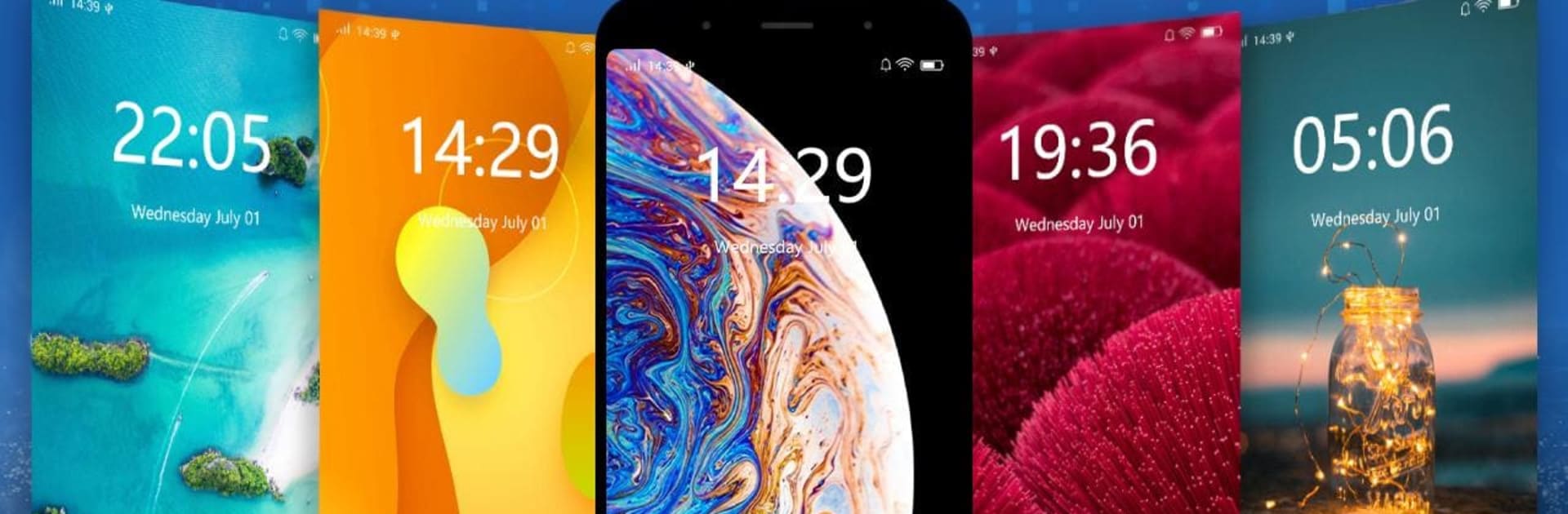


What’s better than using Lock Screen – Keypad Passcode by Mobile_V5? Well, try it on a big screen, on your PC or Mac, with BlueStacks to see the difference.
About the App
Lock Screen – Keypad Passcode is all about keeping your phone private without making things complicated. It’s a clean, reliable lock screen from Mobile_V5 (Tools) that lets you secure your device with a PIN, password, or pattern, then check what’s new at a glance. Want a quick peek at notifications and a lock screen that actually feels yours? That’s the idea. You can even browse the settings from BlueStacks if you’re on a desktop.
App Features
-
Strong PIN and Password
Set a six-digit passcode or a full password on a crisp keypad. Prefer patterns or a simple slider? Those are here too. -
AppLock for Everything
Lock individual apps like Facebook, WhatsApp, Instagram, Snapchat, Messenger, Gallery, and SMS so your private stuff stays private—use a password or pattern. -
Smart Notification Peek
See unread text and missed call counts right on the lock screen. Tap to open a single alert or a group, or swipe to manage and clear them. -
Quick Setup and Control
Turn the lock screen on or off with a single tap. Your passcode is confirmed twice, and system keys (HOME/MENU/BACK) are blocked to prevent sneaky bypasses. -
Personalize Your Look
Pick from multiple HD wallpapers, and keep the real-time clock and date front and center—simple and stylish. -
Lightweight by Design
Runs smoothly, uses little memory, and is easy on battery, with a clean, straightforward UI that just makes sense.
BlueStacks gives you the much-needed freedom to experience your favorite apps on a bigger screen. Get it now.





