
MC Seller
MC Seller

MC Seller

Tools

| eFolix SARL

Play on PC with BlueStacks or from our cloud

  • Overview
  • How to Download

Page Modified On: September 12, 2025

Run MC Seller on PC or Mac

What’s better than using MC Seller by eFolix SARL? Well, try it on a big screen, on your PC or Mac, with BlueStacks to see the difference.

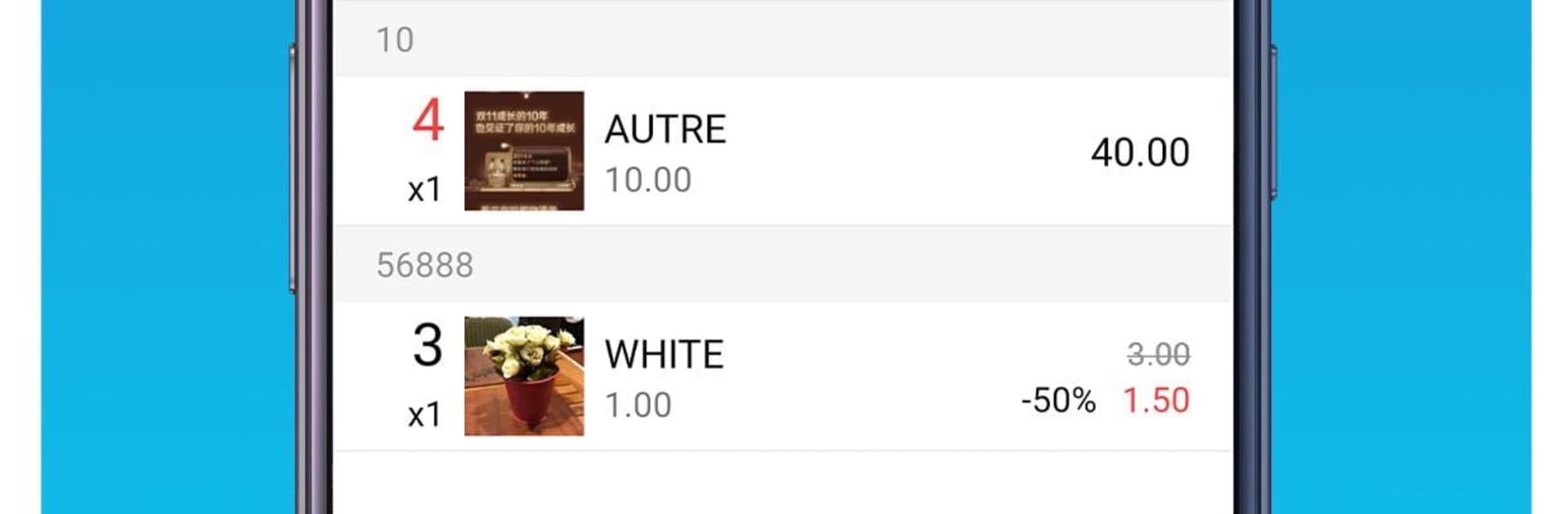
MC Seller feels like a straight-to-the-point tool for fashion brands and wholesalers who need to take orders fast and keep stock in line. The layout is simple, almost like a clean business dashboard, so someone can hop in and start building orders without hunting through menus. It was clearly shaped by day-to-day showroom work, not by theory, which makes it easy to trust. On a PC with BlueStacks, the bigger screen helps a lot, especially when scrolling photo catalogs or typing product refs, and it behaves a bit like a desktop app.

The stock side is the star here. It tracks products by season, category, and even by point of sale, and it is good at showing what sells and what does not. Orders lock in against real stock, so there is less chance of promising something that is not there. The catalog has photos and product info right where it is needed, orders land in the database instantly, and customers are not just names. Each client carries purchase preferences, order frequency, and a clear financial status, so searching or filtering for the right follow-up becomes simple. Everything is centralized and synced, so the team stops passing spreadsheets around.

Sales reps are covered too. Agents get quick access to the catalog, faster order entry, and their orders sync back to stock without manual edits. Permissions are sensible, a reseller only sees their own client list, and the history of prospects and past orders makes turnover less painful. It is business focused, very much B2B fashion, and if that is the need, it does the job without fluff.

Big screen. Bigger performance. Use BlueStacks on your PC or Mac to run your favorite apps.

How to Download and Run MC Seller on PC or Mac

  • Download and install BlueStacks on your PC or Mac

  • Complete Google sign-in to access the Play Store, or do it later

  • Look for MC Seller in the search bar at the top right corner

  • Click to install MC Seller from the search results

  • Complete Google sign-in (if you skipped step 2) to install MC Seller

  • Click the MC Seller icon on the home screen to start playing

video
Watch Video

Minimum System Requirements

With BlueStacks 5, you can get started on a PC that fulfills the following requirements.

  • Operating System

    Microsoft Windows 7 or above, macOS 11 (Big Sur) or above

  • Processor

    Intel, AMD or Apple Silicon Processor

  • RAM

    at least 4GB

  • HDD

    10GB Free Disk Space

Note:

* You must be an Administrator on your PC. Up to date graphics drivers from Microsoft or the chipset vendor.

MC Seller - FAQs

  • How to Run MC Seller on Windows PC & Mac?

    Run MC Seller on your PC or Mac by following these simple steps.

    • Click on ‘Download MC Seller on PC’ to download BlueStacks
    • Install it and log-in to Google Play Store
    • Launch and run the app.
  • Why is BlueStacks the fastest and safest platform to play games on PC?

    BlueStacks respects your privacy and is always safe and secure to use. It does not carry any malware, spyware, or any sort of additional software that could harm your PC.

    It is engineered to optimize speed and performance for a seamless gaming experience.

  • What are MC Seller PC requirements?

    Minimum requirement to run MC Seller on your PC

    • OS: Microsoft Windows 7 and above:
    • Processor: Intel or AMD Processor:
    • RAM: Your PC must have at least 2GB of RAM. (Note that having 2GB or more disk space is not a substitute for RAM):
    • HDD: 5GB Free Disk Space.
    • You must be an Administrator on your PC.




