
mypatta: CC, EC, Patta, 7/12

mypatta: CC, EC, Patta, 7/12

Tools

| Vilya Technologies Private Limited

Play on PC with BlueStacks or from our cloud

  • Overview
  • How to Download

Page Modified On: October 23, 2025

Run mypatta: CC, EC, Patta, 7/12 on PC or Mac

What’s better than using mypatta: CC, EC, Patta, 7/12 by Vilya Technologies Private Limited? Well, try it on a big screen, on your PC or Mac, with BlueStacks to see the difference.

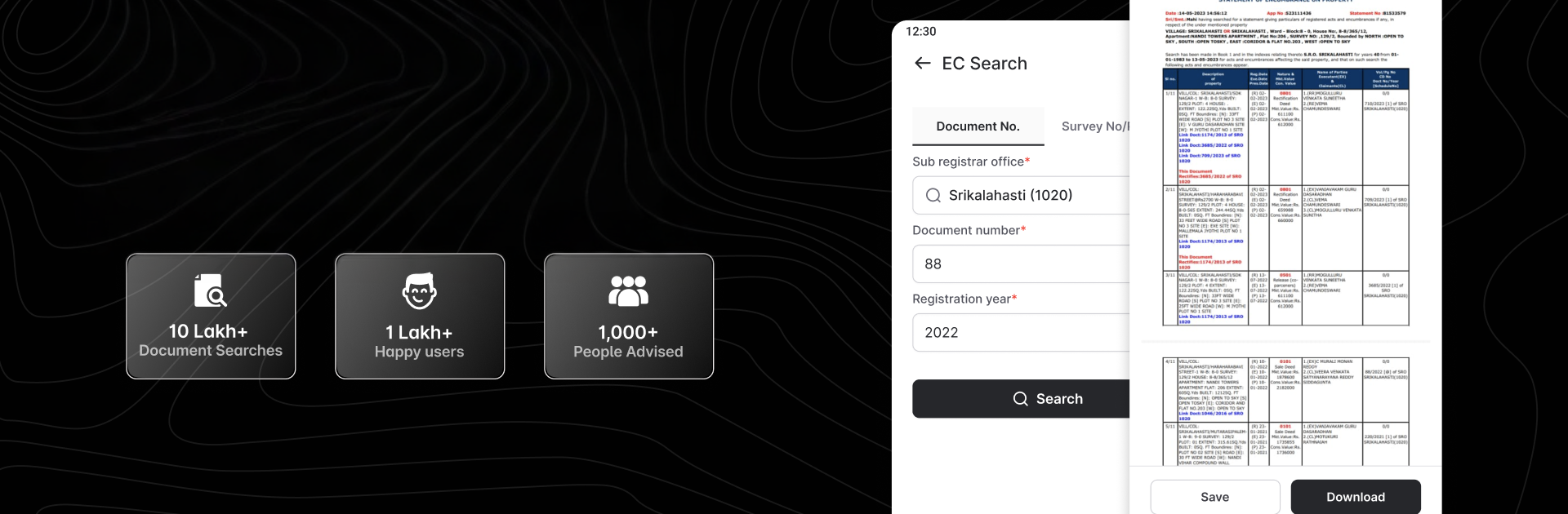
This feels less like a typical tools app and more like a clean dashboard for every land and property record someone keeps chasing. Pick a state, choose the document type, enter a few details, and it pulls what is needed without fuss. It covers a lot across Andhra Pradesh, Maharashtra, Karnataka, Tamil Nadu, Telangana, Gujarat, and Kerala. Things like CC and EC, RTC, Satbara 7/12, Patta or Chitta, Adangal, ROR 1B, FMB sketches and maps, Akarband, village maps, 8A, eFerfar, property cards, e-records, TSLR, Pattadar Passbook, even bits like RH copy, Diglot, and unit property cards. For anyone checking encumbrances, verifying ownership, or matching survey numbers to a map before signing papers, this saves time.

On PC with BlueStacks it feels even easier, since the bigger screen makes FMB maps and Satbara pages readable, and copy paste from other docs is simple. Downloads are quick, files save inside the app so nothing gets lost, and it remembers what was searched. The layout is plain, in a good way. No heavy menus. Just search, preview, download.

There is also an advisory and legal help angle baked in, so if someone gets stuck on what an entry means or how to proceed with a transaction, there is guidance available. It is a third party viewer for public records, not a government portal, so treat it like a fast window into the official data rather than the source itself.

BlueStacks gives you the much-needed freedom to experience your favorite apps on a bigger screen. Get it now.


How to Download and Run mypatta: CC, EC, Patta, 7/12 on PC or Mac

  • Download and install BlueStacks on your PC or Mac

  • Complete Google sign-in to access the Play Store, or do it later

  • Look for mypatta: CC, EC, Patta, 7/12 in the search bar at the top right corner

  • Click to install mypatta: CC, EC, Patta, 7/12 from the search results

  • Complete Google sign-in (if you skipped step 2) to install mypatta: CC, EC, Patta, 7/12

  • Click the mypatta: CC, EC, Patta, 7/12 icon on the home screen to start playing

video
Watch Video

Minimum System Requirements

With BlueStacks 5, you can get started on a PC that fulfills the following requirements.

  • Operating System

    Microsoft Windows 7 or above, macOS 11 (Big Sur) or above

  • Processor

    Intel, AMD or Apple Silicon Processor

  • RAM

    at least 4GB

  • HDD

    10GB Free Disk Space

Note:

* You must be an Administrator on your PC. Up to date graphics drivers from Microsoft or the chipset vendor.

mypatta: CC, EC, Patta, 7/12 - FAQs

  • How to Run mypatta: CC, EC, Patta, 7/12 on Windows PC & Mac?

    Run mypatta: CC, EC, Patta, 7/12 on your PC or Mac by following these simple steps.

    • Click on ‘Download mypatta: CC, EC, Patta, 7/12 on PC’ to download BlueStacks
    • Install it and log-in to Google Play Store
    • Launch and run the app.
  • Why is BlueStacks the fastest and safest platform to play games on PC?

    BlueStacks respects your privacy and is always safe and secure to use. It does not carry any malware, spyware, or any sort of additional software that could harm your PC.

    It is engineered to optimize speed and performance for a seamless gaming experience.

  • What are mypatta: CC, EC, Patta, 7/12 PC requirements?

    Minimum requirement to run mypatta: CC, EC, Patta, 7/12 on your PC

    • OS: Microsoft Windows 7 and above:
    • Processor: Intel or AMD Processor:
    • RAM: Your PC must have at least 2GB of RAM. (Note that having 2GB or more disk space is not a substitute for RAM):
    • HDD: 5GB Free Disk Space.
    • You must be an Administrator on your PC.



